09:15:56,111 INFO [org.jboss.modules] (main) JBoss Modules version 1.5.2.Final
09:15:56,393 INFO [org.jboss.msc] (main) JBoss MSC version 1.2.6.Final
09:15:56,471 INFO [org.jboss.as] (MSC service thread 1-8) WFLYSRV0049: WildFly Full 10.1.0.Final (WildFly Core 2.2.0.Final) starting
09:15:58,155 INFO [org.jboss.as.server.deployment.scanner] (DeploymentScanner-threads – 1) WFLYDS0004: Found zhuyrCoreJpaRest.war in deployment directory. To trigger deployment create a file called zhuyrCoreJpaRest.war.dodeploy
09:15:58,245 INFO [org.jboss.as.server] (Controller Boot Thread) WFLYSRV0039: Creating http management service using socket-binding (management-http)
09:15:58,270 INFO [org.xnio] (MSC service thread 1-1) XNIO version 3.4.0.Final
09:15:58,288 INFO [org.xnio.nio] (MSC service thread 1-1) XNIO NIO Implementation Version 3.4.0.Final
09:15:58,347 INFO [org.jboss.as.clustering.infinispan] (ServerService Thread Pool — 38) WFLYCLINF0001: Activating Infinispan subsystem.
09:15:58,373 INFO [org.jboss.as.jsf] (ServerService Thread Pool — 44) WFLYJSF0007: Activated the following JSF Implementations: [main]
09:15:58,382 INFO [org.jboss.as.naming] (ServerService Thread Pool — 46) WFLYNAM0001: Activating Naming Subsystem
09:15:58,410 WARN [org.jboss.as.txn] (ServerService Thread Pool — 54) WFLYTX0013: Node identifier property is set to the default value. Please make sure it is unique.
09:15:58,431 INFO [org.wildfly.extension.undertow] (MSC service thread 1-3) WFLYUT0003: Undertow 1.4.0.Final starting
09:15:58,433 INFO [org.jboss.as.webservices] (ServerService Thread Pool — 56) WFLYWS0002: Activating WebServices Extension
09:15:58,441 INFO [org.jboss.as.connector] (MSC service thread 1-6) WFLYJCA0009: Starting JCA Subsystem (WildFly/IronJacamar 1.3.4.Final)
09:15:58,478 INFO [org.wildfly.extension.io] (ServerService Thread Pool — 37) WFLYIO001: Worker ‘default’ has auto-configured to 8 core threads with 64 task threads based on your 4 available processors
09:15:58,650 INFO [org.jboss.as.security] (ServerService Thread Pool — 53) WFLYSEC0002: Activating Security Subsystem
09:15:58,695 INFO [org.jboss.as.connector.subsystems.datasources] (ServerService Thread Pool — 33) WFLYJCA0004: Deploying JDBC-compliant driver class org.h2.Driver (version 1.3)
09:15:58,708 INFO [org.jboss.as.security] (MSC service thread 1-3) WFLYSEC0001: Current PicketBox version=4.9.6.Final
09:15:58,776 INFO [org.jboss.as.connector.deployers.jdbc] (MSC service thread 1-7) WFLYJCA0018: Started Driver service with driver-name = h2
09:15:58,782 INFO [org.jboss.as.connector.subsystems.datasources] (ServerService Thread Pool — 33) WFLYJCA0005: Deploying non-JDBC-compliant driver class com.mysql.jdbc.Driver (version 5.1)
09:15:58,784 INFO [org.jboss.as.connector.deployers.jdbc] (MSC service thread 1-7) WFLYJCA0018: Started Driver service with driver-name = mysql
09:15:58,832 INFO [org.jboss.as.naming] (MSC service thread 1-5) WFLYNAM0003: Starting Naming Service
09:15:58,833 INFO [org.jboss.as.mail.extension] (MSC service thread 1-5) WFLYMAIL0001: Bound mail session [java:jboss/mail/Default]
09:15:58,898 INFO [org.jboss.remoting] (MSC service thread 1-6) JBoss Remoting version 4.0.21.Final
09:15:59,032 INFO [org.wildfly.extension.undertow] (ServerService Thread Pool — 55) WFLYUT0014: Creating file handler for path ‘D:\work\tools\wildfly-10.1.0.FinalForTest/welcome-content’ with options [directory-listing: ‘false’, follow-symlink: ‘false’, case-sensitive: ‘true’, safe-symlink-paths: ‘[]’]
09:15:59,041 INFO [org.wildfly.extension.undertow] (MSC service thread 1-1) WFLYUT0012: Started server default-server.
09:15:59,043 INFO [org.wildfly.extension.undertow] (MSC service thread 1-3) WFLYUT0018: Host default-host starting
09:15:59,106 INFO [org.jboss.as.ejb3] (MSC service thread 1-5) WFLYEJB0482: Strict pool mdb-strict-max-pool is using a max instance size of 16 (per class), which is derived from the number of CPUs on this host.
09:15:59,110 INFO [org.jboss.as.ejb3] (MSC service thread 1-6) WFLYEJB0481: Strict pool slsb-strict-max-pool is using a max instance size of 64 (per class), which is derived from thread worker pool sizing.
09:15:59,542 INFO [org.wildfly.extension.undertow] (MSC service thread 1-1) WFLYUT0006: Undertow HTTP listener default listening on 127.0.0.1:8080
09:15:59,703 WARN [org.jboss.as.domain.management.security] (MSC service thread 1-6) WFLYDM0111: Keystore D:\work\tools\wildfly-10.1.0.FinalForTest\standalone\configuration\application.keystore not found, it will be auto generated on first use with a self signed certificate for host localhost
09:15:59,718 INFO [org.jboss.as.server.deployment.scanner] (MSC service thread 1-1) WFLYDS0013: Started FileSystemDeploymentService for directory D:\work\tools\wildfly-10.1.0.FinalForTest\standalone\deployments
09:15:59,759 INFO [org.jboss.as.server.deployment] (MSC service thread 1-2) WFLYSRV0027: Starting deployment of “zhuyrCoreJpaRest.war” (runtime-name: “zhuyrCoreJpaRest.war”)
09:15:59,993 INFO [org.wildfly.extension.undertow] (MSC service thread 1-6) WFLYUT0006: Undertow HTTPS listener https listening on 127.0.0.1:8443
09:16:00,173 INFO [org.infinispan.factories.GlobalComponentRegistry] (MSC service thread 1-5) ISPN000128: Infinispan version: Infinispan ‘Chakra’ 8.2.4.Final
09:16:00,239 INFO [org.infinispan.configuration.cache.EvictionConfigurationBuilder] (ServerService Thread Pool — 63) ISPN000152: Passivation configured without an eviction policy being selected. Only manually evicted entities will be passivated.
09:16:00,242 INFO [org.infinispan.configuration.cache.EvictionConfigurationBuilder] (ServerService Thread Pool — 63) ISPN000152: Passivation configured without an eviction policy being selected. Only manually evicted entities will be passivated.
09:16:00,245 INFO [org.infinispan.configuration.cache.EvictionConfigurationBuilder] (ServerService Thread Pool — 59) ISPN000152: Passivation configured without an eviction policy being selected. Only manually evicted entities will be passivated.
09:16:00,246 INFO [org.infinispan.configuration.cache.EvictionConfigurationBuilder] (ServerService Thread Pool — 59) ISPN000152: Passivation configured without an eviction policy being selected. Only manually evicted entities will be passivated.
09:16:00,266 INFO [org.infinispan.configuration.cache.EvictionConfigurationBuilder] (ServerService Thread Pool — 60) ISPN000152: Passivation configured without an eviction policy being selected. Only manually evicted entities will be passivated.
09:16:00,267 INFO [org.infinispan.configuration.cache.EvictionConfigurationBuilder] (ServerService Thread Pool — 60) ISPN000152: Passivation configured without an eviction policy being selected. Only manually evicted entities will be passivated.
09:16:00,372 INFO [org.jboss.ws.common.management] (MSC service thread 1-6) JBWS022052: Starting JBossWS 5.1.5.Final (Apache CXF 3.1.6)
09:16:00,405 INFO [org.jboss.as.connector.subsystems.datasources] (MSC service thread 1-2) WFLYJCA0001: Bound data source [java:jboss/datasources/ZhuyrDS]
09:16:00,551 INFO [org.jboss.as.connector.subsystems.datasources] (MSC service thread 1-3) WFLYJCA0001: Bound data source [java:jboss/datasources/ExampleDS]
09:16:01,575 INFO [org.jboss.weld.deployer] (MSC service thread 1-6) WFLYWELD0003: Processing weld deployment zhuyrCoreJpaRest.war
09:16:01,653 INFO [org.hibernate.validator.internal.util.Version] (MSC service thread 1-6) HV000001: Hibernate Validator 5.2.4.Final
09:16:01,748 INFO [org.jboss.as.ejb3.deployment] (MSC service thread 1-6) WFLYEJB0473: JNDI bindings for session bean named ‘StudentJpaRepo’ in deployment unit ‘deployment “zhuyrCoreJpaRest.war”‘ are as follows:
java:global/zhuyrCoreJpaRest/StudentJpaRepo!com.zhuyrCore.StudentRepo
java:app/zhuyrCoreJpaRest/StudentJpaRepo!com.zhuyrCore.StudentRepo
java:module/StudentJpaRepo!com.zhuyrCore.StudentRepo
java:global/zhuyrCoreJpaRest/StudentJpaRepo
java:app/zhuyrCoreJpaRest/StudentJpaRepo
java:module/StudentJpaRepo
09:16:01,919 ERROR [org.jboss.msc.service.fail] (MSC service thread 1-2) MSC000001: Failed to start service jboss.deployment.unit.”zhuyrCoreJpaRest.war”.INSTALL: org.jboss.msc.service.StartException in service jboss.deployment.unit.”zhuyrCoreJpaRest.war”.INSTALL: WFLYSRV0153: Failed to process phase INSTALL of deployment “zhuyrCoreJpaRest.war”
at org.jboss.as.server.deployment.DeploymentUnitPhaseService.start(DeploymentUnitPhaseService.java:154)
at org.jboss.msc.service.ServiceControllerImpl$StartTask.startService(ServiceControllerImpl.java:1948)
at org.jboss.msc.service.ServiceControllerImpl$StartTask.run(ServiceControllerImpl.java:1881)
at java.util.concurrent.ThreadPoolExecutor.runWorker(ThreadPoolExecutor.java:1142)
at java.util.concurrent.ThreadPoolExecutor$Worker.run(ThreadPoolExecutor.java:617)
at java.lang.Thread.run(Thread.java:745)
Caused by: org.jboss.as.server.deployment.DeploymentUnitProcessingException: WFLYEE0041: Component class com.zhuyrJpa.StudentJpaRepo for component StudentJpaRepo has errors:
WFLYJPA0033: Can’t find a persistence unit named jpa-1 in deployment “zhuyrCoreJpaRest.war”
at org.jboss.as.ee.component.deployers.ModuleJndiBindingProcessor$1.handle(ModuleJndiBindingProcessor.java:157)
at org.jboss.as.ee.component.ClassDescriptionTraversal.run(ClassDescriptionTraversal.java:54)
at org.jboss.as.ee.component.deployers.ModuleJndiBindingProcessor.processClassConfigurations(ModuleJndiBindingProcessor.java:186)
at org.jboss.as.ee.component.deployers.ModuleJndiBindingProcessor.deploy(ModuleJndiBindingProcessor.java:143)
at org.jboss.as.server.deployment.DeploymentUnitPhaseService.start(DeploymentUnitPhaseService.java:147)
… 5 more
09:16:01,927 ERROR [org.jboss.as.controller.management-operation] (Controller Boot Thread) WFLYCTL0013: Operation (“deploy”) failed – address: ([(“deployment” => “zhuyrCoreJpaRest.war”)]) – failure description: {
“WFLYCTL0080: Failed services” => {“jboss.deployment.unit.\”zhuyrCoreJpaRest.war\”.INSTALL” => “org.jboss.msc.service.StartException in service jboss.deployment.unit.\”zhuyrCoreJpaRest.war\”.INSTALL: WFLYSRV0153: Failed to process phase INSTALL of deployment \”zhuyrCoreJpaRest.war\”
Caused by: org.jboss.as.server.deployment.DeploymentUnitProcessingException: WFLYEE0041: Component class com.zhuyrJpa.StudentJpaRepo for component StudentJpaRepo has errors:
WFLYJPA0033: Can’t find a persistence unit named jpa-1 in deployment \”zhuyrCoreJpaRest.war\””},
“WFLYCTL0412: Required services that are not installed:” => [
“jboss.deployment.unit.\”zhuyrCoreJpaRest.war\”.INSTALL”,
“jboss.deployment.unit.\”zhuyrCoreJpaRest.war\”.beanmanager”
],
“WFLYCTL0180: Services with missing/unavailable dependencies” => [
“jboss.deployment.unit.\”zhuyrCoreJpaRest.war\”.weld.weldClassIntrospector is missing [jboss.deployment.unit.\”zhuyrCoreJpaRest.war\”.beanmanager]”,
“jboss.deployment.unit.\”zhuyrCoreJpaRest.war\”.batch.environment is missing [jboss.deployment.unit.\”zhuyrCoreJpaRest.war\”.beanmanager]”
]
}
09:16:01,996 INFO [org.jboss.as.server] (ServerService Thread Pool — 34) WFLYSRV0010: Deployed “zhuyrCoreJpaRest.war” (runtime-name : “zhuyrCoreJpaRest.war”)
09:16:02,003 INFO [org.jboss.as.controller] (Controller Boot Thread) WFLYCTL0183: Service status report
WFLYCTL0184: New missing/unsatisfied dependencies:
service jboss.deployment.unit.”zhuyrCoreJpaRest.war”.beanmanager (missing) dependents: [service jboss.deployment.unit.”zhuyrCoreJpaRest.war”.batch.environment, service jboss.deployment.unit.”zhuyrCoreJpaRest.war”.weld.weldClassIntrospector]
WFLYCTL0186: Services which failed to start: service jboss.deployment.unit.”zhuyrCoreJpaRest.war”.INSTALL: org.jboss.msc.service.StartException in service jboss.deployment.unit.”zhuyrCoreJpaRest.war”.INSTALL: WFLYSRV0153: Failed to process phase INSTALL of deployment “zhuyrCoreJpaRest.war”
09:16:02,141 INFO [org.jboss.as] (Controller Boot Thread) WFLYSRV0060: Http management interface listening on http://127.0.0.1:9990/management
09:16:02,141 INFO [org.jboss.as] (Controller Boot Thread) WFLYSRV0051: Admin console listening on http://127.0.0.1:9990
09:16:02,142 ERROR [org.jboss.as] (Controller Boot Thread) WFLYSRV0026: WildFly Full 10.1.0.Final (WildFly Core 2.2.0.Final) started (with errors) in 6408ms – Started 368 of 616 services (3 services failed or missing dependencies, 396 services are lazy, passive or on-demand)
09:16:02,190 INFO [org.jboss.as.server.deployment] (MSC service thread 1-3) WFLYSRV0028: Stopped deployment zhuyrCoreJpaRest.war (runtime-name: zhuyrCoreJpaRest.war) in 13ms
09:16:02,254 WARN [org.jboss.as.controller] (DeploymentScanner-threads – 1) WFLYCTL0357: Notification of type deployment-undeployed is not described for the resource at the address []
09:16:02,255 INFO [org.jboss.as.server] (DeploymentScanner-threads – 1) WFLYSRV0009: Undeployed “zhuyrCoreJpaRest.war” (runtime-name: “zhuyrCoreJpaRest.war”)
09:16:02,256 INFO [org.jboss.as.controller] (DeploymentScanner-threads – 1) WFLYCTL0183: Service status report
WFLYCTL0186: Services which failed to start: service jboss.deployment.unit.”zhuyrCoreJpaRest.war”.INSTALL
09:16:07,066 INFO [org.jboss.as.server.deployment.scanner] (DeploymentScanner-threads – 1) WFLYDS0004: Found zhuyrCoreJpaRest.war in deployment directory. To trigger deployment create a file called zhuyrCoreJpaRest.war.dodeploy
Solution:
The location of the persistence.xml file may be misplaced;
It may be that the entity class <class>com.zhuyrCore.Student</class> is not added in the persistence.xml file

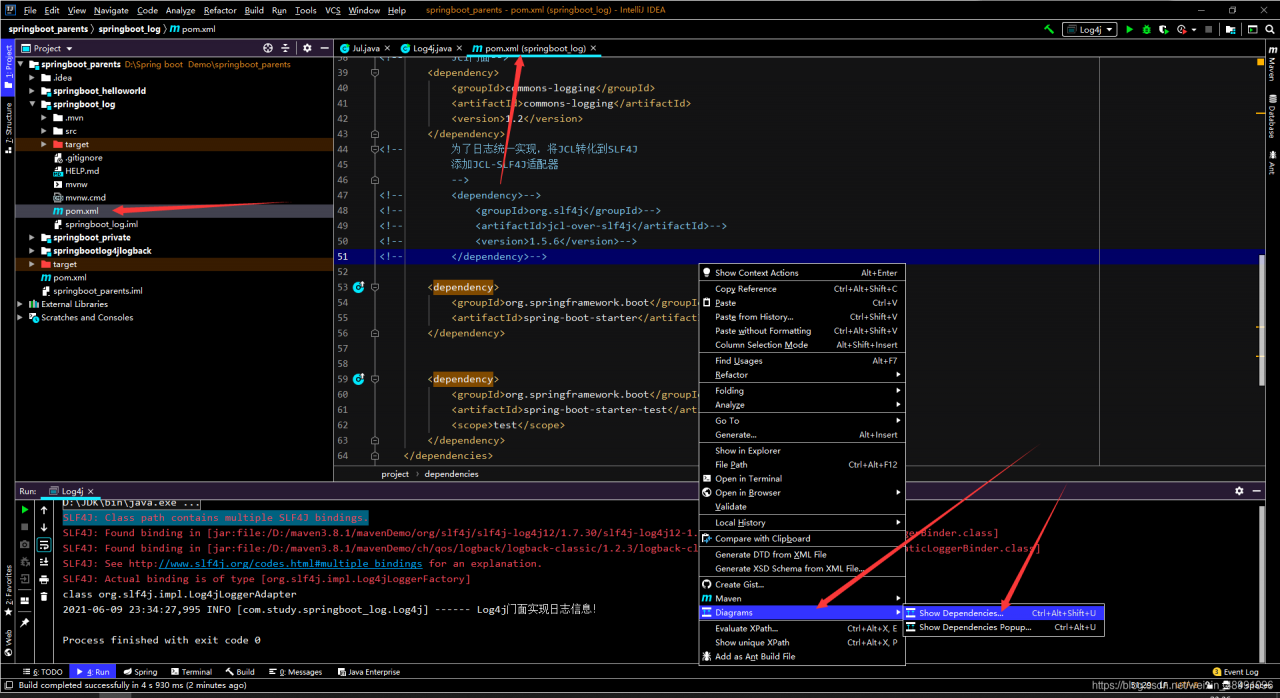
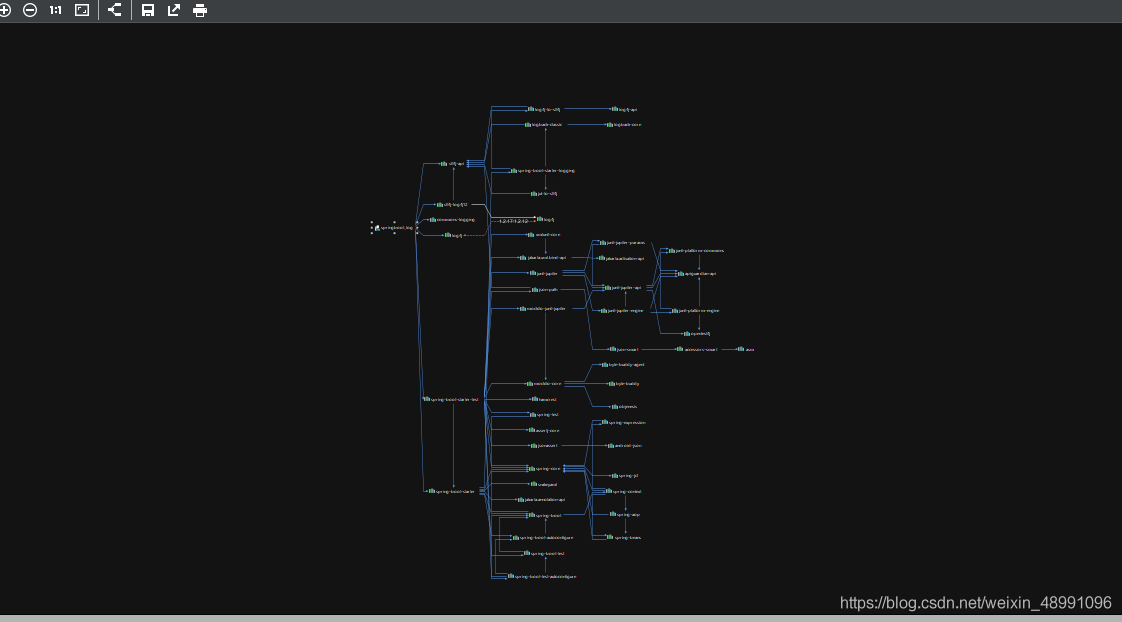
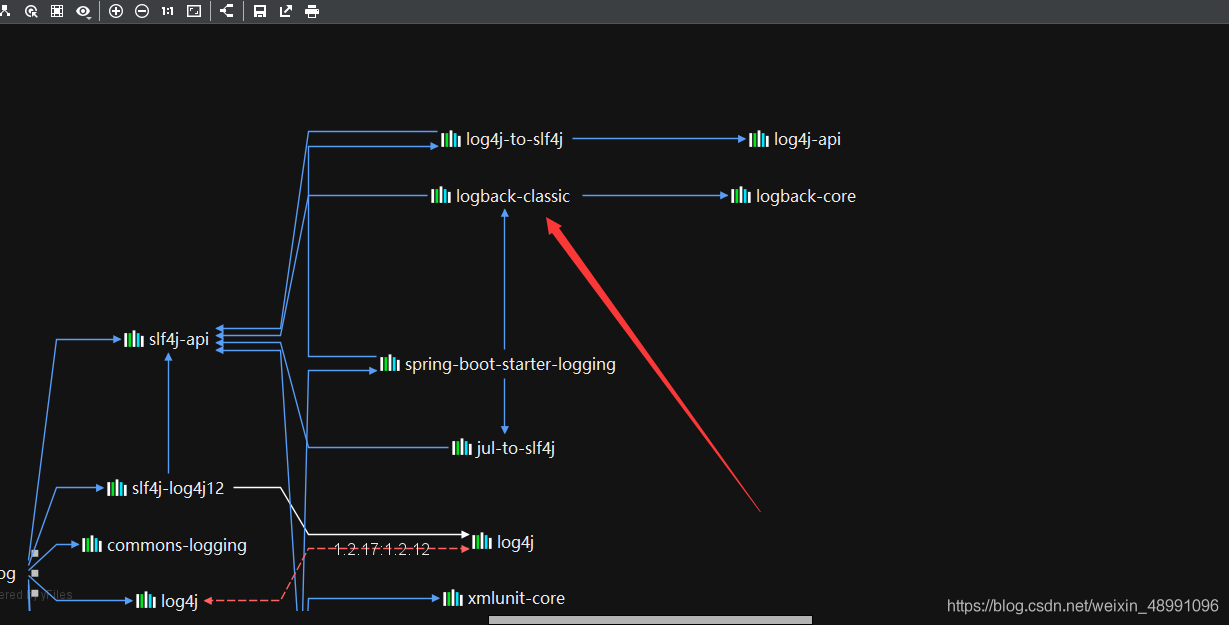
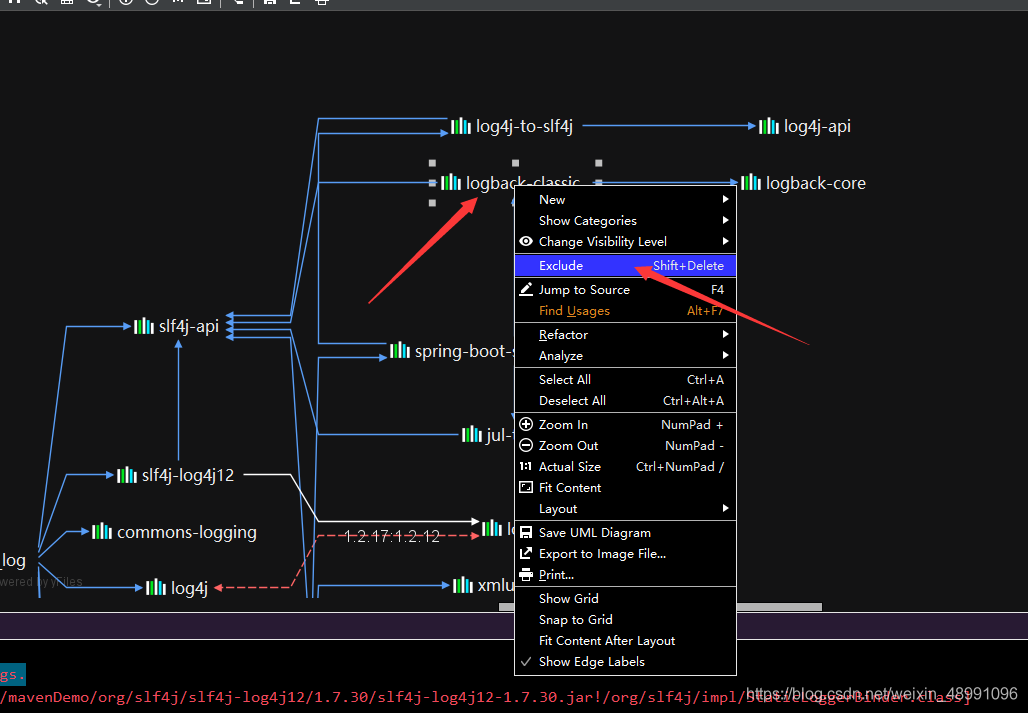
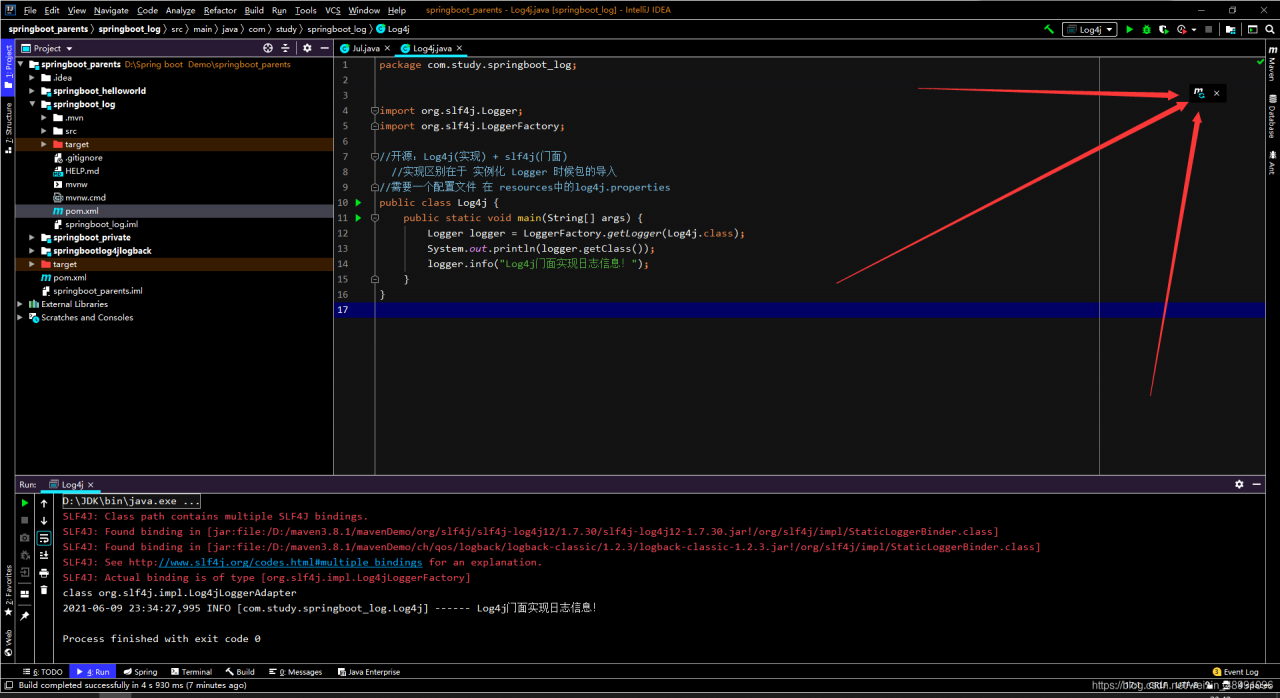

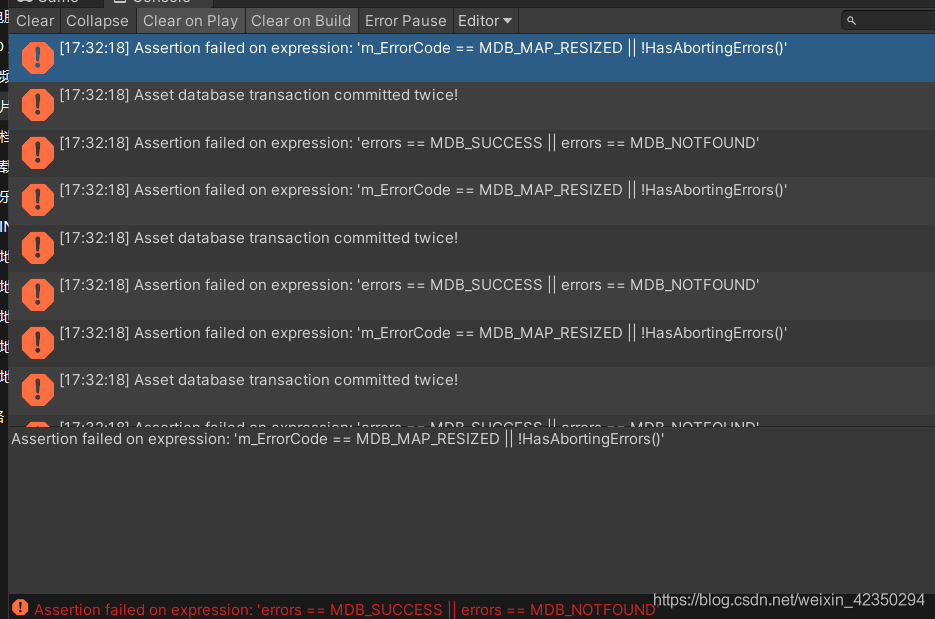 is shown in the figure
 solution