Introduce a project and prompt this error after configuring the NDK

the reason for this error is that mipsel Linux Android is officially not recommended, so gradle is not supported, but it will cause the compilation of the old version to fail.
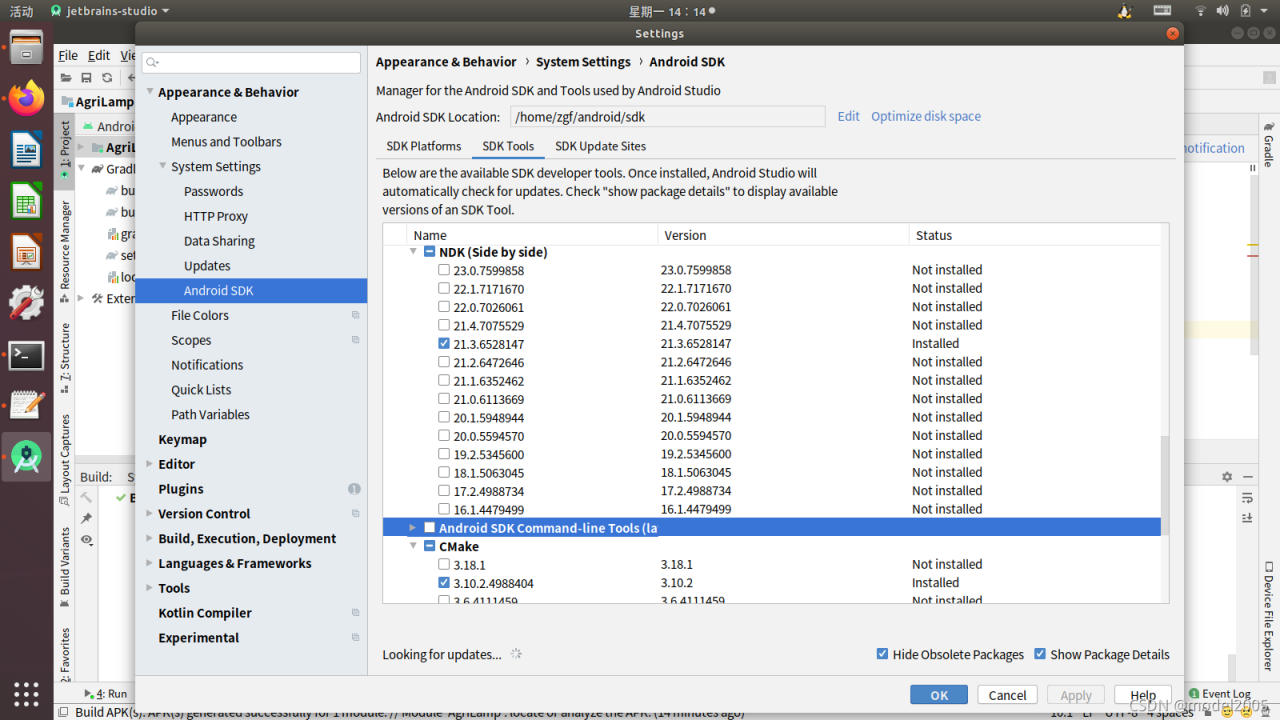
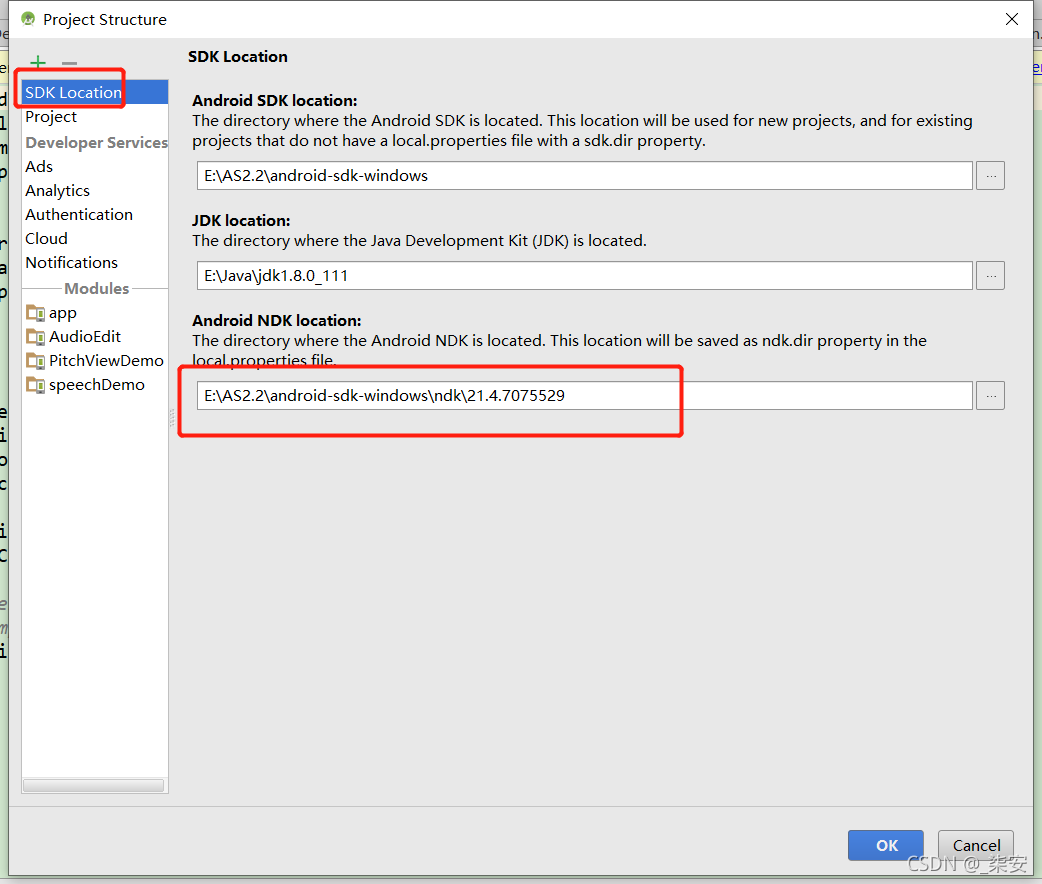
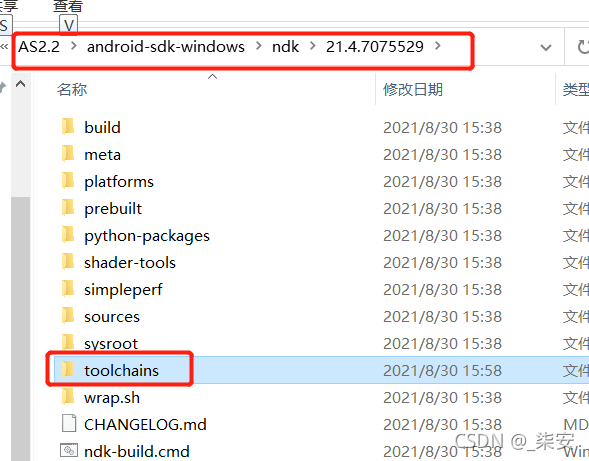
Open project structure , view the path of NDK under SDK loading , open the path in the folder 
enter the toolchains folder to view, and there are no error files
Method 1 (invalid)
This method is invalid because there is no mipsel in the new version of NDK
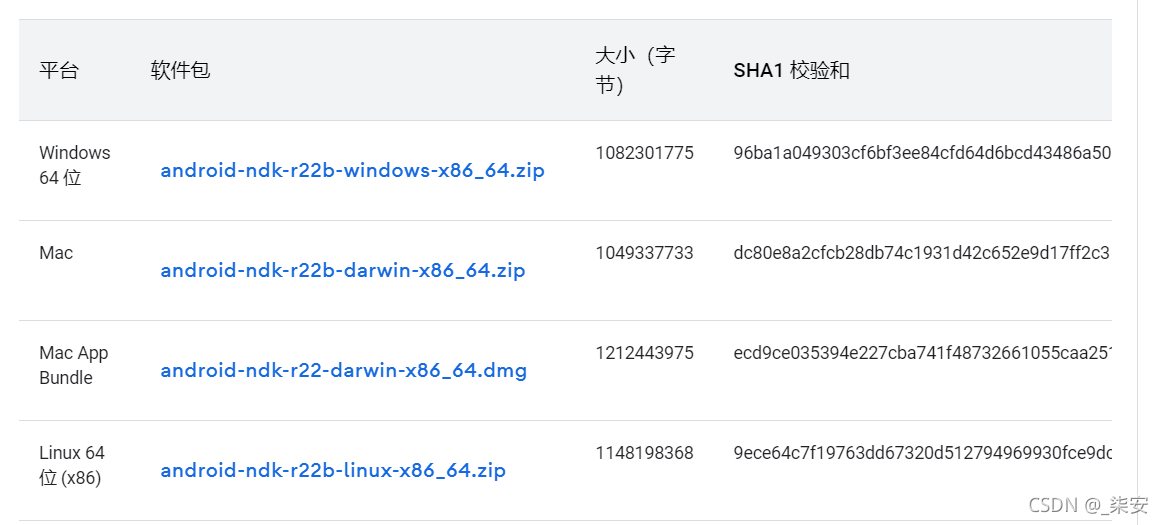
the official download requires the version of NDK, then unzip it, find the mipsel Linux Android folder under the toolchains folder under the NDK directory, and put it into the toolchains folder of the local NDK
Method 2 (redirect directory)
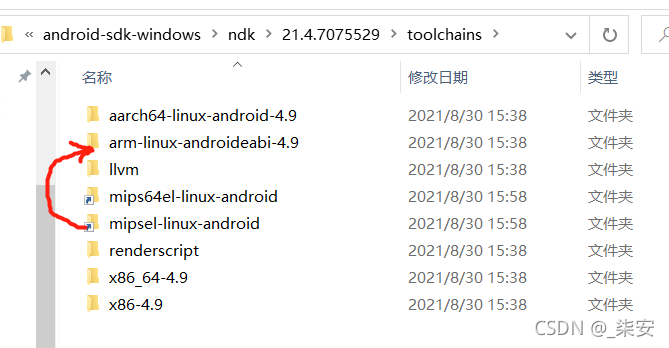
Windows executes the following under the toolchains directory, provided that arm linux android-4.9 is an existing directory under toolchains
mklink /j mipsel-linux-android arm-linux-androideabi-4.9
Execute under Linux
ln -sf arm-linux-androideabi-4.9 mipsel-linux-android
After execution, the link is established successfully.
An error is reported after rebuild no toolchains found in the NDK toolchains folder for ABI with prefix: mips64el Linux Android , continue to perform the above operations, and associate mips64el Linux Android with aarch64 Linux android-4.9
Method 3 (upgrade gradle)
Upgrade the gradle version to 3.1.3 or above without testing. It can also be solved by checking that someone passes this method
Error: expected caller to ensure valid ABI: MIPS
After solving the above problem sync, continue to report errors:
Error:Expected caller to ensure valid ABI: MIPS
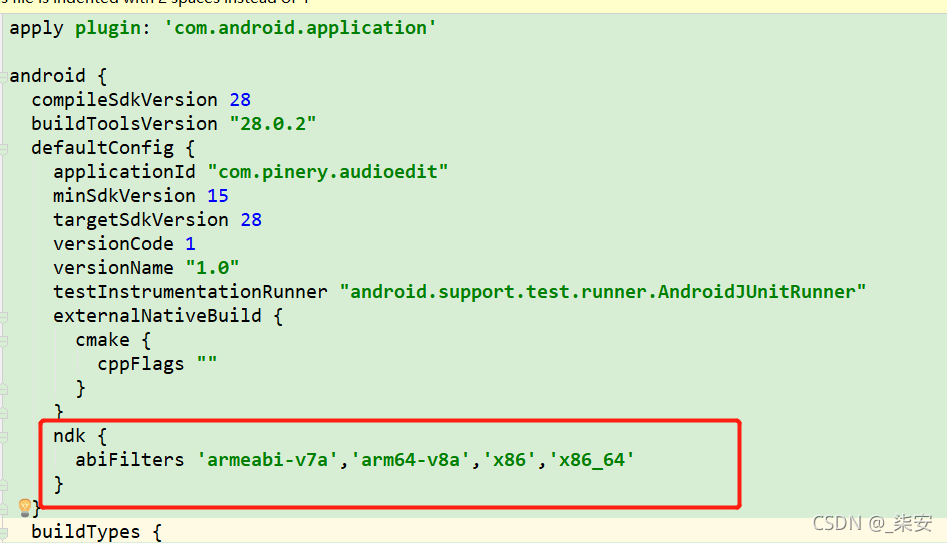
Solution (Reference): add in defaultconfig in app/build.gradle
ndk {
    abiFilters 'armeabi-v7a','arm64-v8a','x86','x86_64'
}