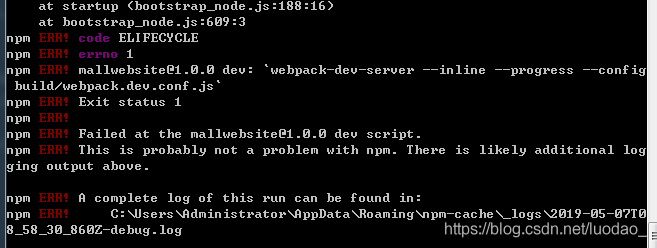
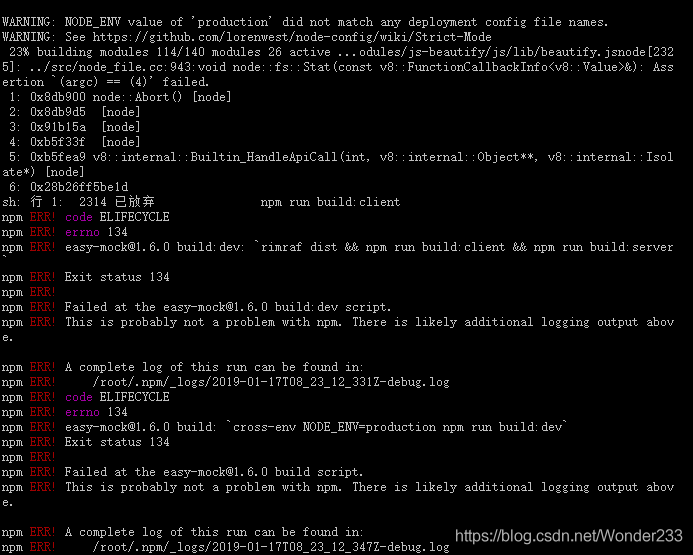
Error content:
gyp ERR! build error
gyp ERR! stack Error: `C:\\Program Files (x86)\\Microsoft Visual Studio\\2017\\BuildTools\\MSBuild\\15.0\\Bin\\MSBuild.exe` failed with exit code: 1
Repeat several times and still report an error.
Check the problem. The yarn version is normal, and the image is also a Taobao image.
solve:
1. Execute NPMI – G node gyp command
2. Delete directory/node_ All files under modules
3. Re install.
In addition, it can be seen on the Internet that it may be due to the node version. The node version needs to be lowered. I didn’t try this method. I don’t know if it’s feasible.
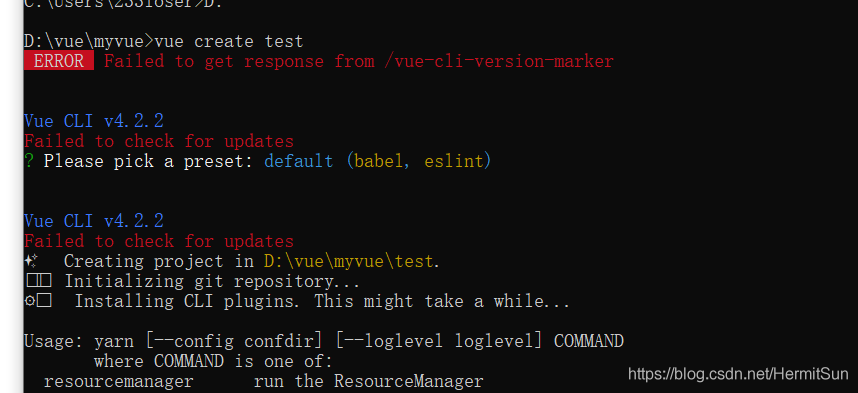
 At first, I thought it was a version problem. After all, the error message said update, but the version of CLI was the latest. After asking, the node and NPM versions were also the latest (12.16.1, which was the latest as of the time I wrote this article). Most importantly, there was no old version of Vue cli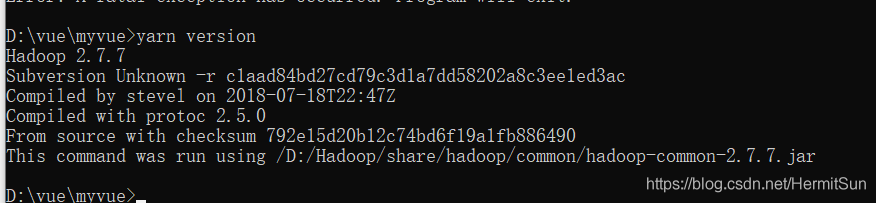
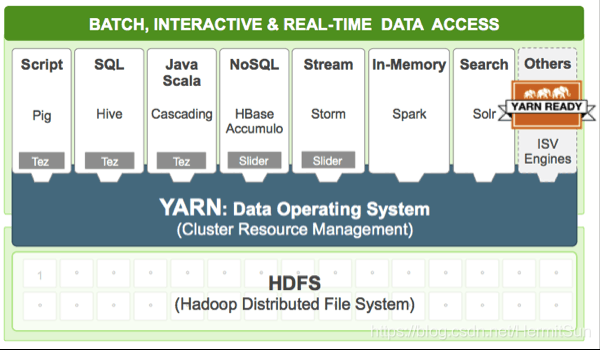
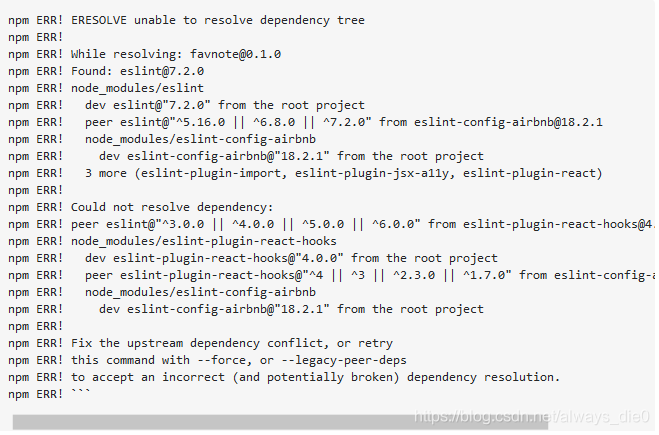

 .
.