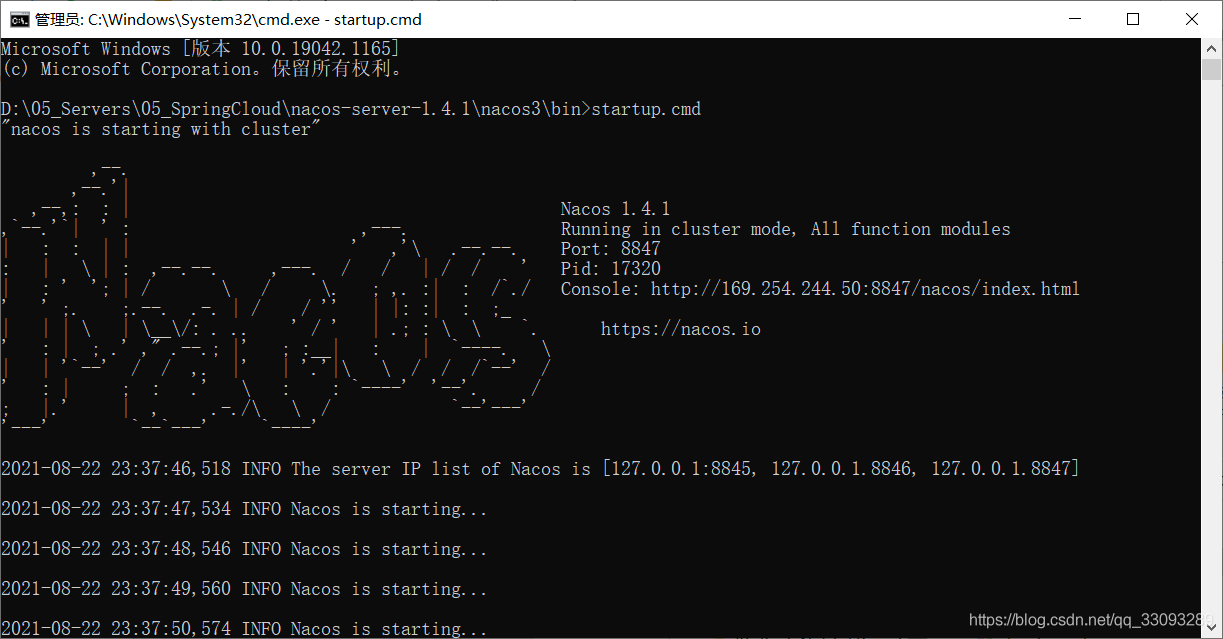
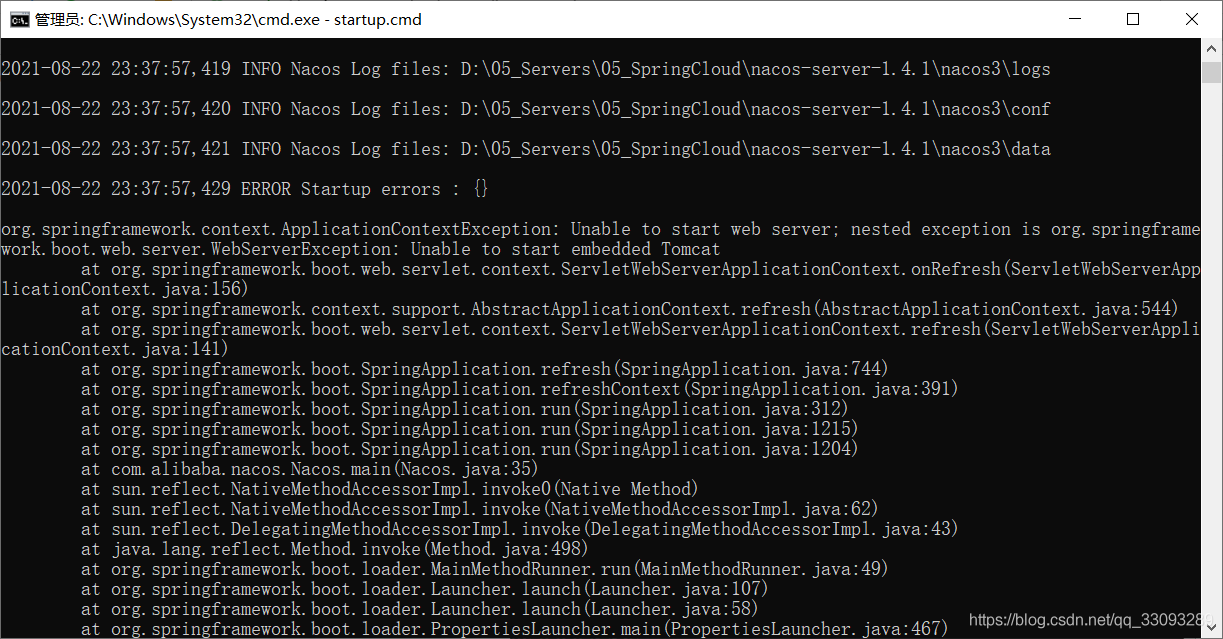
The purpose of this article is to record this error (reducing the version can also solve this problem)
@The crossorigin annotation is used to complete cross domain requests.
In previous versions, it was usually written in the following way to indicate that a session can also support cross domain requests. Multiple requests use one session.
@CrossOrigin(allowCredentials = "true", allowedHeaders = "*")
However, in the latest version of 2.5.2 , running the project in this way will report an error. The error information is as follows:
Error starting ApplicationContext. To display the conditions report re-run your application with 'debug' enabled.
2021-08-22 18:18:56.634 ERROR 3840 --- [  restartedMain] o.s.boot.SpringApplication               : Application run failed

org.springframework.beans.factory.BeanCreationException: Error creating bean with name 'requestMappingHandlerMapping' defined in class path resource [org/springframework/boot/autoconfigure/web/servlet/WebMvcAutoConfiguration$EnableWebMvcConfiguration.class]: Invocation of init method failed; nested exception is java.lang.IllegalArgumentException: When allowCredentials is true, allowedOrigins cannot contain the special value "*" since that cannot be set on the "Access-Control-Allow-Origin" response header. To allow credentials to a set of origins, list them explicitly or consider using "allowedOriginPatterns" instead.
	at org.springframework.beans.factory.support.AbstractAutowireCapableBeanFactory.initializeBean(AbstractAutowireCapableBeanFactory.java:1786) ~[spring-beans-5.3.8.jar:5.3.8]
	at org.springframework.beans.factory.support.AbstractAutowireCapableBeanFactory.doCreateBean(AbstractAutowireCapableBeanFactory.java:602) ~[spring-beans-5.3.8.jar:5.3.8]
	at org.springframework.beans.factory.support.AbstractAutowireCapableBeanFactory.createBean(AbstractAutowireCapableBeanFactory.java:524) ~[spring-beans-5.3.8.jar:5.3.8]
	at org.springframework.beans.factory.support.AbstractBeanFactory.lambda$doGetBean$0(AbstractBeanFactory.java:335) ~[spring-beans-5.3.8.jar:5.3.8]
	at org.springframework.beans.factory.support.DefaultSingletonBeanRegistry.getSingleton(DefaultSingletonBeanRegistry.java:234) ~[spring-beans-5.3.8.jar:5.3.8]
	at org.springframework.beans.factory.support.AbstractBeanFactory.doGetBean(AbstractBeanFactory.java:333) ~[spring-beans-5.3.8.jar:5.3.8]
	at org.springframework.beans.factory.support.AbstractBeanFactory.getBean(AbstractBeanFactory.java:208) ~[spring-beans-5.3.8.jar:5.3.8]
	at org.springframework.beans.factory.support.DefaultListableBeanFactory.preInstantiateSingletons(DefaultListableBeanFactory.java:944) ~[spring-beans-5.3.8.jar:5.3.8]
	at org.springframework.context.support.AbstractApplicationContext.finishBeanFactoryInitialization(AbstractApplicationContext.java:918) ~[spring-context-5.3.8.jar:5.3.8]
	at org.springframework.context.support.AbstractApplicationContext.refresh(AbstractApplicationContext.java:583) ~[spring-context-5.3.8.jar:5.3.8]
	at org.springframework.boot.web.servlet.context.ServletWebServerApplicationContext.refresh(ServletWebServerApplicationContext.java:145) ~[spring-boot-2.5.2.jar:2.5.2]
	at org.springframework.boot.SpringApplication.refresh(SpringApplication.java:754) [spring-boot-2.5.2.jar:2.5.2]
	at org.springframework.boot.SpringApplication.refreshContext(SpringApplication.java:434) [spring-boot-2.5.2.jar:2.5.2]
	at org.springframework.boot.SpringApplication.run(SpringApplication.java:338) [spring-boot-2.5.2.jar:2.5.2]
	at org.springframework.boot.SpringApplication.run(SpringApplication.java:1343) [spring-boot-2.5.2.jar:2.5.2]
	at org.springframework.boot.SpringApplication.run(SpringApplication.java:1332) [spring-boot-2.5.2.jar:2.5.2]
	at com.example.shop.ShopApplication.main(ShopApplication.java:12) [classes/:na]
	at sun.reflect.NativeMethodAccessorImpl.invoke0(Native Method) ~[na:1.8.0_251]
	at sun.reflect.NativeMethodAccessorImpl.invoke(NativeMethodAccessorImpl.java:62) ~[na:1.8.0_251]
	at sun.reflect.DelegatingMethodAccessorImpl.invoke(DelegatingMethodAccessorImpl.java:43) ~[na:1.8.0_251]
	at java.lang.reflect.Method.invoke(Method.java:498) ~[na:1.8.0_251]
	at org.springframework.boot.devtools.restart.RestartLauncher.run(RestartLauncher.java:49) [spring-boot-devtools-2.5.2.jar:2.5.2]
Caused by: java.lang.IllegalArgumentException: When allowCredentials is true, allowedOrigins cannot contain the special value "*" since that cannot be set on the "Access-Control-Allow-Origin" response header. To allow credentials to a set of origins, list them explicitly or consider using "allowedOriginPatterns" instead.
	at org.springframework.web.cors.CorsConfiguration.validateAllowCredentials(CorsConfiguration.java:473) ~[spring-web-5.3.8.jar:5.3.8]
	at org.springframework.web.servlet.handler.AbstractHandlerMethodMapping$MappingRegistry.register(AbstractHandlerMethodMapping.java:644) ~[spring-webmvc-5.3.8.jar:5.3.8]
	at org.springframework.web.servlet.handler.AbstractHandlerMethodMapping.registerHandlerMethod(AbstractHandlerMethodMapping.java:328) ~[spring-webmvc-5.3.8.jar:5.3.8]
	at org.springframework.web.servlet.mvc.method.annotation.RequestMappingHandlerMapping.registerHandlerMethod(RequestMappingHandlerMapping.java:395) ~[spring-webmvc-5.3.8.jar:5.3.8]
	at org.springframework.web.servlet.mvc.method.annotation.RequestMappingHandlerMapping.registerHandlerMethod(RequestMappingHandlerMapping.java:76) ~[spring-webmvc-5.3.8.jar:5.3.8]
	at org.springframework.web.servlet.handler.AbstractHandlerMethodMapping.lambda$detectHandlerMethods$2(AbstractHandlerMethodMapping.java:298) ~[spring-webmvc-5.3.8.jar:5.3.8]
	at java.util.LinkedHashMap.forEach(LinkedHashMap.java:684) ~[na:1.8.0_251]
	at org.springframework.web.servlet.handler.AbstractHandlerMethodMapping.detectHandlerMethods(AbstractHandlerMethodMapping.java:296) ~[spring-webmvc-5.3.8.jar:5.3.8]
	at org.springframework.web.servlet.handler.AbstractHandlerMethodMapping.processCandidateBean(AbstractHandlerMethodMapping.java:265) ~[spring-webmvc-5.3.8.jar:5.3.8]
	at org.springframework.web.servlet.handler.AbstractHandlerMethodMapping.initHandlerMethods(AbstractHandlerMethodMapping.java:224) ~[spring-webmvc-5.3.8.jar:5.3.8]
	at org.springframework.web.servlet.handler.AbstractHandlerMethodMapping.afterPropertiesSet(AbstractHandlerMethodMapping.java:212) ~[spring-webmvc-5.3.8.jar:5.3.8]
	at org.springframework.web.servlet.mvc.method.annotation.RequestMappingHandlerMapping.afterPropertiesSet(RequestMappingHandlerMapping.java:206) ~[spring-webmvc-5.3.8.jar:5.3.8]
	at org.springframework.beans.factory.support.AbstractAutowireCapableBeanFactory.invokeInitMethods(AbstractAutowireCapableBeanFactory.java:1845) ~[spring-beans-5.3.8.jar:5.3.8]
	at org.springframework.beans.factory.support.AbstractAutowireCapableBeanFactory.initializeBean(AbstractAutowireCapableBeanFactory.java:1782) ~[spring-beans-5.3.8.jar:5.3.8]
	... 21 common frames omitted
From the error message, we find the most critical sentence:
When allowCredentials is true, allowedOrigins cannot contain the special value "*" since that cannot be set on the "Access-Control-Allow-Origin" response header.
Carefully read the error report. After allowcredentials = “true” is used, the origin cannot be set to * (i.e. the default state).
The solution is also relatively simple. Just add a domain name to the parameters
@CrossOrigin(origins = "http://localhost:63342",allowCredentials = "true", allowedHeaders = "*")
This port number is my front-end running with webstron, and the front-end will run on a local port. My one is 63343
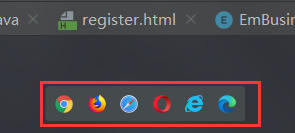
If I use idea, click the browser in the floating window to open the front-end page, and the port number on the pop-up page is the port number of the domain name in the @ crossorigin note.
Some students didn’t report an error after starting, but the session still can’t be accessed across domains. It may be that you didn’t add it in the front page
xhrFields:{withCredentials:true},