Category Archives: How to Fix

TIDB-kafka server: Message was too large, server rejected it to avoid allocation error

1、 Background

Using drainer to synchronize to Kafka, an error is reported:

 ["fail to produce message to kafka, please check the state of kafka server"] [error="kafka: Failed to produce message to topic test-tidb: kafka server: Message was too large, server rejected it to avoid allocation error."]

2、 Settle

Error reason: if a large transaction is executed in tidb, the generated binlog data will be large, which may exceed the message size limit of Kafka.

Solution: you need to adjust the configuration parameters of Kafka cluster, as shown below.

message.max.bytes=1073741824
replica.fetch.max.bytes=1073741824
fetch.message.max.bytes=1073741824

android studio:Error inflating class android.support.v4.widget.SwipeRefreshLayout

We just need to add the custom components of XML

Android.support.v4.widget.swiperefreshlayout is changed to:

androidx.swiperefreshlayout.widget.SwipeRefreshLayout

At the same time, the most important thing is to rely on it. This will not be reported wrong. I found it only after looking for someone else’s blog

implementation ‘androidx.swiperefreshlayout:swiperefreshlayout:1.0.0’
 

Windows11 Install Ubuntu Error: WslRegisterDistribution failed with error: 0x800701bc

Installing, this may take a few minutes...
WslRegisterDistribution failed with error: 0x800701bc
Error: 0x800701bc WSL 2 ??????????????????https://aka.ms/wsl2kernel

Press any key to continue...

Need to upgrade the WSL kernel, download and install on it
https://wslstorestorage.blob.core.windows.net/wslblob/wsl_update_x64.msi

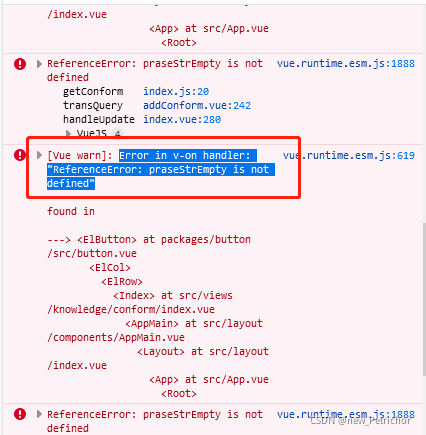
[Solved] RuntimeError: Expected object of scalar type Float but got scalar type Double for argument #2 ‘mat1‘

Error Message (Error Codes below):
RuntimeError: Expected object of scalar type Float but got scalar type Double for argument #2 ‘mat1’ in call to _th_addmm

for epoch in range(num_epochs):
    # Convert numpy arrays to torch tensors
    inputs = torch.from_numpy(x_train)
    targets = torch.from_numpy(y_train)
    # Forward pass
    outputs = model(inputs)
    loss = criterion(outputs, targets)
    
    # Backward and optimize
    optimizer.zero_grad()
    loss.backward()
    optimizer.step()
    
    print("Epoch [{}/{}] Loss: {:.4f}".format(epoch+1, num_epochs, loss.item()))
Solution:

Method 1. Add

inputs = inputs.float()
targets = targets.float()
model = model.float()

Complete code

for epoch in range(num_epochs):
    # Convert numpy arrays to torch tensors
    inputs = torch.from_numpy(x_train)
    targets = torch.from_numpy(y_train)
    inputs = inputs.float()
    targets = inputs.float()
    model = model.float()
    # Forward pass
    outputs = model(inputs)
    loss = criterion(outputs, targets)
    
    # Backward and optimize
    optimizer.zero_grad()
    loss.backward()
    optimizer.step()
    
    print("Epoch [{}/{}] Loss: {:.4f}".format(epoch+1, num_epochs, loss.item()))

Method 2. Add

inputs = inputs.double()
targets = inputs.double()
model = model.double()

Complete code

for epoch in range(num_epochs):
    # Convert numpy arrays to torch tensors
    inputs = torch.from_numpy(x_train)
    targets = torch.from_numpy(y_train)
    inputs = inputs.double()
    targets = inputs.double()
    model = model.double()
    # Forward pass
    outputs = model(inputs)
    loss = criterion(outputs, targets)
    
    # Backward and optimize
    optimizer.zero_grad()
    loss.backward()
    optimizer.step()
    
    print("Epoch [{}/{}] Loss: {:.4f}".format(epoch+1, num_epochs, loss.item()))
error: src refspec master does not match anyerror: failed to push some refs to

When pushing a local project to gitee for the first time, a similar error occurs:

error: src refspec master does not match any
error: failed to push some refs to 'https://gitee.com/xxx/irojects.git'

The solution is to pull first and then push:

git pull origin master

I thought it would be OK to push again, but it’s not:

% git push
fatal: The current branch master has no upstream branch.
To push the current branch and set the remote as upstream, use

Then you still have to operate like this:

git push -u origin master

Successful push!

Welcome to my official account and exchange study.

esp32:A fatal error occurred: Timed out waiting for packet header

Question

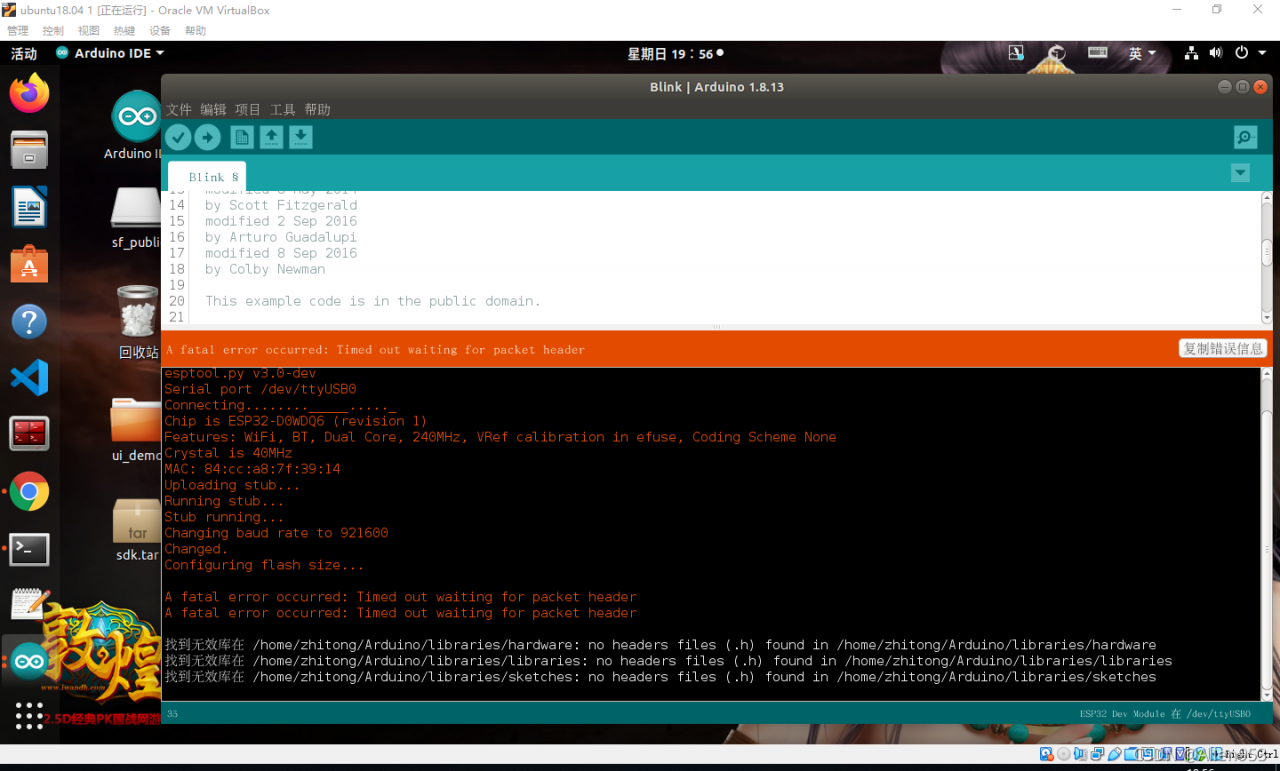
When I download the program to esp32 with Arduino IDE, the following error message appears:

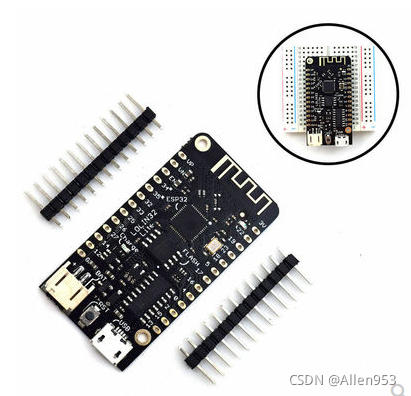
My board is the following Board:


Causes and Solutions

The reason is that there is an error in the baud rate selection. The baud rate I selected is 921600 by default. In fact, 115200 should be selected. In this way, you can download normally after downloading again.

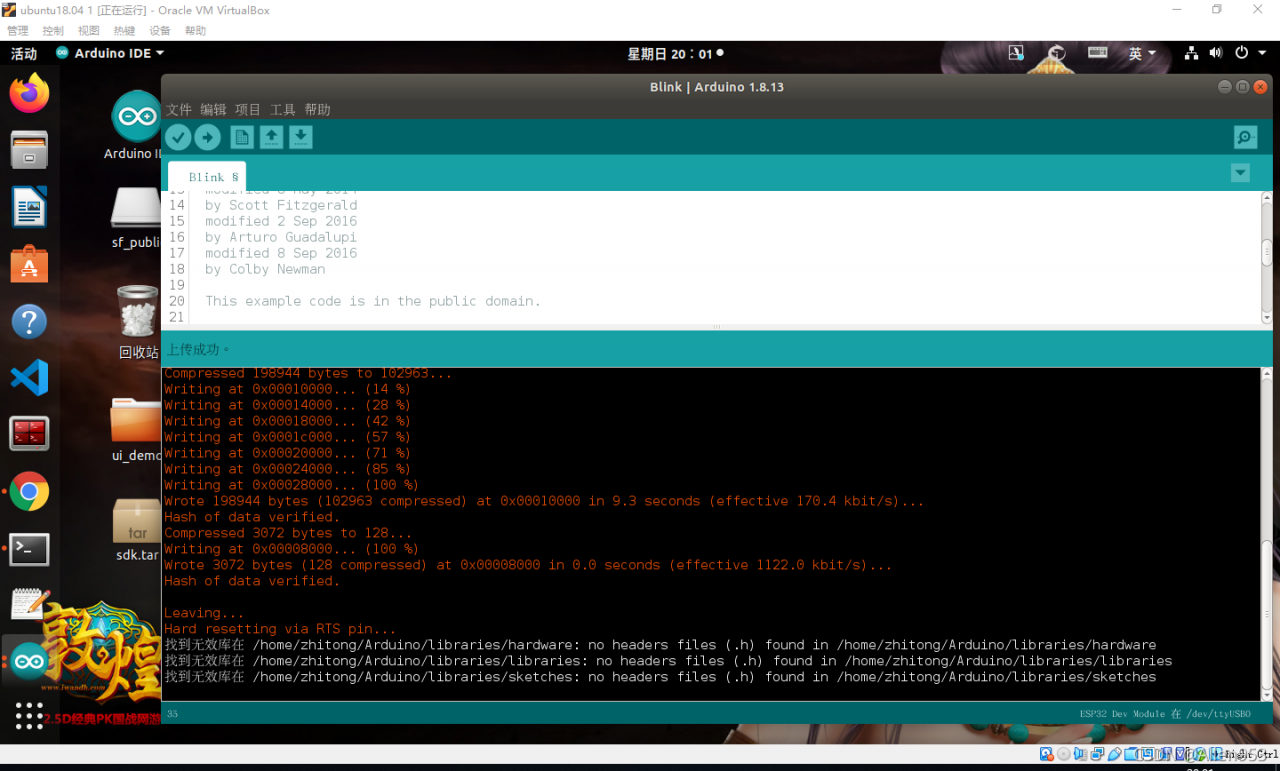
As shown in the figure below, it is successful.


Error creating bean with name ‘helloController‘: Injection of autowired dependencies failed;

Error content:
when using the automatic injection of springboot, the configuration file in yaml format is used for injection, but the error is always reported and cannot be injected.

org.springframework.beans.factory.BeanCreationException: Error creating bean with name ‘helloController’: Injection of autowired dependencies failed; nested exception is java.lang.IllegalArgumentException: Could not resolve placeholder ‘name’ in value “${name}”

I searched many posts saying that I should pay attention to the application scanning my folder and corresponding subfolders. Many people step on the pit in this place, but my problem is not here
code

@RestController
public class HelloController {

    @Value(value = "${name}")
    private String name;
    
    @RequestMapping("/hello")
    public String hello(){
        System.out.println(name);
        return "hello Spring Boot !";
    }
}

Add the annotation to read the configuration file on hellocontroller

@PropertySource(value = "classpath:application.yaml")

That solved the problem

An error happened during template parsing (template: “class path resource

1. Error explanation: an error occurred during template parsing (template: “classpath resource”

As the name suggests, the reason for the error is that this indicates the resource

2. Solution: I don’t know what your mistake is, just tell you the reason for the mistake.

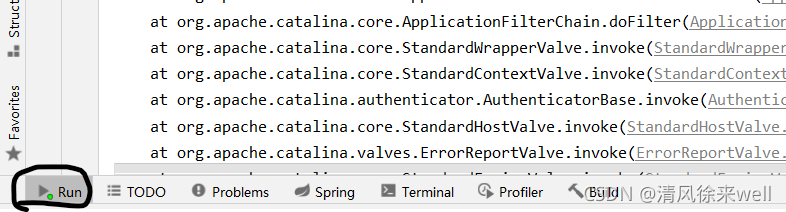
Open run first,


  Right click to clear this page,


  Refresh the error page, and the error message will be displayed in run, as shown in the following figure:


  According to the error information, find the error code, find the corresponding problem and modify it.