Author Archives: Robins

[Solved] cv2.error: (-215:Assertion failed) encoder->isFormatSupported(CV_8U) in function ‘imwrite_‘

OpenCV Error:
cv2.error: OpenCV(4.5.1) /private/var/folders/nz/vv4_9tw56nv9k3tkvyszvwg80000gn/T/pip-req-build-39p1qqfs/opencv/modules/imgcodecs/src/loadsave.cpp:694: error: (-215:Assertion failed) encoder->isFormatSupported(CV_8U) in function ‘imwrite_’

    1. First check if the path is wrong check the image type, for example, for exr suffix images, float64 can not be saved

Solution:

img = img.astype(np.float32)
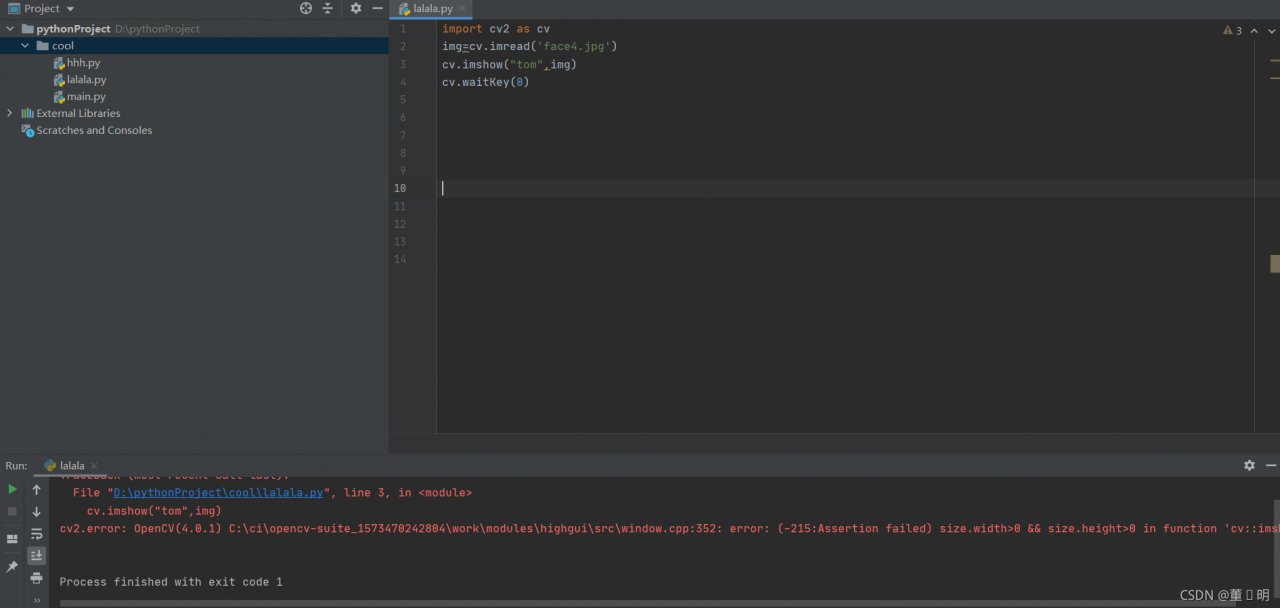
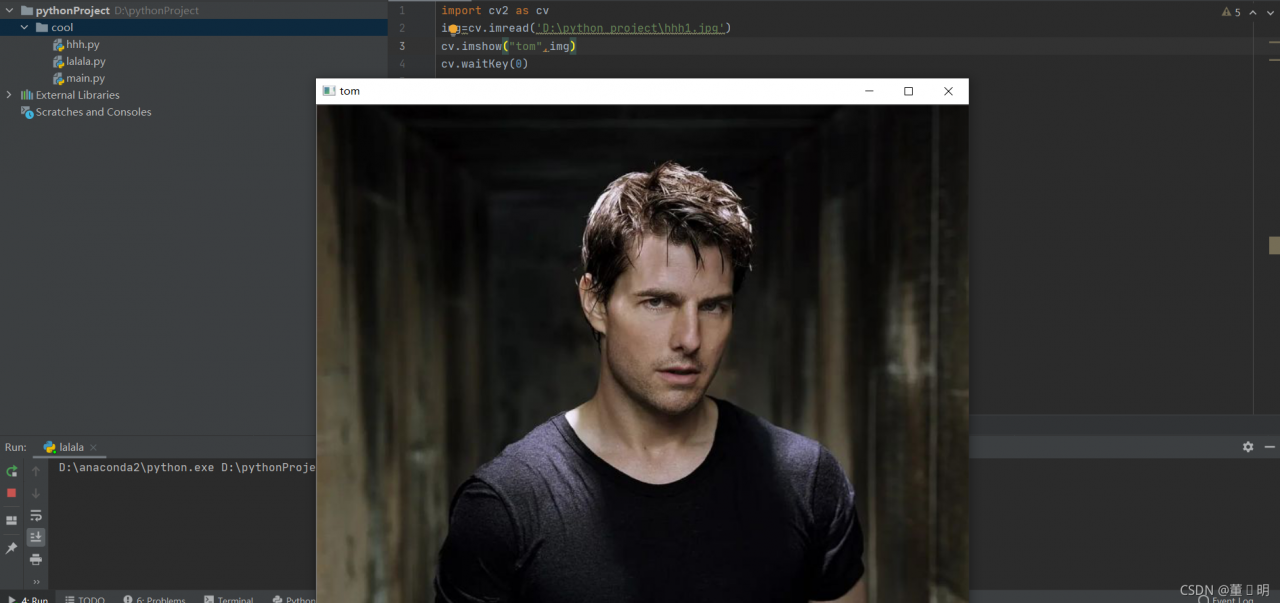
[Solved] Python opencv imshow Error: Assertion failed (size.width>0 && size.height>0) in cv::imshow

The result of error reporting is believed to be the same:

There is no Chinese in the path, but this error occurs. It feels very outrageous.

I couldn’t find the problem. Later, I wrote all the paths of the picture and found it\ F is a string formatting code. People are stupid, so friends write all the paths and find the problem.

This is the modified path:

In fact, when you see the formatting code, python will display it in another color, so I thought of it here! The path cannot be found until it is written!

Local repository upload to remote repository error: failed to push some refs to ‘https://hub.fastgit.org/zhizhangxuezhang/ui-test.git‘

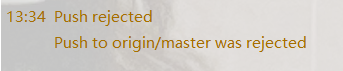
There is an error in pushing from the local warehouse to the remote warehouse (rejected) because the code of the remote warehouse has been modified directly in the remote warehouse. At this time, the code of the local warehouse is different from that of the remote warehouse, so you must update the code of the local warehouse (Pull) first and then submit (push)

Error log in idea for this problem:

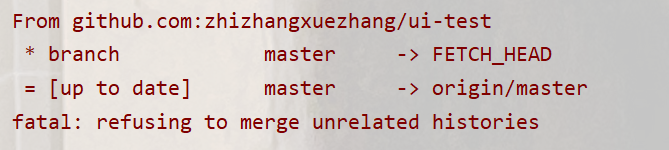
error log in Git bash:

at this time, you can only pull to update your local warehouse and then push to the remote warehouse, but you will find that you will also report an error when you pull to the local warehouse


at this time, your pull command should be changed to the following command, That is, just add a parameter to ignore the history (because the two branches are caused by different versions)

git pull origin master --allow-unrelated-histories

ORB-SLAM3 Compile Error: recipe for target ‘CMakeFiles/ORB_SLAM3.dir/src/LocalMapping.cc.o‘ failed

There is no other prompt for the error encountered when compiling orbslam3. ubuntu18.04

CMakeFiles/ORB_SLAM3.dir/build.make:110: recipe for target 'CMakeFiles/ORB_SLAM3.dir/src/LocalMapping.cc.o' failed
make[2]: *** [CMakeFiles/ORB_SLAM3.dir/src/LocalMapping.cc.o] Error 1
CMakeFiles/Makefile2:289: recipe for target 'CMakeFiles/ORB_SLAM3.dir/all' failed
make[1]: *** [CMakeFiles/ORB_SLAM3.dir/all] Error 2
Makefile:83: recipe for target 'all' failed
make: *** [all] Error 2

Solution:

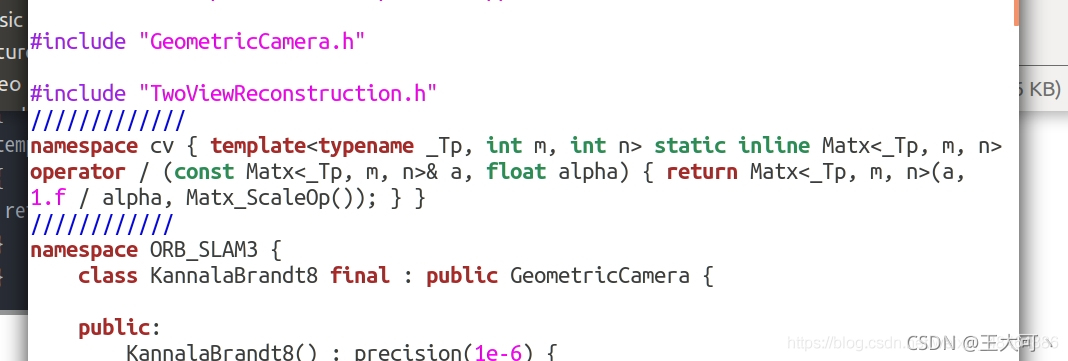
Add the following code to the orb_SLAM3/include/CameraModels/KannalaBrandt8.h

namespace cv 
{ 
template<typename _Tp, int m, int n> static inline Matx<_Tp, m, n> operator/(const Matx<_Tp, m, n>& a, float alpha) 
{
 return Matx<_Tp, m, n>(a, 1.f/alpha, Matx_ScaleOp()); 
} 
}

As shown below

In addition, it is easy to get stuck during compilation. After making in build.sh, remove the multithreading options such as -J4-J

Condahttpererror: http 000 connection failed for URL problem in CONDA installation package

Problems occurred when using CONDA install package locally for win10
fetching package metadata... Condahttterror: http 000 connection failed for URL & lt; https://mirrors.tuna.tsinghua.edu.cn/anaconda/pkgs/free/win-64/repodata.json> ; Elapsed: - 'ssl3_ get_ server_ certificate', 'certificate verify failed')],)",),),)

First, let’s see if it’s the source problem: change the. Condarc file according to the following article
change the. Condarc file according to the link

If it still fails, it may be the problem of HTTPS protocol. Change HTTPS in. Condarc to http.

A download error occurred while downloading data from pytorch. Urllib.error.urlerror: < urlopen error [SSL: certificate_verify_failed]

The reason is that the SSL certificate needs to be verified, but the certificate verification failed. I tried some methods on the Internet, mainly including canceling certificate verification and installing the latest certificate. I didn’t find a suitable method to install the latest certificate, so I used the method of canceling certificate verification. The specific operation is to add the following code at the location where the file needs to be downloaded:

import ssl
ssl._create_default_https_context = ssl._create_unverified_context

Failed to convert value of type ‘java.lang.String‘ to required type ‘java.util.Date‘;

Report 400: data type mismatch:

    The type of time passed in the path URL is string

    You can add this annotation in the controller layer to convert string to java.util.date

    @DateTimeFormat(pattern = "yyyy-MM-dd") Date begin
    
       @GetMapping
          public List<Demand> listAll(@RequestParam("begin") @DateTimeFormat(pattern = "yyyy-MM-dd") Date beginTime, @RequestParam("end") @DateTimeFormat(pattern = "yyyy-MM-dd")Date endTime){
              System.out.println("beginTime"+beginTime);
              System.out.println("endTime:"+endTime);
              return demandClient.queryAllDemands(beginTime, endTime);
          }
      

      date begintime in the figure; If the front-end parameter is not begintime but begin, it needs to be defined as begin. in @ requestparam