Problem background: Node and NPM have been installed on the original MAC computer, but in the process of a misoperation, it was found that the nPM-V command could not be typed out, prompting the Command not Found. Tamping many times, finally decisive after all kinds of search uninstall clean and then reinstall all.
Problems:
1 node-v can have a version prompt, npm-v does not have a version prompt, and the output NPM command not found
2 brew install node can have a version prompt, brew install NPM prompt error.
Solutions:
(1) Delete old files: delete them according to the prompts, or delete them directly (operation can be carried out in access)
sudo npm uninstall npm -g
sudo rm -rf /usr/local/lib/node /usr/local/lib/node_modules /var/db/receipts/org.nodejs.*
sudo rm -rf /usr/local/include/node /Users/$USER/.npm
sudo rm /usr/local/bin/node
sudo rm /usr/local/share/man/man1/node.1
sudo rm /usr/local/lib/dtrace/node.d
Confirm whether to uninstall:
node -v
npm -v
(2) Reinstall Node
brew install node
(3) Associate node with the soft link
brew link node
At this time, we may have the following results:
Linking /usr/local/Cellar/node/11.2.0...
Error: Could not symlink include/node/common.gypi
Target /usr/local/include/node/common.gypi
already exists. You may want to remove it:
  rm '/usr/local/include/node/common.gypi'

To force the link and overwrite all conflicting files:
  brew link --overwrite node

To list all files that would be deleted:
  brew link --overwrite --dry-run node
localhost:wkdir meng$ brew link --overwrite node
Linking /usr/local/Cellar/node/11.2.0...
Error: Could not symlink include/node/common.gypi
/usr/local/include/node is not writable.
(4) Then we will enforce it according to the prompts:
brew link --overwrite --dry-run node
Enforcement may require us to delete some of the previous files related to Node, as shown below
Would remove:
/usr/local/include/node/common.gypi
/usr/local/include/node/config.gypi
/usr/local/include/node/libplatform/libplatform-export.h
/usr/local/include/node/libplatform/libplatform.h
/usr/local/include/node/libplatform/v8-tracing.h
(5) Continue to delete the above file and run it again
brew link --overwrite node
Install the NPM
sudo npm install --registry=https://registry.npm.taobao.org
Check node and NPM again
node -v
npm -v
Results:
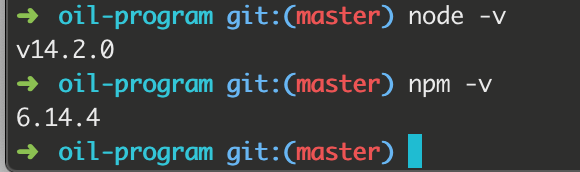
Note: There may be a variety of problems. When there is a problem, try baidu, and then go on to solve the next problem.
For more personal tutorials, please visit the personal homepage:
Github builds personal blog (2019 update, pro test)
.https://blog.csdn.net/xudailong_blog/article/details/78762262
The public no. :


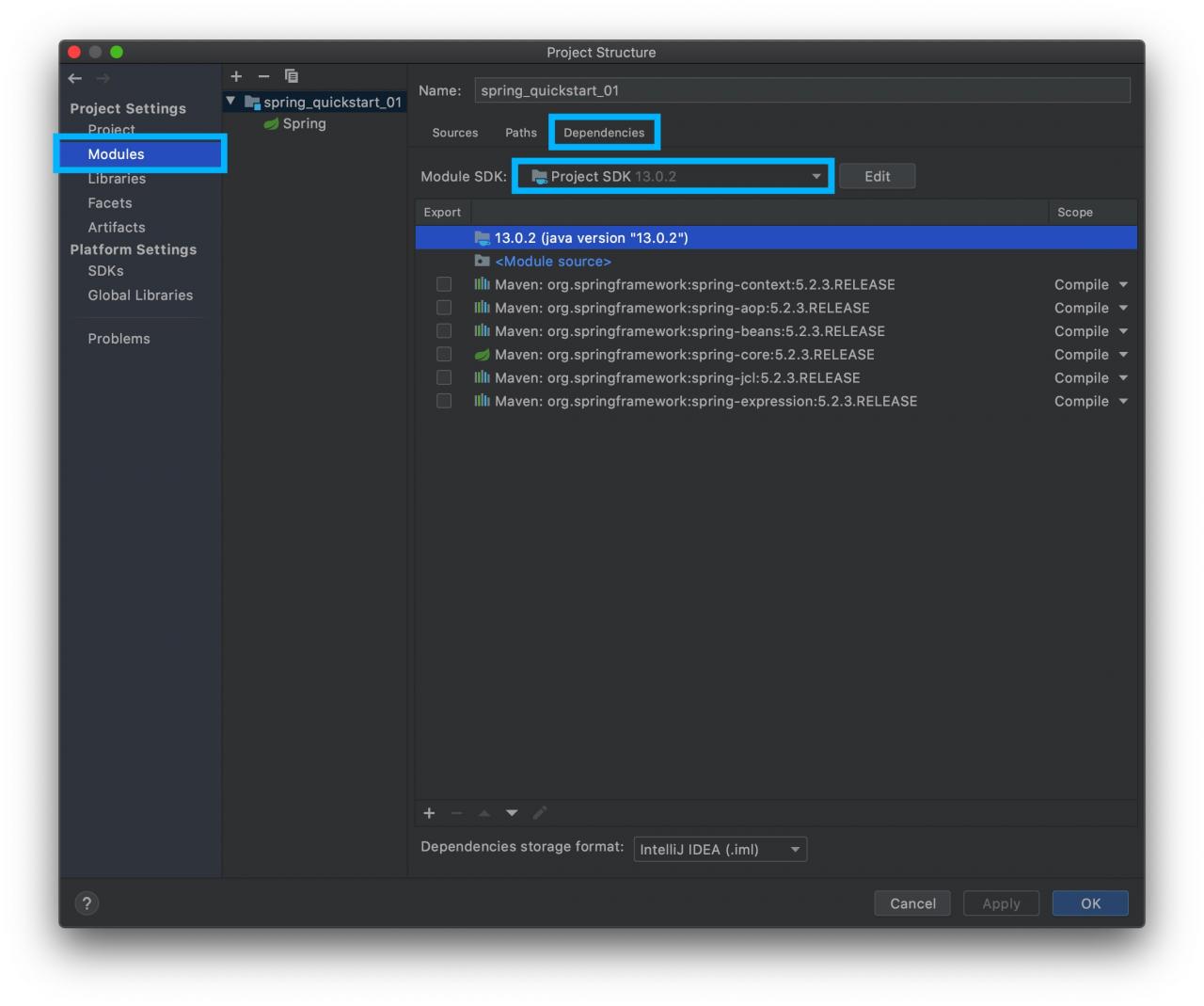
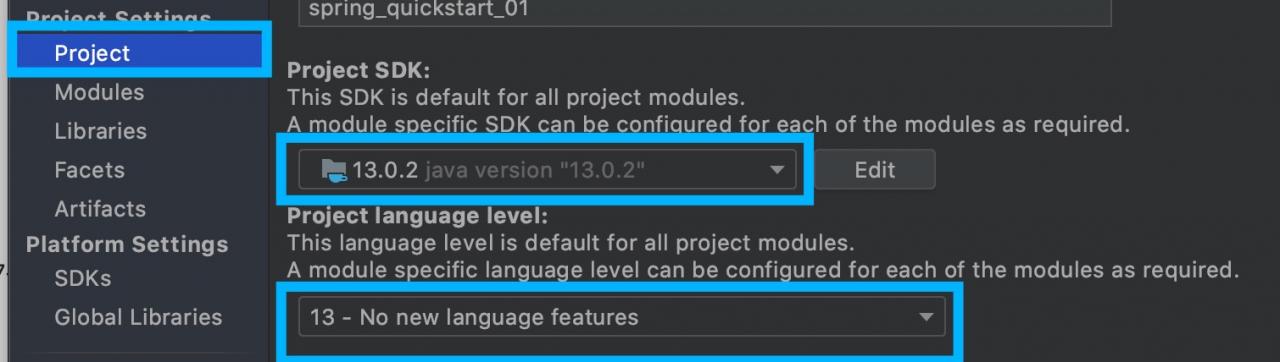
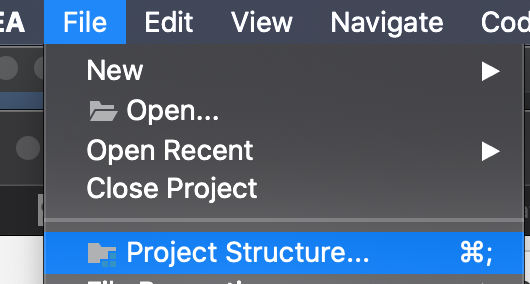 make sure that the SDK versions under the Project are the same
 make sure that the Language level version in Sources is the same as the one used
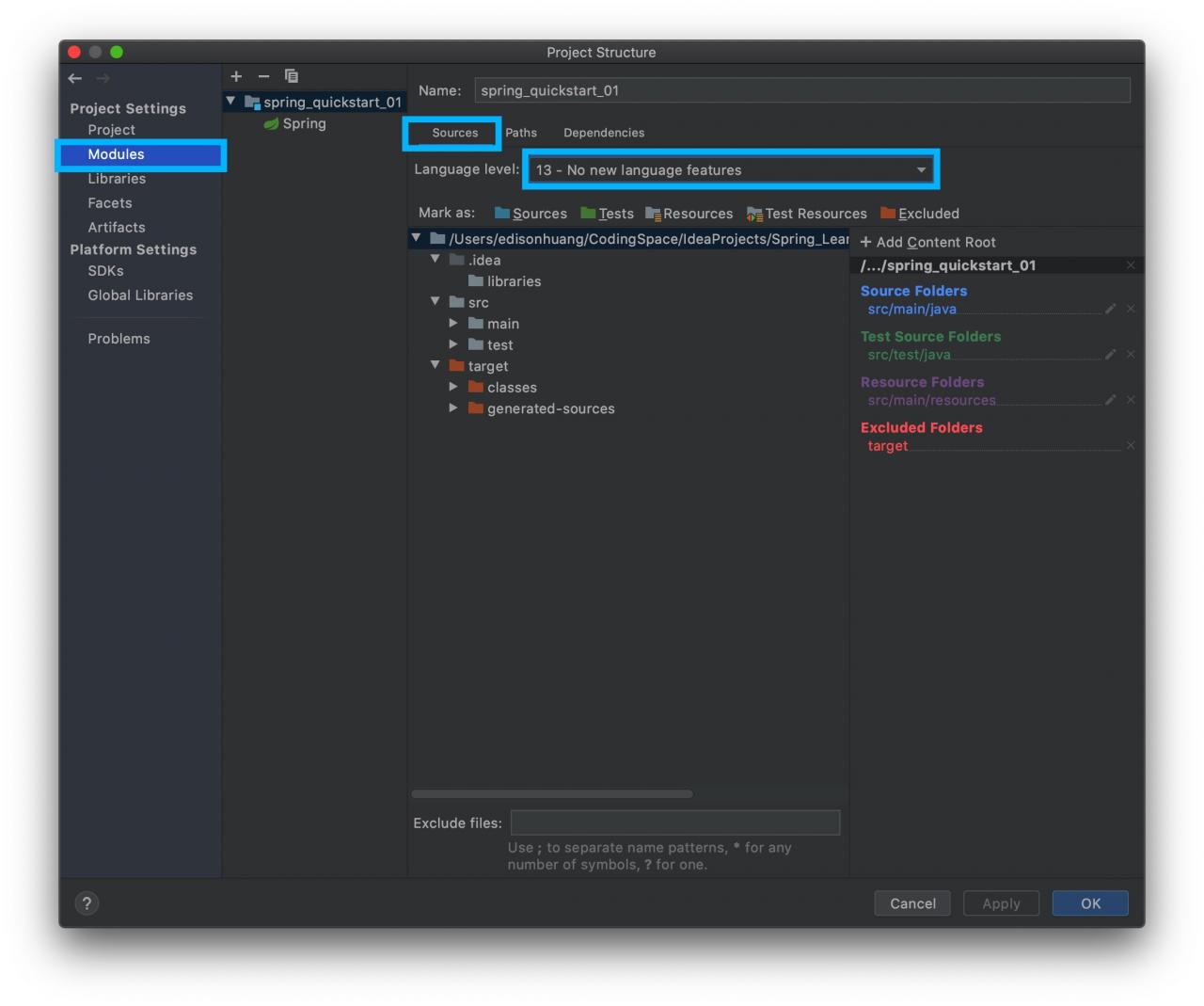 make sure that the Module SDKl version is the same as the one used