Category Archives: How to Fix

[Vue warn]: Error in render: “TypeError: Cannot read properties of undefined


e.g.

<div>{{obj.name}}</div>
<div>{{obj.info.access_control}}</div>

data(){
	return {
		obj:{}
	}
}

The data format of template rendering is obj.name or obj.info.access_ Control, why does obj.name not report the above dislocation and obj.info.access_ The above error will appear in control. Because obj data has not been requested from the back end to assign its value, the obj object is still an empty object. Without the attribute info, obj.info is naturally undefined, and then undefined.access_ Control will naturally report the above error.

Solution: add info null object in obj object

data(){
	return {
		obj:{
			info:{}
		}
	}
}
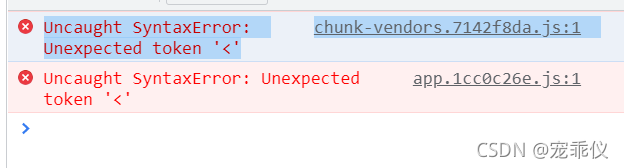
chunk-vendors.7142f8da.js:1 Uncaught SyntaxError: Unexpected token ‘<‘

This is what I Vue found by previewing with serve – s dist after packaging

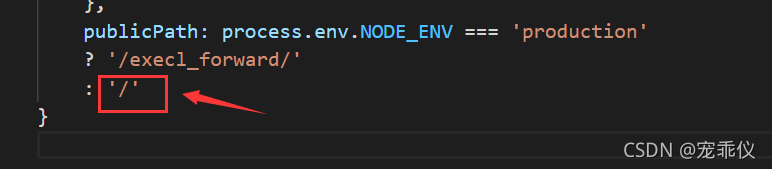
reason   There is a problem with the parameters configured in vue.config.js

    publicPath: process.env.NODE_ENV === 'production'
    ?'/execl_forward/'
    : '/'

Then use NPM run build to package

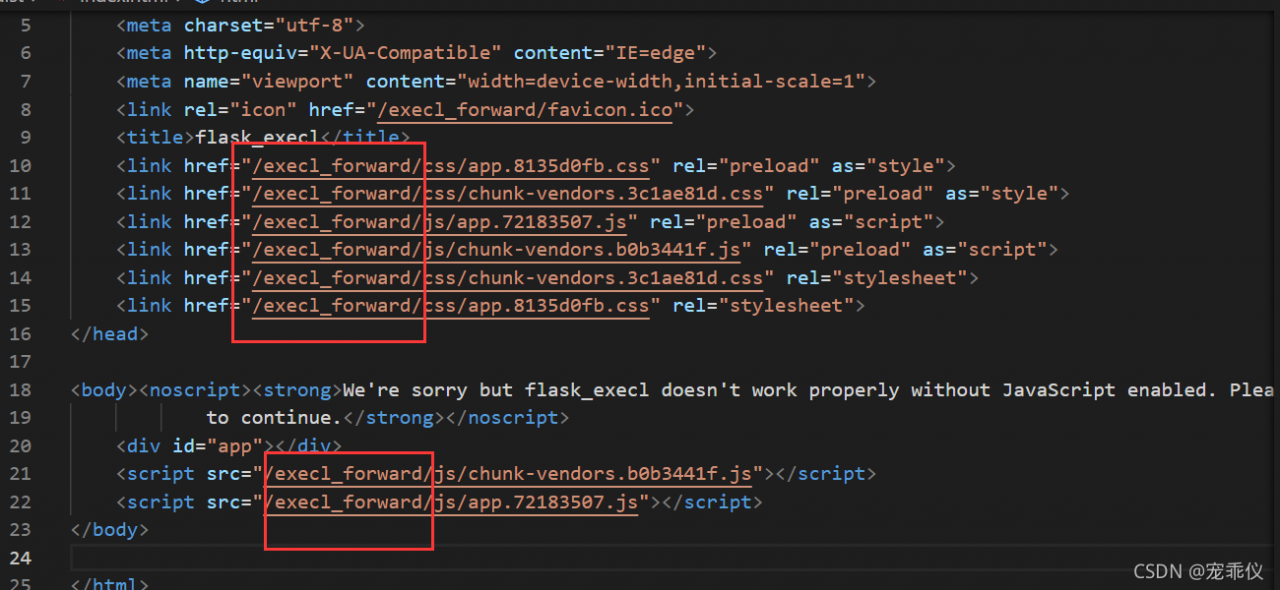
  Cause static file error  

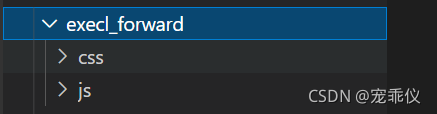
So I created EXECL in dist_ Forward folder put CSS and JS folders in it

Then it was solved  

Or use the default packaging method  

Vue.config.js

publicPath: './'


Please note that the module “sacrableu” has no “compute blue” attribute

Recently, I encountered the following errors when installing fairseq running experiment in machine translation related tasks:

AttributeError: module 'sacrebleu' has no attribute 'compute_bleu'

After consulting, it is a problem with sacrableu version 2.0. Only the following operations are required:

pip uninstall sacrebleu
pip install sacrebleu==1.5.1

Problem solved!

c# Newtonsoft.Json.JsonReaderException: ‘Error reading JArray from JsonReader. Path ‘‘, line 0

When the data queried by c# datatable is converted to JSON object, the following error is reported.

Newtonsoft.Json.JsonReaderException: 'Error reading JArray from JsonReader. Path '', line 0, position 0.

The reason for this problem is that the queried data set directly becomes a string, and then an error is reported when it is empty
solution: add judgment

		if (jsonStr.Length > 0)
                {
                    JArray jArray = JArray.Parse(jsonStr);
                    JProperty Data = new JProperty("Data", jArray);
                    ZzjDataObj.Add(Data);
                }
                else
                {
                    JArray jArray = new JArray();
                    JProperty Data = new JProperty("Data", jArray);
                    ZzjDataObj.Add(Data);
                }

nginx: error while loading shared libraries: libluajit-5.1.so.2: cannot open

Installation steps:

1. Download and install luajit 2.1 (both 2.0 and 2.1 are supported, and 2.1 is officially recommended): http://luajit.org/download.html

cd /usr/local/src
wget http://luajit.org/download/LuaJIT-2.1.0-beta3.tar.gz
tar zxvf LuaJIT-2.1.0-beta3.tar.gz
cd LuaJIT-2.1.0-beta2
make PREFIX=/usr/local/luajit
make install PREFIX=/usr/local/luajit

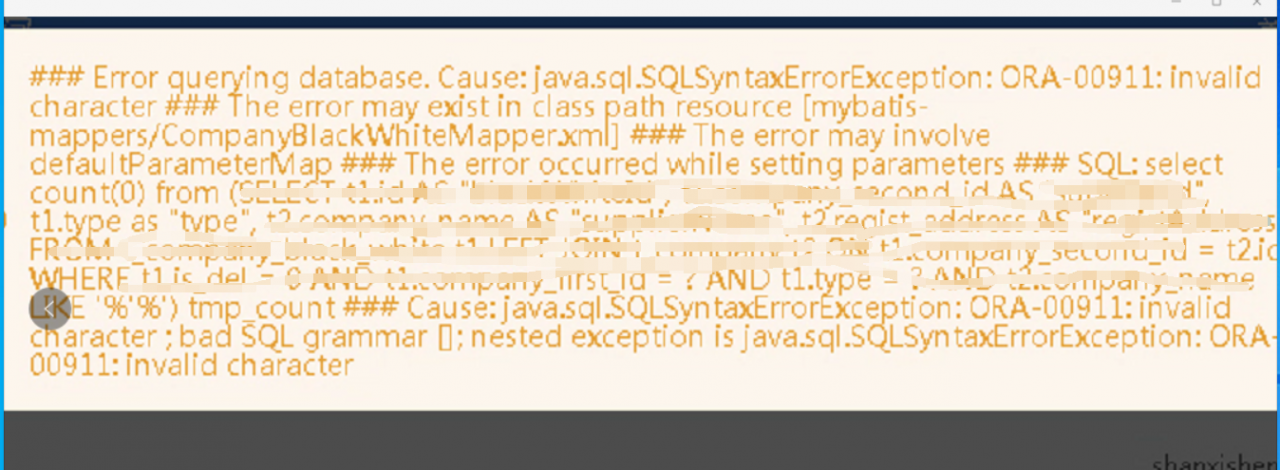
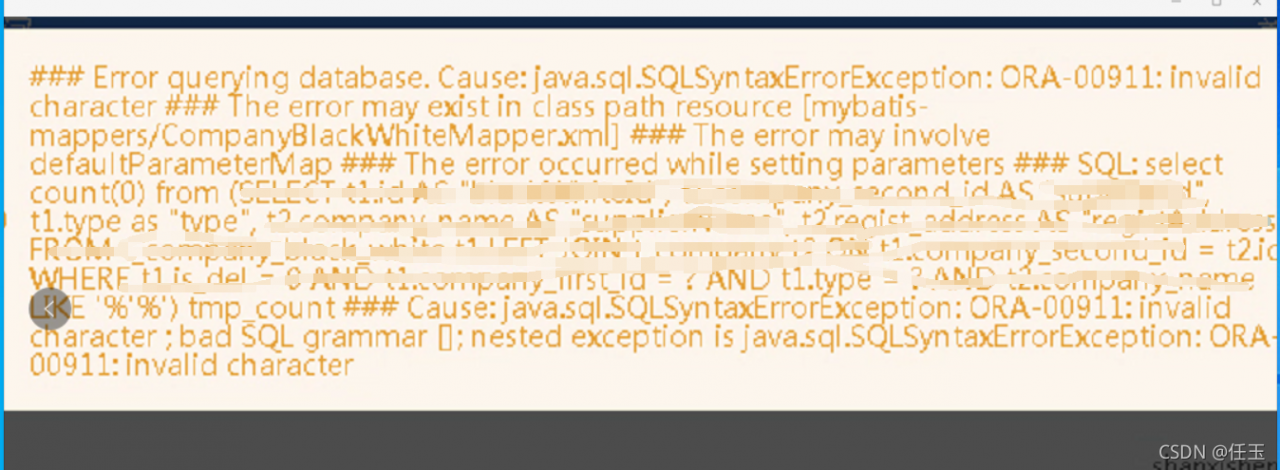
Error querying database.Cause:java.sql.SQLSyntaxErrorException:ORA-00911:invalid character

This problem is well positioned. At first glance, it is the problem of parameter transmission. Through this error report, the first thing to consider is the like part of the query condition.

  The main idea of this problem is 1. Special characters are passed, such as’ ‘  

                                  2. See if the like query uses #{} or ${}

                                  3. Is there a problem with where involving parameter statements


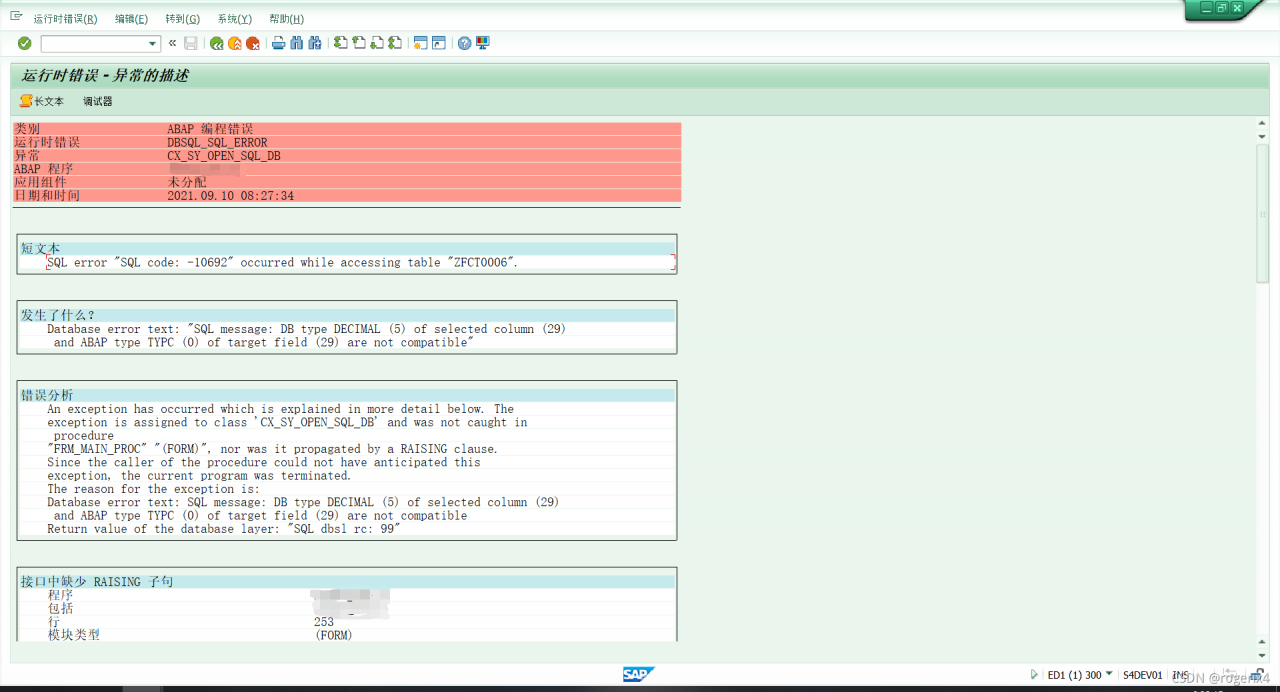
SAP SQL error “SQL code: -10692“ occurred while accessing table “ZTXXXX“.

report errors

resolvent

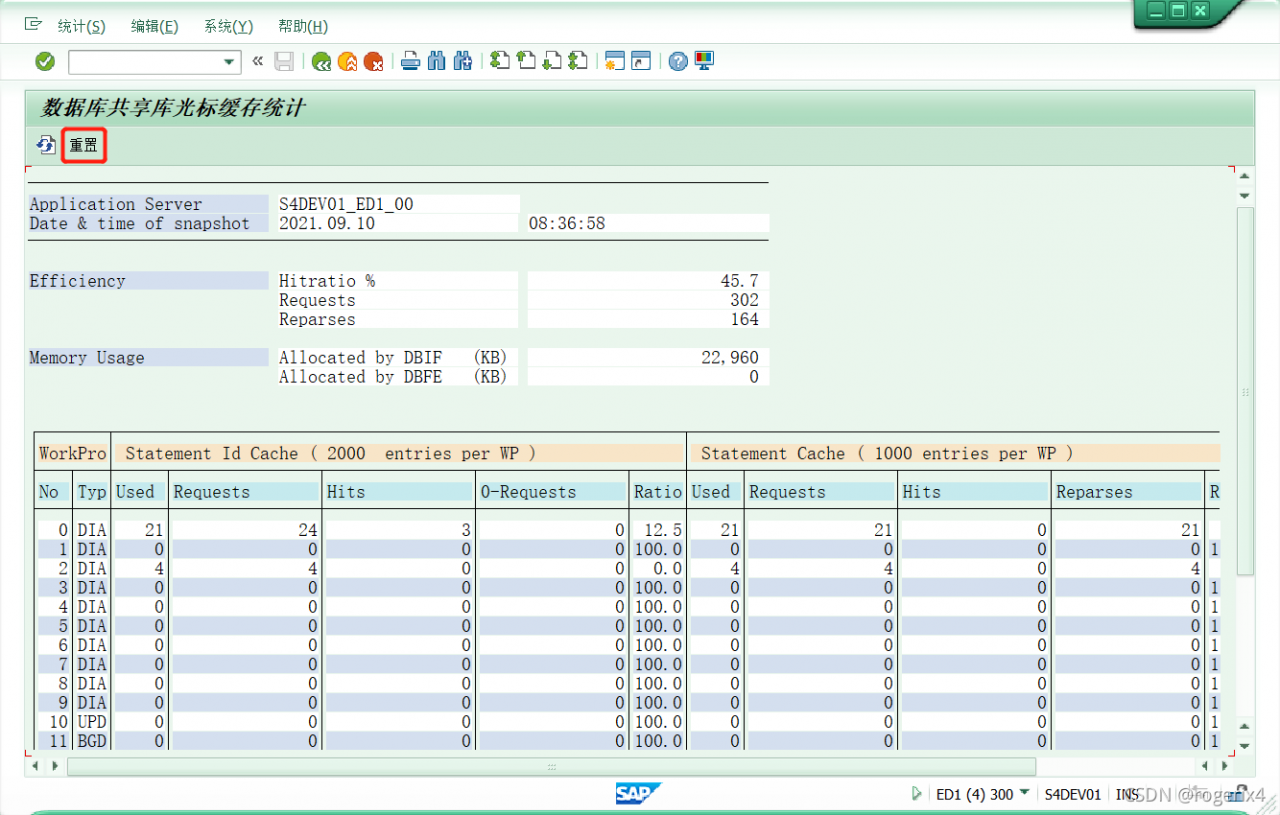
Note:SQL code: -10692 occurred while accessing table < TABLE_ NAME> Use the report cucastat to reset the statement cache for the instance.

The instance list can be viewed through transaction sm51. Execute the program cucastat in transaction se38; Alternatively, call transaction al12 and select monitor – & gt; cursor cache from the menu.

Select this server. Then select the reset button.

Error encountered during QT + opencv compilation: file not recognized: file format not recognized error resolution

catalogue

1. Error message:

2. Analysis  

3. Solution


1. Error message:

D:\InstallSoftware\opencv\OpenCV-MinGW-Build-OpenCV-4.5.2-x64\x64\mingw\bin\libopencv_ calib3d452.dll:-1: error: file not recognized: File format not recognized

2. Analysis  

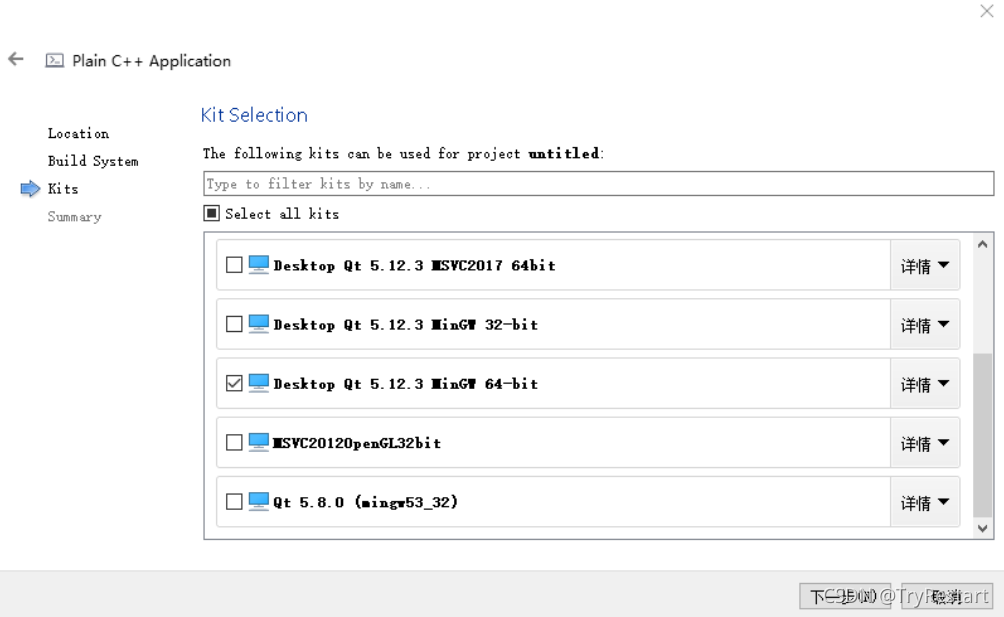
This is because the opencv compiled file version is different from the QT project version. You should choose the correct version of the toolkit.

3. Solution

For example, my opencv compilation file is opencv build_ 64 bit, then select MinGW 64 bit for the project.