Category Archives: How to Fix

Error in initializing namenode when configuring Hadoop!!!

When formatting namenode in Linux:
exception: when encountering exception during format

Error namenode: failed to start namenode_ When home is not set and could not be found
1. Check the path of hdfs-site.xml file namenode
2. If the user’s permission is not enough, give the Hadoop folder user authorization sudo chown – R Hadoop./Hadoop
3. Configure Java in hadoop-env.sh_ HOME

Error in STS importing POM file of Maven project

Today, we use STS to import Maven project, install the document installation software and load the document all the way, but after the import project is opened, we always report an error, POM file reports an error, and we can’t find the third-party jar package written by the company. Check it again and again, and there is no error in the process

Colleagues help to check, replace the local library, can not solve. Finally, the settings file of Maven was replaced.

Reason: in the old version of maven, the settings file has not been modified. I don’t know where there is a problem. I can’t find the company’s private jar package. I replaced my colleagues’ settings file to solve the problem.

Idea: POM file error, check Maven installation settings, especially settings file.

Spring Cloud:org.springframework.web.client.HttpClientErrorException: 404 null

@RestController
@RequestMapping("/page")
public class PageController {

    @Autowired
    private RestTemplate restTemplate;

    @GetMapping("/getProduct/{id}")
    public Products getProduct(@PathVariable Integer id){
        String url = "http://127.0.0.1:9000/product/query/"+id;
        Products forObject = restTemplate.getForObject(url, Products.class);
        return forObject;
    }

}

Share an error report solution

Adding @ pathvariable annotation to the request parameter solves the problem

The solution of MAC OpenSSL is not available

Mac OpenSSL not found/loading failed

OpenSSL is a secure socket layer cipher library, including the main cryptographic algorithms, commonly used key and certificate encapsulation management functions and SSL protocol, and provides a wealth of applications for testing or other purposes.

Mac OSX install new OpenSSL

Currently, Mac OSX can install the specified version of OpenSSL through brew.

Confirm the version and location of the installed OpenSSL

$ which openssl

Determine version

$ openssl version

Brew install OpenSSL

$ brew install openssl

Brew update OpenSSL

$ brew upgrade openssl

Brew force link to OpenSSL

$ brew link openssl –force

The above is the introduction of updating OpenSSL under Mac to the latest version.

 
An error occurred when installing the software through homebrew or other ways

Error running ‘requirements_ osx_ brew_ libs_ install openssl’Library not loaded: /usr/local/opt/openssl/lib/libssl.1.0.0.dylib (LoadError)

It may be caused by not installing or environment variable problems (you can judge by inputting OpenSSL command in the terminal and viewing feedback information)

1. You can solve this problem by re installing OpenSSL

Steps to re install OpenSSL:

Remove OpenSSL (other versions may exist in the removal method. It is recommended to uninstall all versions through uninstall)

brew remove openssl

Uninstall all versions of OpenSSL

brew uninstall –force openssl

Install OpenSSL

brew install openssl

Configure environment variables

echo ‘export PATH=”/usr/local/opt/openssl/bin:$PATH”‘ >& gt; ~/. bash_ profile
 

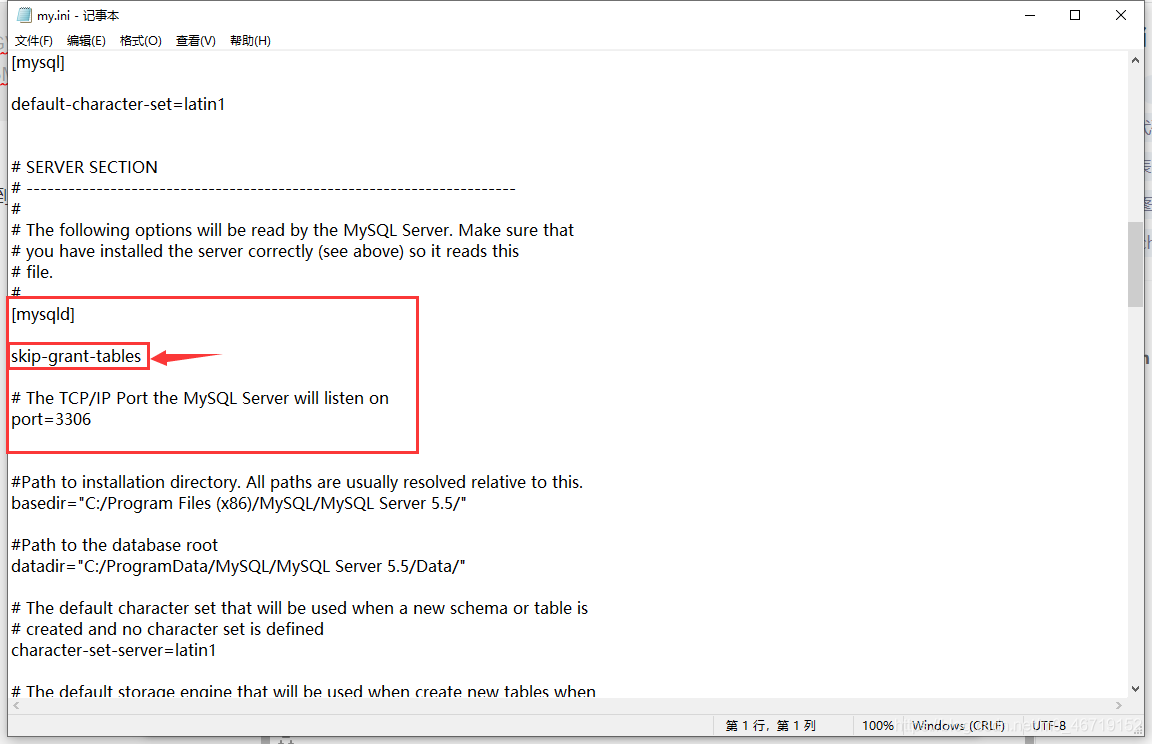
Springboot uses druid to log in MySQL. An error occurred: access denied: errorcode 1045, state 28000

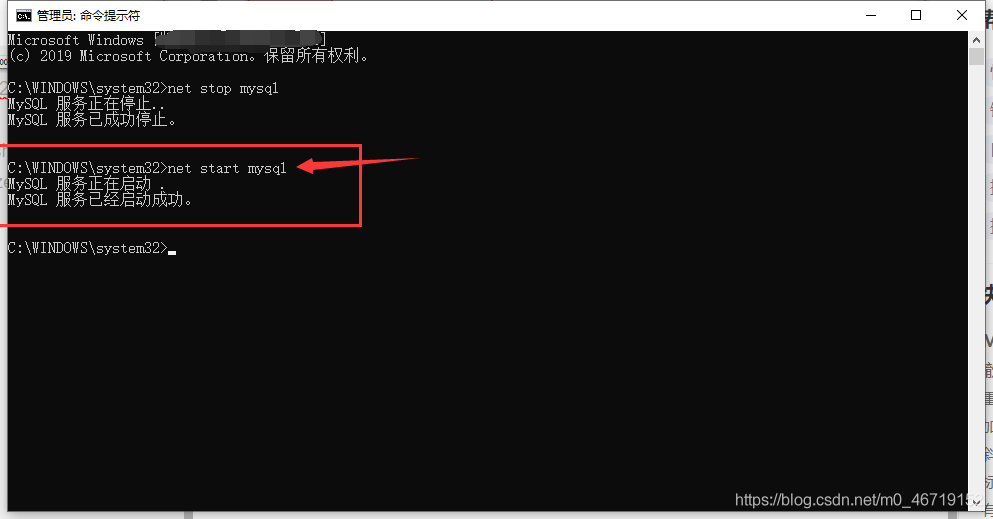
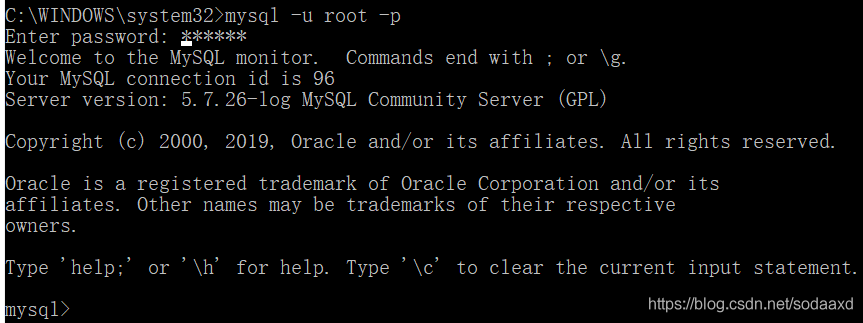
In case of an error, first of all, check whether the database can be accessed correctly through MySQL instructions:
it is found that the database can be accessed normally

later, when I observed my configuration, I found that my password was all digital. There would be a little problem with all digital passwords in the YML file, so I need to add ‘single quotation mark to correctly identify them. The correct configuration is as follows:

spring:
  datasource:
    url: jdbc:mysql://127.0.0.1:3306/mall?useUnicode=true&characterEncoding=utf8&useOldAliasMetadataBehavior=true&zeroDateTimeBehavior=convertToNull&allowMultiQueries=true&serverTimezone=UTC
    username: root
    password: '123456'
    driver-class-name: com.mysql.cj.jdbc.Driver
    type: com.alibaba.druid.pool.DruidDataSource

Project with path ‘XXXX’ could not be found

 
My main problem is to delete a library module and submit the code to the server through GIT. When my colleagues pull the code I upload through git, the project still exists in the library and report the dependency error E rror:Project with path ‘XXXX’ could not be found

reason:

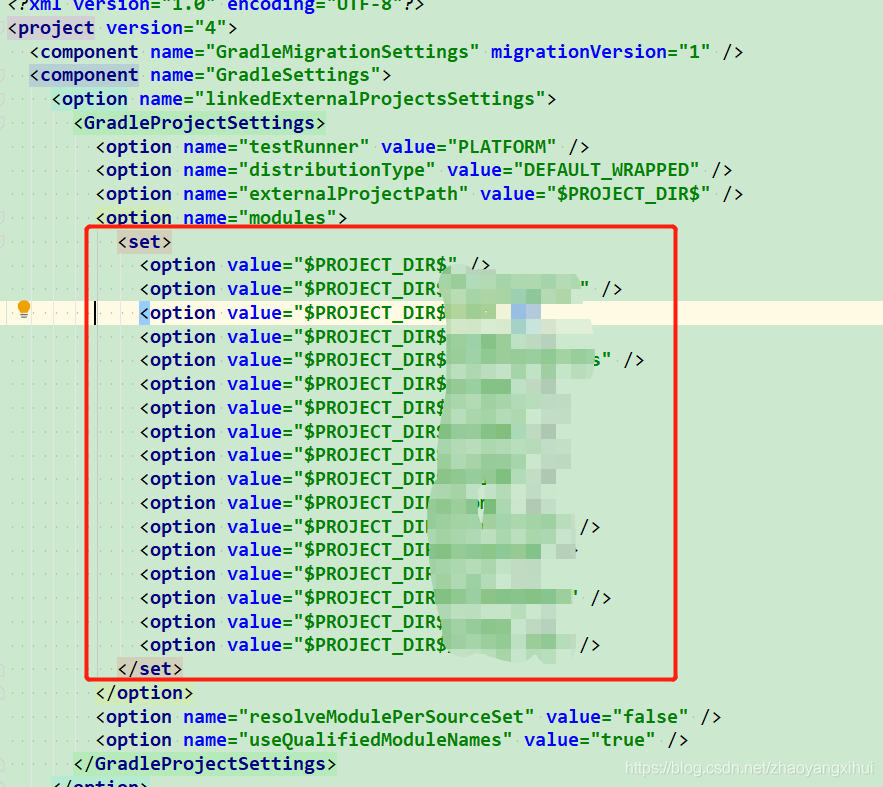
When the project is compiled, options corresponding to the related library will appear in gradle.xml automatically generated by. Idea, as shown in the figure

terms of settlement:

Delete the option node of the corresponding library, close the project and re open the compilation.

A more crude way is to delete the. Idea file directly, close the project, and reopen the compilation.

feign.codec.DecodeException

Error information:

feign.codec.DecodeException: Type definition error: [simple type, class com.rouchi.growth.rpc.dto.classroom.response.SimpleClassRoomResponse]; nested exception is com.fasterxml.jackson.databind.exc.InvalidDefinitionException: Cannot construct instance of `com.rouchi.growth.rpc.dto.classroom.response.SimpleClassRoomResponse` (no Creators, like default constructor, exist): cannot deserialize from Object value (no delegate- or property-based Creator)
 at [Source: (ByteArrayInputStream); line: 1, column: 61] (through reference chain: com.rouchi.commons.api.Result["data"]->java.util.ArrayList[0])

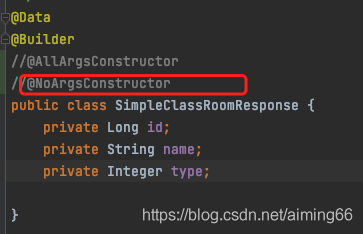
The main reason for reporting an error is that the return value cannot construct an object. After checking, it is found that there is an object using Lombok, which only writes @ builder, but does not write @ noargsconstructor
. Therefore, just let go of the comment.

Module build failed: Error: Node Sass version 6.0.0 is incompatible with ^4.0.0.

When we use sass in a project, we need to parse sass into CSS through sass loader. If node sass is not installed, sass loader will not work.

Sometimes, if the node sass version is too high, an error will be reported. The log is as follows:

Module build failed: Error: Node Sass version 6.0.0 is incompatible with ^4.0.0.

terms of settlement:

1. Uninstall the installed version of NPM install node sass
2. Install NPM install [email protected]
3. Restart the project


Solve the error OMP: error # 15: initializing libiomp5. Dylib

resolvent

Method 1

conda install nomkl

It can be solved after installation

Method 2

Add in code

import os

os.environ["KMP_DUPLICATE_LIB_OK"] = "TRUE"

Problem analysis

The complete error is: OMP: error # 15: initializing libiomp5.dylib, but found libomp.dylib already initialized , the error is caused by repeatedly loading the DLL.

Reference article

Github I ssues:https ://github.com/dmlc/xgboost/issues/1715

Vue error resolution: TypeError: Cannot read property’_t’ of undefined”

The front-end error report is as follows:
[Vue warn]: Error in render: “TypeError: Cannot read property’_t’ of undefined”

It is the compatibility problem between vue and i18n that multi-language configuration is used in the project. The solution is as follows:

Vue.use(iView) 

Replace with

Vue.use(iView, {
  i18n: function(path, options) {
    let value = i18n.t(path, options)
    if (value !== null && value !== undefined) {
      return value
    }
    return ''
  }
})