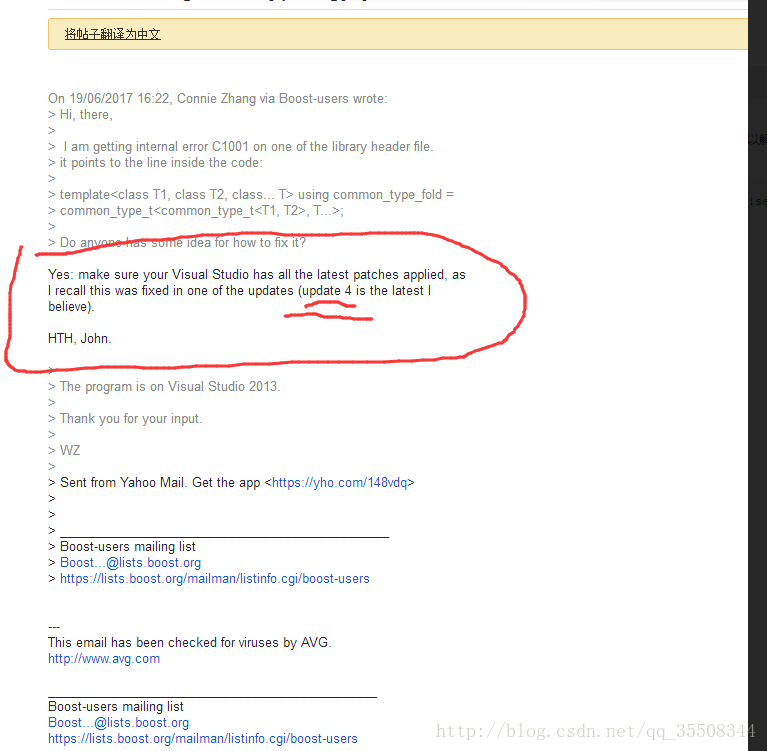
Compiler error. This problem is encountered in the process of compiling the boost source file. Maybe it’s a vs problem. Vs update 4 and update 5 can solve this problem. Google link:
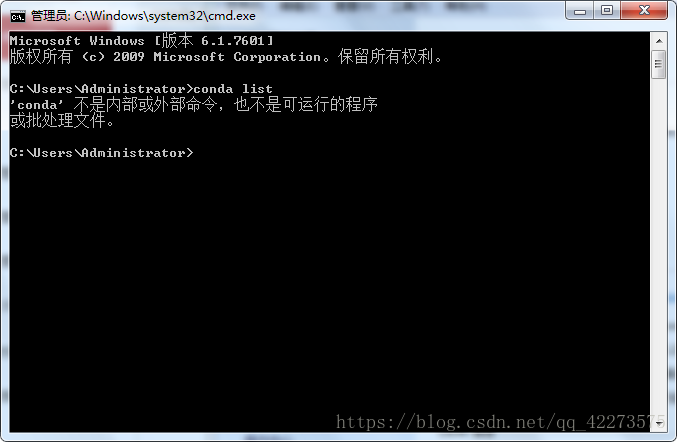
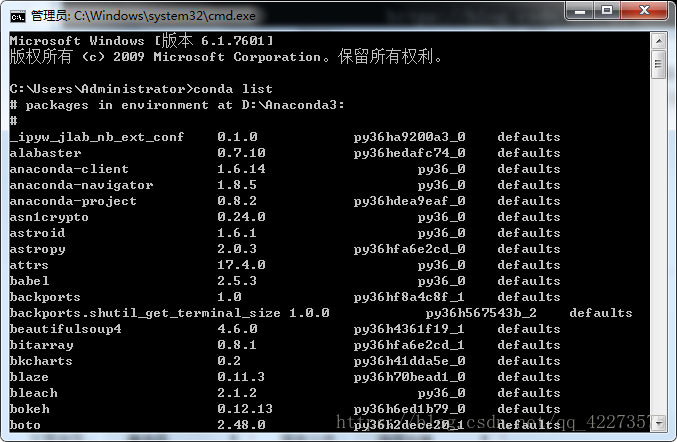
Solution: computer properties – advanced system settings – environment variables – system variables – find path, edit – add D: (anaconda3) scripts (according to your own installation path) to the variable value, and separate it from the previous “;” (input method switch to English state) – OK
This intention is to change a user’s password. The command found on the Internet is as follows
1
MySQL & gt; update user set password = password ("new password") where user = "user name";
Error 1054 (42s22) unknown column 'password' in 'field list'
The reason for the error is that there is no password field in MySQL database of version 5.7, and the password field is changed to authentication_ string
This kind of error is generally in the following form .. (user/stm32f10x. H (298): error: # – 67: expected a “}” and generally occurs after porting from large capacity products (zet6, rct6, etc.) at this time, check the define in C/C + +, and then click stm32f10x_ HD,USE_ STDPERIPH_ Driver is changed to stm32f10x_ MD,USE_ STDPERIPH_ DRIVER
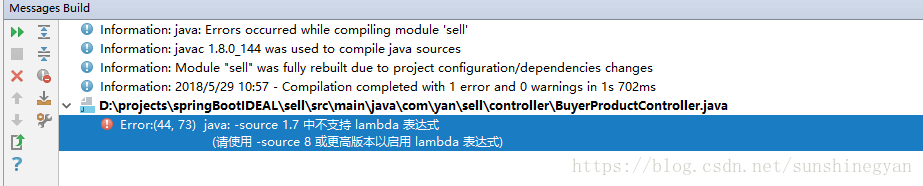
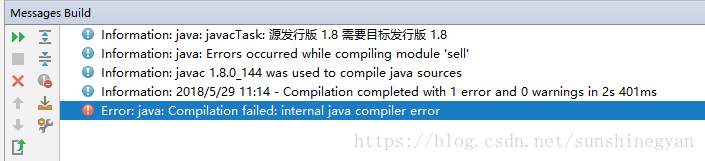
1 error: error: (44,73) lambda expression is not supported in Java: – source 1.7
Error analysis: the source part of the project reports an error
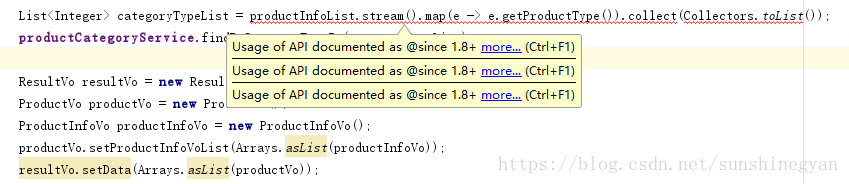
At this time, the Java class also reports an error: usage of API documented as @ since 1.8 + more
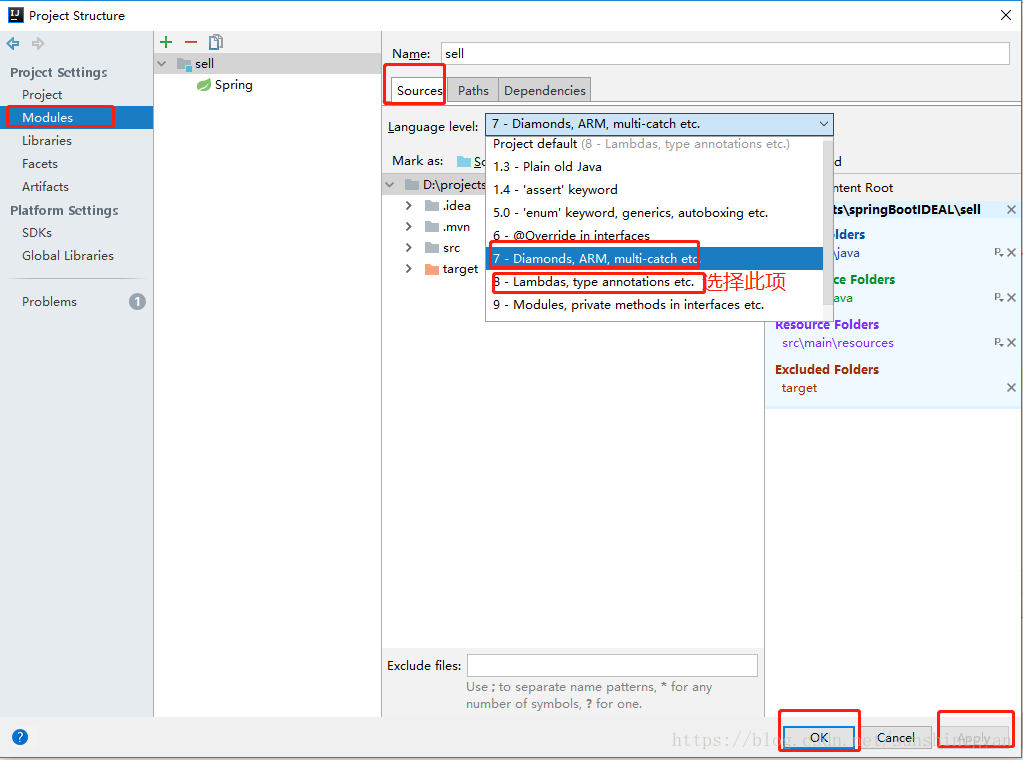
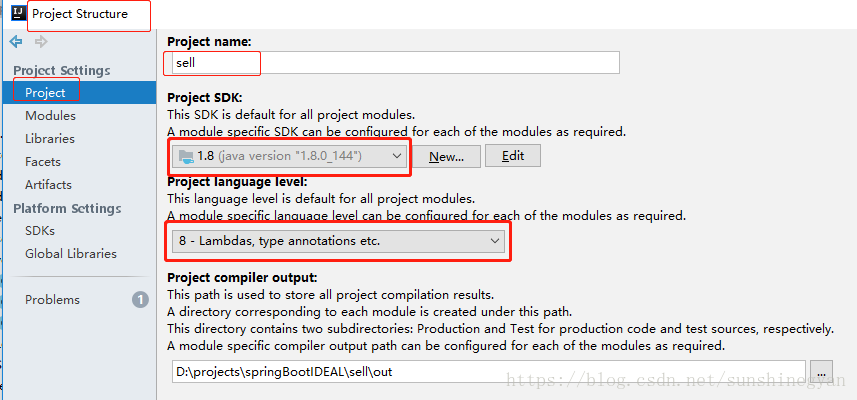
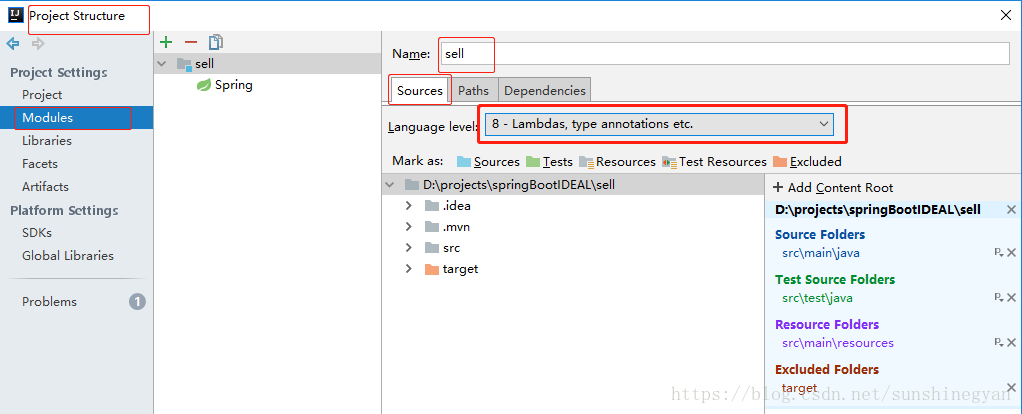
Solution: file = & gt; project structure = & gt; the language level in sources in the right column of modules is changed from ‘7 – diamond, arm…’ to ‘8 – Lambdas, type annotations, etc’ = & gt; apply = & gt; OK
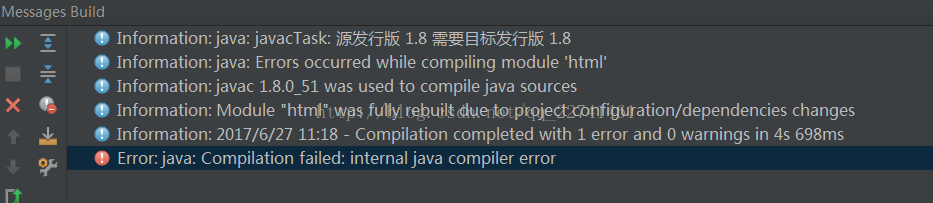
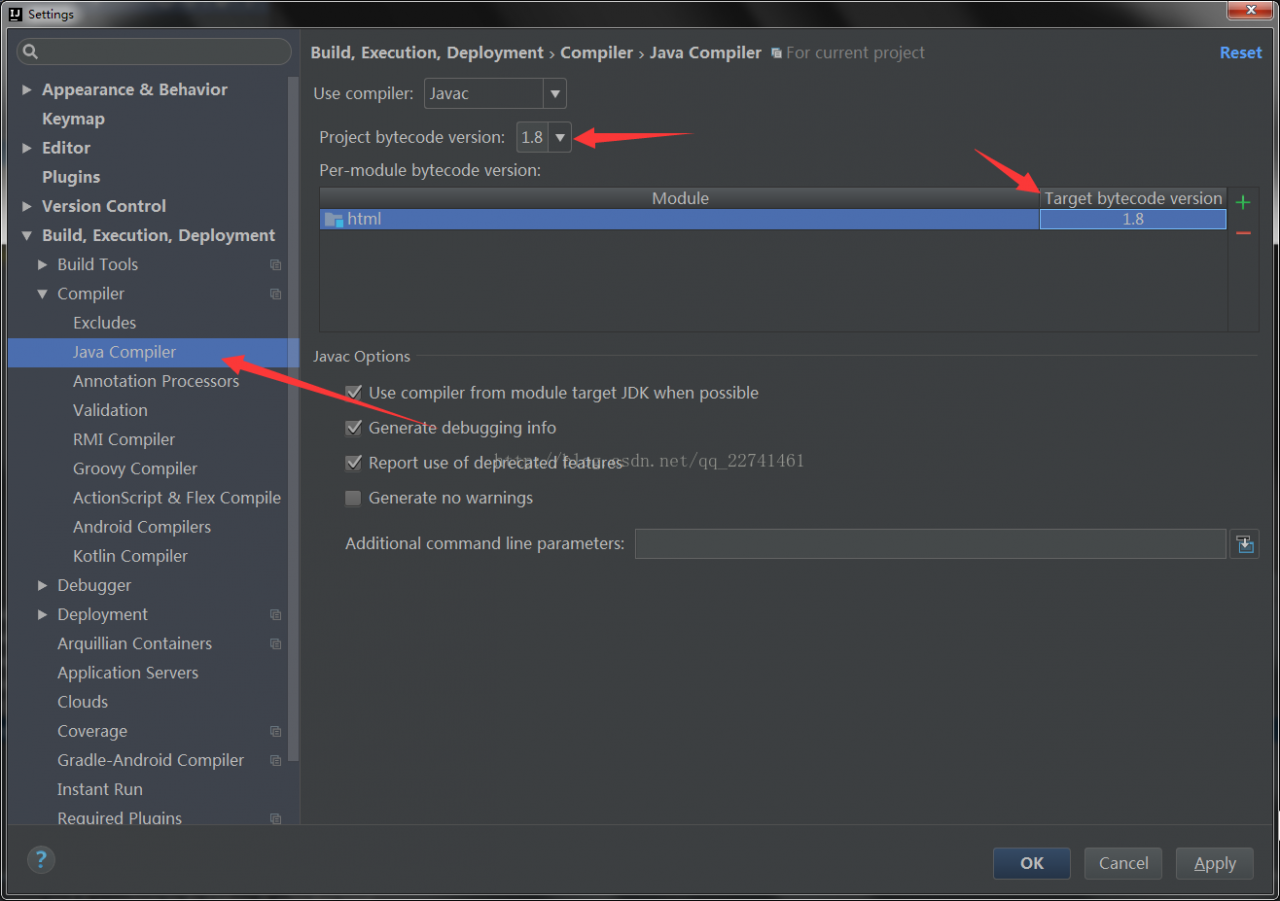
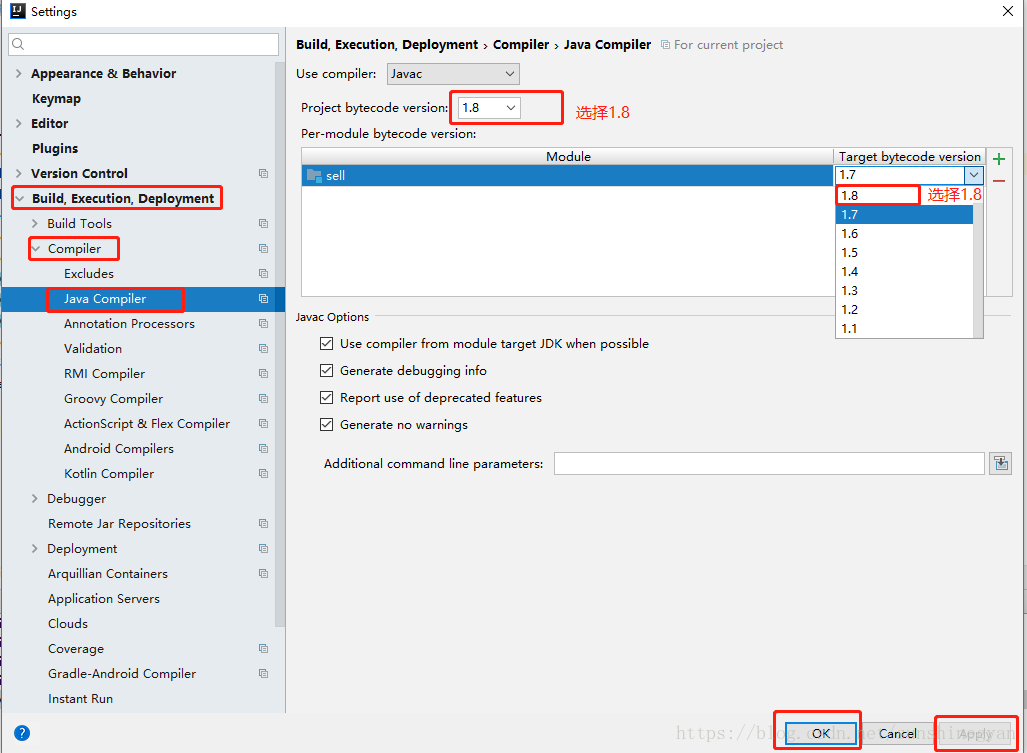
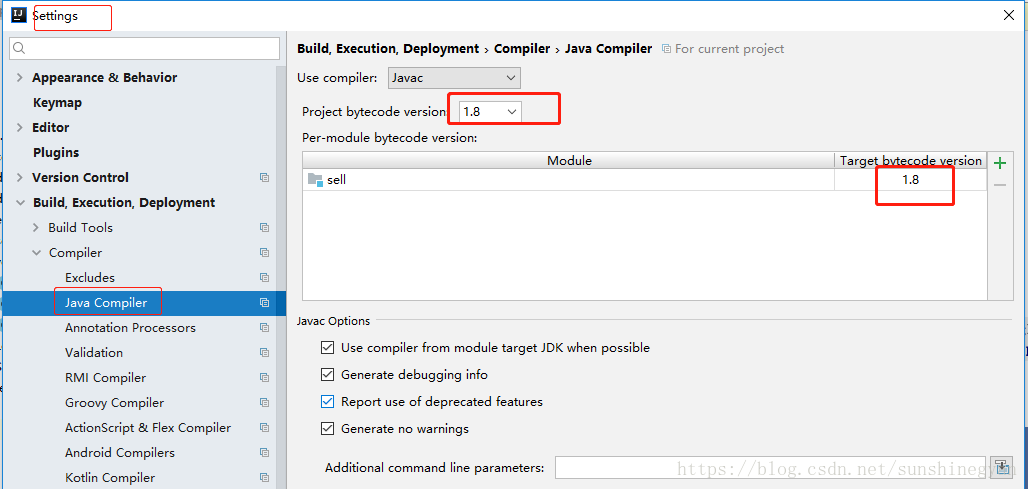
Solution: file = & gt; settings = & gt; search for java compiler and change the corresponding JDK version to 1.8
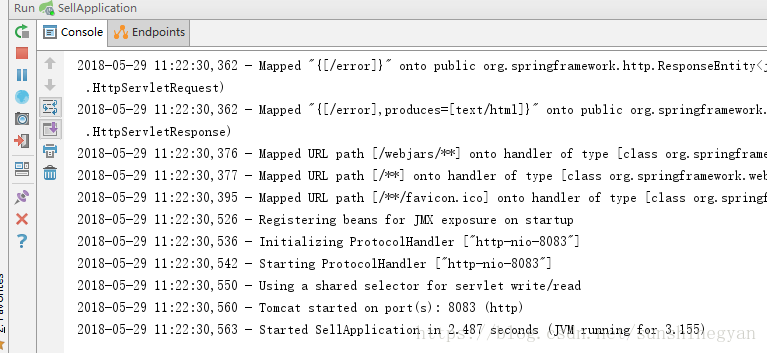
Restart my project, normal startup
3. In developing springboot project, idea should ensure the consistency of JDK, otherwise, it may cause a series of project startup problems due to different JDK versions
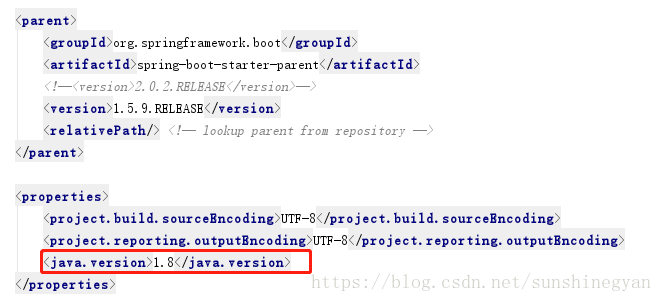
3.1 assurance pom.xml JDK version consistency in file
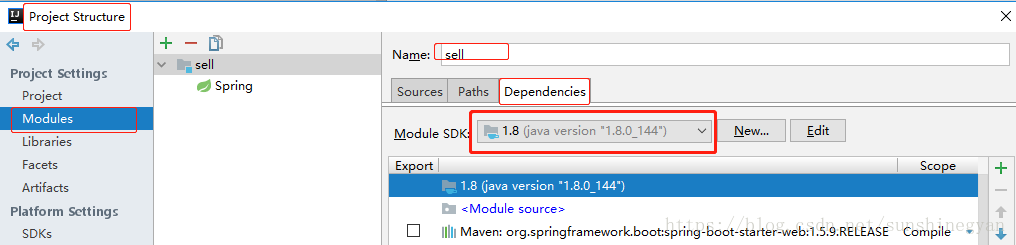
3.2 ensure the consistency of project and modules (sources and dependencies) progress payment Version (file = & gt; project structure)
3.3 ensure JDK version consistency of java compiler (file = & gt; settings = & gt; search for java compiler)
During the installation process, enter flutter doctor to report an error:
Error: The Flutter directory is not a clone of the GitHub project.
The flutter tool requires Git in order to operate properly;
to set up Flutter, run the following command:
git clone -b beta https://github.com/flutter/flutter.git
resolvent
Manually create a . Git folder in the root directory of flutter and execute flutter doctor again to start the installation
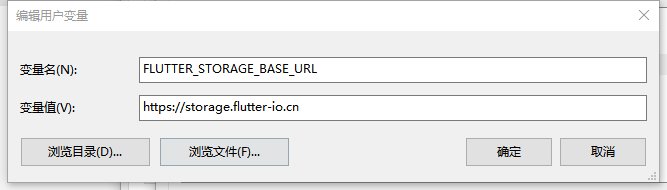
During the installation process, you may encounter errors error: unable to 'pub upgrade' shutter tool at this time, you only need to add the following two variables to the environment variable - & gt; user variable
Hadoop 3.1 starts the cluster after formatting and reports an error
Error message: ;./SBIN/start- dfs.sh Starting namenodes on [note01] ERROR: Attempting to operate on hdfs namenode as root ERROR: but there is no HDFS_ NAMENODE_ USER defined. Aborting operation. Starting datanodes ERROR: Attempting to operate on hdfs datanode as root ERROR: but there is no HDFS_ DATANODE_ USER defined. Aborting operation. Starting secondary namenodes [note01] ERROR: Attempting to operate on hdfs secondarynamenode as root ERROR: but there is no HDFS_ SECONDARYNAMENODE_ USER defined. Aborting operation. 2019-02-06 18:36:04,824 WARN util.NativeCodeLoader : Unable to load native-hadoop library for your platform… using builtin-java classes where applicable
Reason: after decompressing the installation package, the user and group of the folder are modified, that is, the following command is executed chown root:root hadoop3.1.1 After that, start the cluster to report an error.
Solution: you can only delete the current software folder, decompress the installation package, modify the relevant configuration files, and then format the file system, which is equivalent to operating from the beginning.
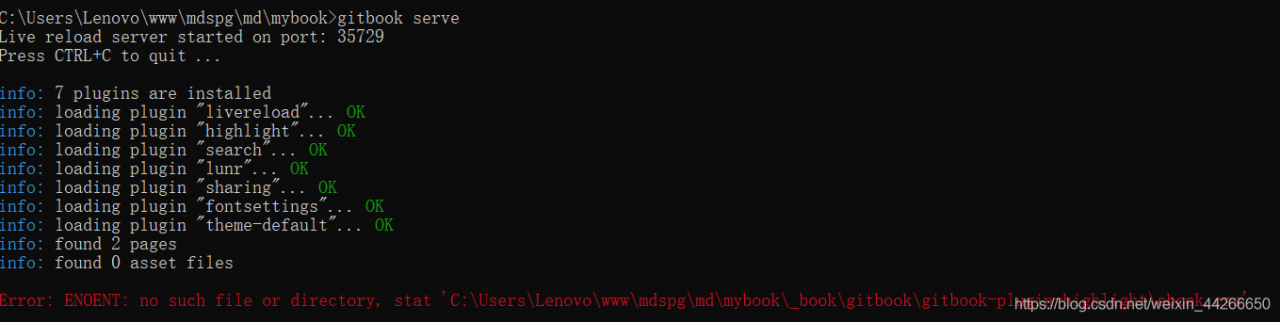
The gitbook project can’t run when you open it on another computer. Both gitbook serve and gitbook build report errors.
Error: ENOENT: no such file or directory, stat ‘C:\Users\Lenovo\www\mdspg\md\mybook_ book\gitbook\gitbook-plugin-fontsettings\ fontsettings.js ’ it turned out to be a bug (vision: 3.2.3).
The solution is as follows.
The following file was found in the user directory. .gitbook\versions\3.2.3\lib\output\website\ copyPluginAssets.js