Author Archives: Robins

[Solved] Opencv error: assertion__acrt_first_block == header

Problem description

In a project using OpenCV, after changing MDD to MTD, the debug mode encountered an error.

debug_heap.cpp   Line 996

        if (header->_block_header_prev)
        {
            header->_block_header_prev->_block_header_next = header->_block_header_next;
        }
        else
        {
            _ASSERTE(__acrt_first_block == header);            //# 996 LINE
            __acrt_first_block = header->_block_header_next;
        }

        memset(header, dead_land_fill, sizeof(_CrtMemBlockHeader) + header->_data_size + no_mans_land_size);
        _free_base(header);

Solution

Add the following functions to region.cpp

void findContours(const cv::Mat &src, std::vector<std::vector<cv::Point>> &contours, std::vector<cv::Vec4i> &hierarchy, int retr = cv::RETR_LIST, int method = cv::CHAIN_APPROX_SIMPLE, cv::Point offset = cv::Point(0, 0))
{
    using namespace cv;
    CvMat c_image = src;
    MemStorage storage(cvCreateMemStorage());
    CvSeq *_ccontours = 0;
    cvFindContours(&c_image, storage, &_ccontours, sizeof(CvContour), retr, method, CvPoint(offset));

    if (!_ccontours)
    {
        contours.clear();
        return;
    }
    Seq<CvSeq *> all_contours(cvTreeToNodeSeq(_ccontours, sizeof(CvSeq), storage));
    int total = (int)all_contours.size();
    contours.resize(total);

    SeqIterator<CvSeq *> it = all_contours.begin();
    for (int i = 0; i < total; i++, ++it)
    {
        CvSeq *c = *it;
        ((CvContour *)c)->color = (int)i;
        int count = (int)c->total;
        int *data = new int[count * 2];
        cvCvtSeqToArray(c, data);
        for (int j = 0; j < count; j++)
        {
            contours[i].push_back(Point(data[j * 2], data[j * 2 + 1]));
        }
        delete[] data;
    }

    hierarchy.resize(total);
    it = all_contours.begin();
    for (int i = 0; i < total; i++, ++it)
    {
        CvSeq *c = *it;
        int h_next = c->h_next ?((CvContour *)c->h_next)->color : -1;
        int h_prev = c->h_prev ?((CvContour *)c->h_prev)->color : -1;
        int v_next = c->v_next ?((CvContour *)c->v_next)->color : -1;
        int v_prev = c->v_prev ?((CvContour *)c->v_prev)->color : -1;
        hierarchy[i] = Vec4i(h_next, h_prev, v_next, v_prev);
    }
    storage.release();
}

There are still errors after adding,   Find our business code   Change this one to that one:

std::vector<cv::Mat> chs;                //BEFORE
std::vector<cv::Mat> chs(m.channels());  //NEW

It can run successfully

Python Error: Process finished with exit code -1073740791 (0xC0000409)

Case 1 is also the case of more on-line): (graphics card) insufficient memory

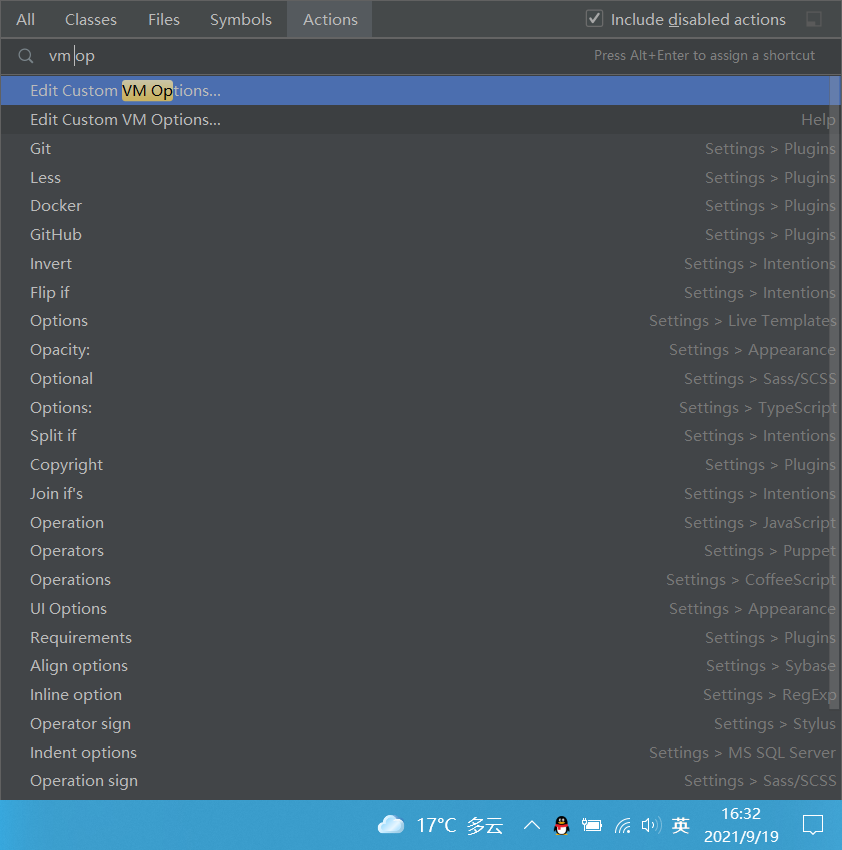
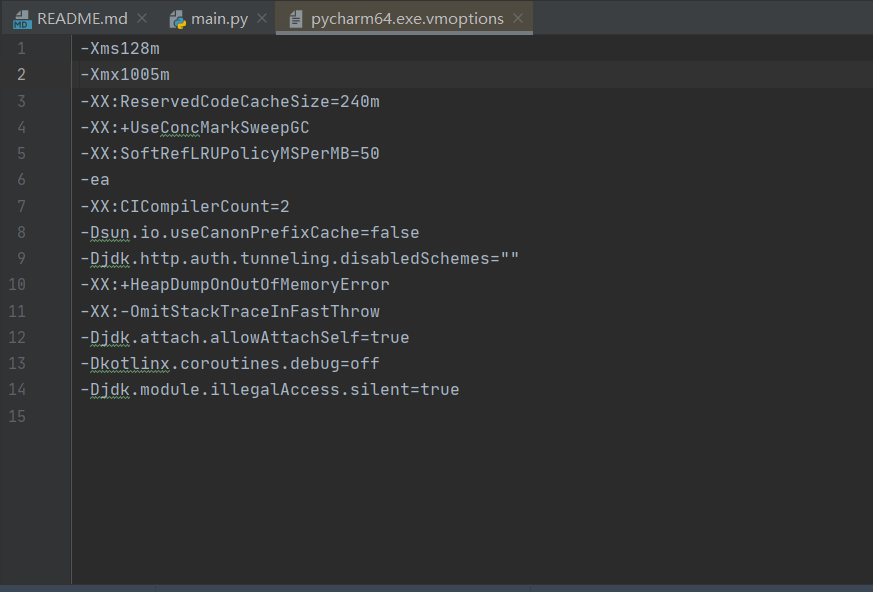
At this time, we can adjust the memory in pycharm:
Press Shift + Ctrl + A to search for

where:
XMS in xms128m refers to the memory required for program startup, 128M is the size
xmx1011m in Xmx, Xmx refers to the memory required for program running, 1011m is the size
increase it. Of course, your hardware should be able to withstand this setting

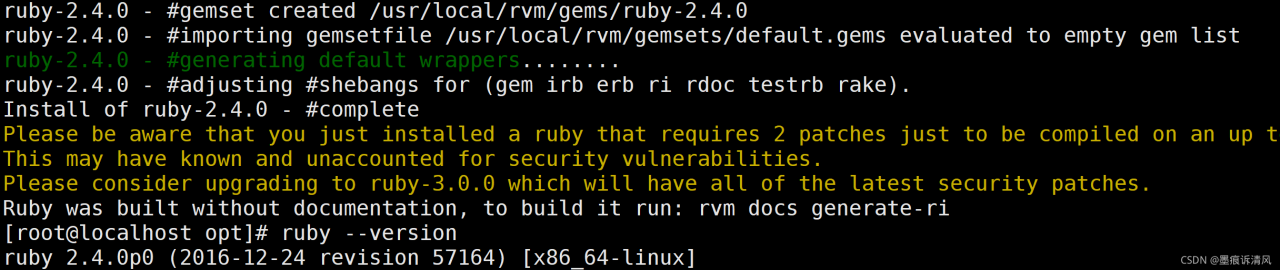
Error in installing RPM: requires Ruby Version > = 2. ** [How to Solve]


3 error conditions

Upgrade Ruby

Download GPG public key

gpg2 --keyserver hkp://pool.sks-keyservers.net --recv-keys 409B6B1796C275462A1703113804BB82D39DC0E3 7D2BAF1CF37B13E2069D6956105BD0E739499BDB
or
curl -sSL https://rvm.io/mpapis.asc | gpg2 --import
or
curl -sSL https://rvm.io/pkuczynski.asc | gpg2 --import (My Choice)

Download RVM and set up environment

curl -L http://get.rvm.io | bash -s stable
source /usr/local/rvm/scripts/rvm

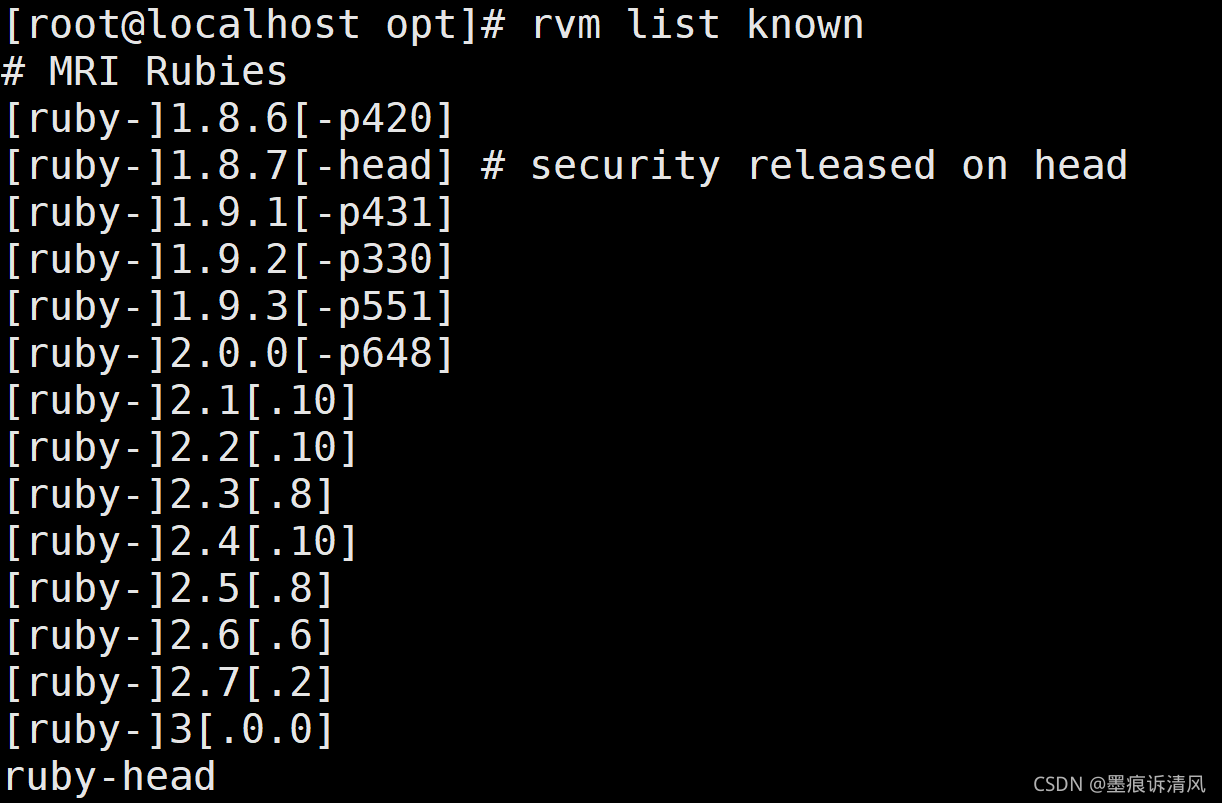
View existing Ruby versions

rvm list known

Upgrade to 2.4.0

rvm install 2.4.0

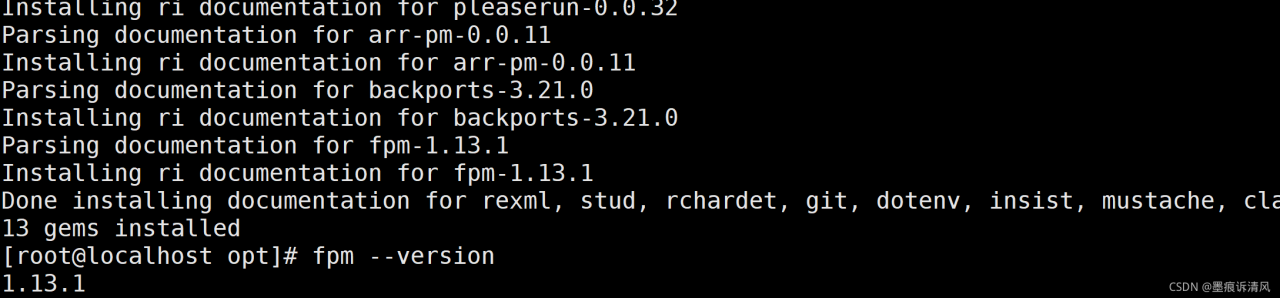
Install RPM again

gem install fpm

Pyexcel Error: xlrd.biffh.XLRDError: Excel xlsx file; not supported

Phenomenon:

code

# content is a table data of byte type
sheet = pyexcel.get_sheet(file_type='xlsx', file_content=content)

report errors

xlrd.biffh.XLRDError: Excel xlsx file; not supported

reason

The installed pyexcel package version is too old

pyexcel-xls==0.5.8
pyexcel==0.5.9.1
pyexcel-xlsx==0.5.6

Solution:

Updated version (latest version)

pyexcel==0.6.7
pyexcel-io==0.6.4
pyexcel-xls==0.6.2
pyexcel-xlsx==0.6.0

MYSQL Safe Upgraded Error: You are using safe update mode and you tried to update

Error:

21:55:14 update users set realname=‘Lisi2’ where username=‘ls’ Error
Code: 1175. You are using safe update mode and you tried to update a
table without a WHERE that uses a KEY column. To disable safe mode,
toggle the option in Preferences -> SQL Editor and reconnect. 0.000
sec

Solution:
Execution of this statement will result in: SET SQL_SAFE_UPDATES=0;

[Solved] NoClassDefFoundError: jline/console/completer/ArgumentCompleter$ArgumentDelimiter

An error occurs when importing data using sqoop:

Exception in thread “main” java.lang.NoClassDefFoundError: jline/console/completer/ArgumentCompleter$ArgumentDelimiter

Caused by: java.lang.ClassNotFoundException: jline.console.completer.ArgumentCompleter$ArgumentDelimiter

Solution:
Hadoop cannot find the jline package. Go to the Lib directory of hive to find jline.jar, put it in/share/Hadoop/yarn/Lib in Hadoop, and then execute it.

Echarts Partially introduced error: TypeError: Cannot read property ‘findAxisModel’ of undefined

When introducing dependencies locally in echarts, if there are dependencies that need to be used, an error will be reported if they are not introduced. For example, when using histogram + polar coordinates to display a ring chart, if Ploar is not introduced, an error will be reported in the title. At this time, just introduce this dependency:

require("echarts/lib/component/polar")

[Solved] Mac Cmake Complie openmp Error: fatal error: ‘omp.h‘ file not found

Mac OS 11.5.2, cmake default compiler appleclang 12.0.5

Make keeps reporting errors after compiling

fatal error: 'omp.h' file not found
#include<omp.h>

The reason is that a.cpp file introduces OpenMP, OMP.H

It can be compiled successfully through G + +, but the make default clang compilation in MAcc is not successful. In other words, it cannot be compiled through cmake on Mac

Try to resolve:

Adding before the project line of cmake has no effect

SET(CMAKE_C_COMPILER "/usr/bin/gcc")
SET(CMAKE_CXX_COMPILER "/usr/bin/g++")

On the command line, the export cxx = “usr/bin/G + +” variable also has no effect

Solution

Brew install libomp

brew install libomp

Change the path corresponding to OMP. H where. CPP introduces OMP. H

#include</usr/local/opt/libomp/include/omp.h>

Scala Flink Watermarker Error: Static Methods in interface require -target:jvm-1.8

explain

Gradle project + Scala 2.11 + java8 + Flink 1.12

Error code:

kafkaSource.assignTimestampsAndWatermarks(WatermarkStrategy
      .forBoundedOutOfOrderness[JSONObject](Duration.ofSeconds(10)))

Error message: static methods in interface require – target: jvm-1.8

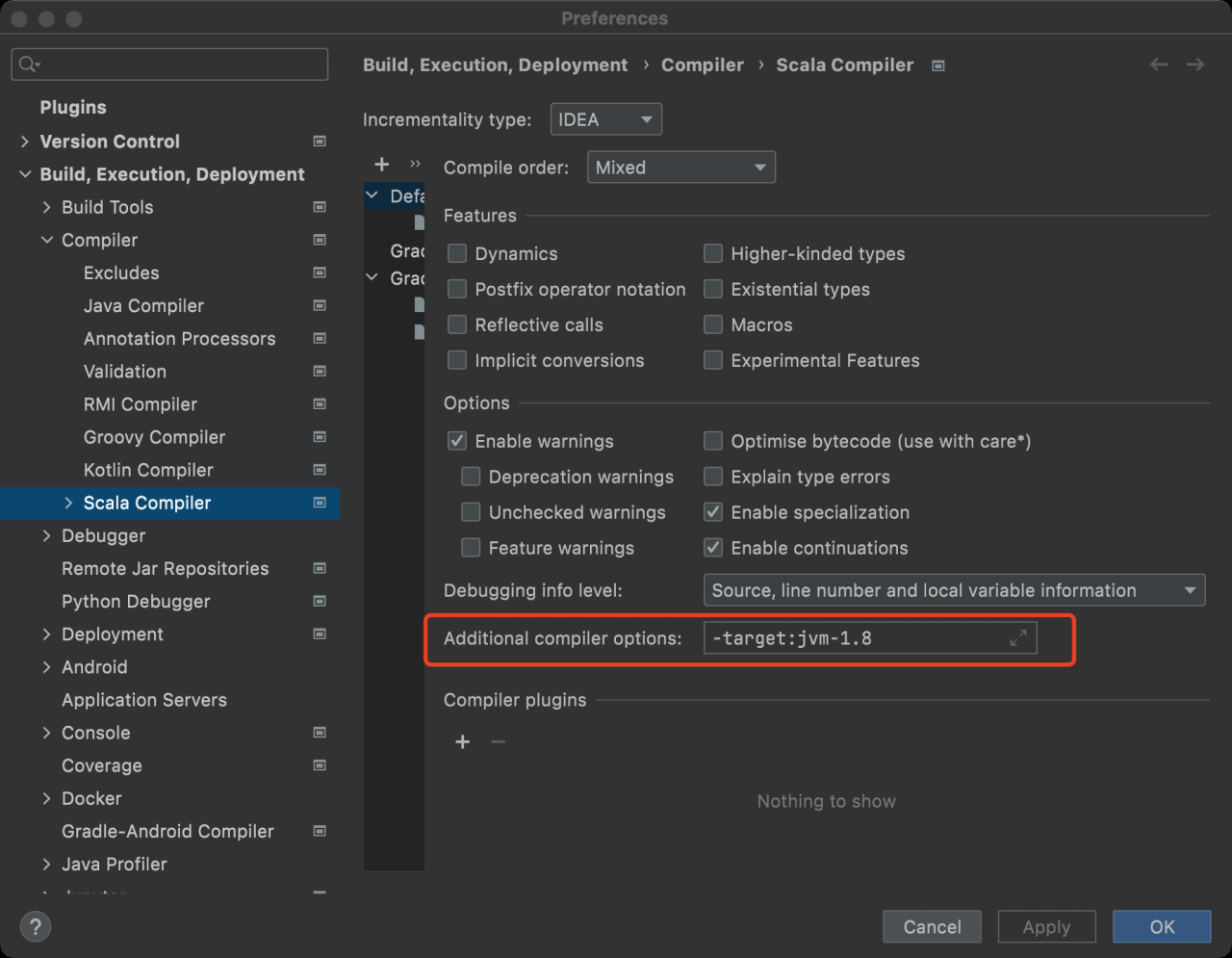
From the perspective of error reporting, it is an error reported by Scala trying to call a static method in the java interface. However, JDK1.8 is used for compiling and packaging in the idea configuration

Modifying the following idea configuration is not valid:

So think about another breakthrough and add the following configuration to the build.gradle file to solve the problem.

project.tasks.compileScala.scalaCompileOptions.additionalParameters = ["-target:jvm-1.8"]
project.tasks.compileTestScala.scalaCompileOptions.additionalParameters = ["-target:jvm-1.8"]

Django project running service reported an error NameError: name ‘OS’ is not defined

Existing problems:
after Django creates a new project, when running the service command “Python manage. Py runserver”, an error is reported: NameError: name ‘OS’ is not defined


Solution:
find the setting.py file in the new project path and add “import OS” to it

Note: the method to judge whether the project is successfully created is if something similar to“ http://127.0.0.1:8000/ ”The project address, and “the install worked successfully! Integrations!” is displayed in the browser.