Author Archives: Robins

[Solved] Ubuntu using blender script error: Numpy cannot be found

When rendering with blender script on Ubuntu 16, use the command blender — background — Python * Py, an error is reported and numpy cannot be found. But I installed numpy in CONDA environment, so I was puzzled.

Later, I learned that blender has its own Python interpreter. When running my py script, the built-in Python interpreter does not install the numpy extension library, so an error is reported.

Solution:

Find the Python interpreter directory for blender in your environment.
Open blender, shift+F4 and go to blender's Python interpreter
You can see the version of Python that comes with it, then use whereis python for that version and find the interpreter's directory
Use sudo apt-get install python version-numpy to install the third-party library for blender's own Python interpreter
[Solved] jetson nano Error: Illegal instruction(core dumped)

Jetson nano reported an error: legal instruction (core dumped)


Problem Description: it is not easy to replace the image source and configure the remote xrdp desktop for the Jetson nano development board (refer to my previous blog posts). When the project is deployed and running, the following errors do occur:

Illegal instruction(cpre dumped)

There is no way but to continue to check the data. The solution is as follows:

1. Terminal operation

sudo gedit ~/.bashrc

2. Add environment variables at the end, save and close the file

export OPENBLAS_CORETYPE=ARMV8

3. The terminal runs source ~/bashrc

run in the terminal: source ~/.bashrc

I restart it and then I can. Some blogs say that it is related to dependent packages in the environment

Error: Too many open files in system error [How to Solve]

Too many open files in system error handling scheme

Such system problems can be solved at the terminal as follows:
view file limits>

// Check the limit of files
launchctl limit maxfiles  // maxfiles  256   unlimited

Open administrator privileges with sudo

// use sudo to open the administator
sudo vim /etc/sysctl.conf

after entering the editing mode, paste and copy the following code, and then ESC exits the editing mode

// increase the limit
kern.maxfiles=65536
kern.maxfilesperproc=65536

input: WQ exit, and then restart the computer

How to Solve PIP3 install oct2py error

use sudo pip3 install oct2py error: ERROR: Cannot uninstall ‘pexpect’. It is a distutils installed project and thus we cannot accurately determine which files belong to it which would lead to only a partial uninstall.
Solution: sudo pip3 install oct2py –ignore-installed pexpect
Install successfuly!

vue3 import Error: has no default export [How to Solve]

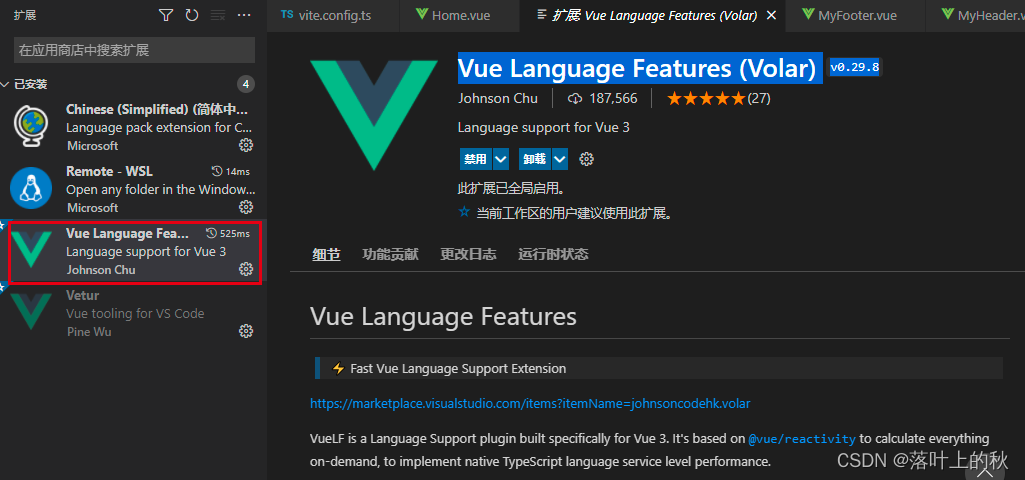
In the vue3 project, the TS write error component does not export by default because vetur-v0 35.0 does not support vue3. You need to download Vue language features (vol) – v0 twenty-nine point eight

<template>
     <MyHeader></MyHeader>
</template>
<script setup lang="ts">
import MyHeader from "../components/MyHeader.vue";
</script>

pandas.DataFrame() Initializes NULL Error: DataFrame [How to Solve]

An error occurred while initializing an empty dataframe

Traceback (most recent call last):
    result_format = pd.DataFrame(index=index, columns=columns)
  File "C:\ProgramData\Anaconda3\lib\site-packages\pandas\core\frame.py", line 435, in __init__
    mgr = init_dict(data, index, columns, dtype=dtype)
  File "C:\ProgramData\Anaconda3\lib\site-packages\pandas\core\internals\construction.py", line 239, in init_dict
    val = construct_1d_arraylike_from_scalar(np.nan, len(index), nan_dtype)
  File "C:\ProgramData\Anaconda3\lib\site-packages\pandas\core\dtypes\cast.py", line 1440, in construct_1d_arraylike_from_scalar
    dtype = dtype.dtype
AttributeError: type object 'object' has no attribute 'dtype'

Solution:
result_format = pd.DataFrame(index=index, columns=columns, dtype=object)

[Solved] jedis Error: Could not get a resource from the pool

The local Java program operates the redis service in the virtual machine and reports an error.

Solution:
1. check whether Linux in the local and VMware virtual machines can ping each otherwhen the Ping fails, it is usually the problem of setting the network adapter of the virtual machine. Refer to the correct configuration: 1) right click virtual machine -> Settings -> network adapter -> bridge mode. 2) Set IP4 in VMnet1 in the local network connection to automatic acquisition. 3) Set the network card of the virtual machine to get automatically. 4) Turn off the firewall of the local and virtual machines,

2. check whether redis can start normally, if it does not start normally, check the cause of the error through the log,

3. check whether the Java program reads the redis related configuration correctly, when reading the configuration, the field spelling error may cause the connection to redis to fail.

For example, @Value ("${spring.redis.host}")
host is written as port

[Solved] Navicat Connect Error: Oracle library is not loaded.

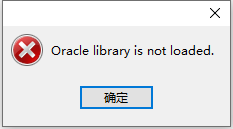
Navicat connection error – Oracle library is not loaded

Error reason: OCI. Of Navicat installation package There is a problem with the DLL

Solution: Download instantclient basic windows on the official website of Oracle x64-11.2.0.4.0.zip

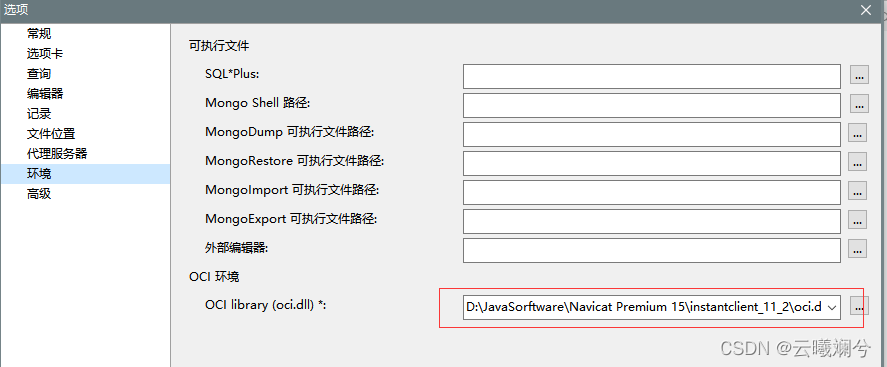
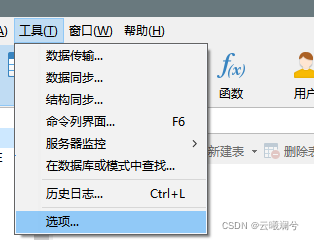
Note that the version should be the same as Navicat –> Tools –> Options –> Environment –> OCI environment –> oci. The version information in the address of DLL is consistent

Finally, restart Navicat

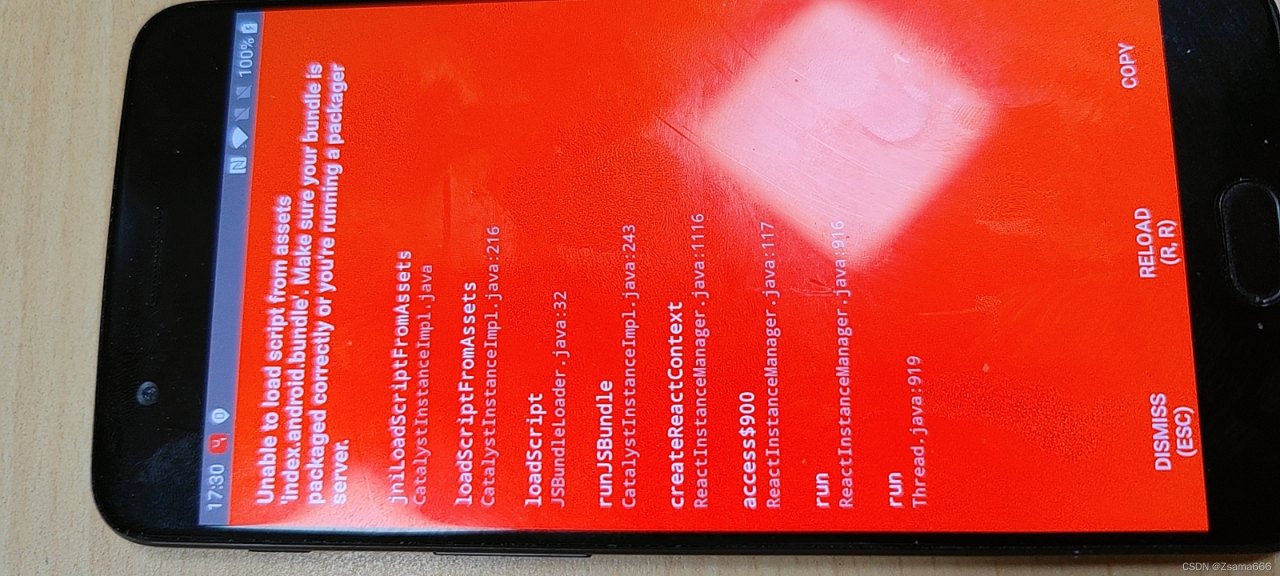
[Solved] React Native Red screen Error: Unable to load script from assets

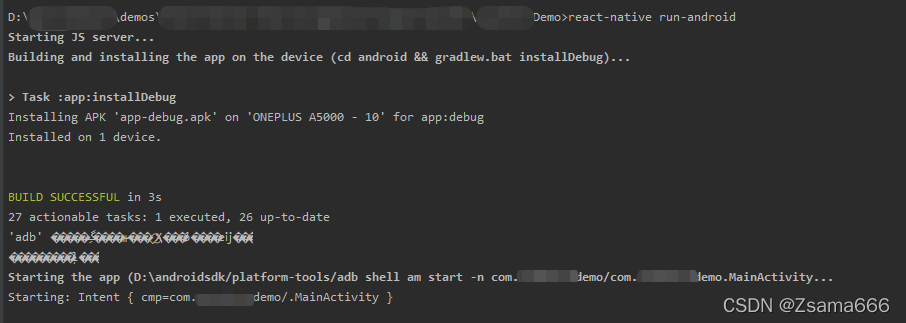
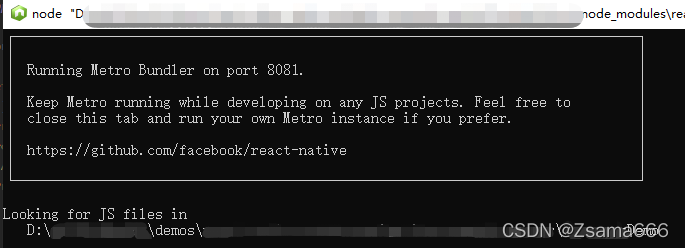
If the above error occurs, first confirm whether the RN service runs successfully

In some cases, the startup fails, or it is shut down unexpectedly after startup, or the ports are inconsistent.

Another situation is recorded here:

If it is a project from the new cluster on GitHub, the directory of Android\app\SRC\main\assets may be empty (the assets folder needs to be created). At this time, it needs to be run under the terminal of the project root directory:

react-native bundle --platform android --dev false --entry-file index.android.js --bundle-output android/app/src/main/assets/index.android.bundle --assets-dest android/app/src/main/res/ 

To create the missing file

After running, you will see the missing index on the red screen android. Bundle file.

Run it again and the problem is solved.