@echo off
javaw -Xmx1024M -Xms2048M -XX:MaxMetaspaceSize=512M -Dserver.port=7779 -Dspring.profiles.active=dev -jar cbb-2.1.11.jar >cbb.log
@pause
@echo off
javaw -Xmx1024M -Xms2048M -XX:MaxMetaspaceSize=512M -Dserver.port=7779 -Dspring.profiles.active=dev -jar cbb-2.1.11.jar >cbb.log
@pause
Users can upload pictures and display thumbnails in the list. When the number of photos uploaded reaches the limit, the upload button disappears. Click on the picture to open the picture preview box. Introduce the component where it is used, and the component will return the image array after transferring the image.
import React, {
    useState, useEffect } from 'react';
import {
    Upload, Modal } from 'antd';
import {
PlusOutlined } froAnt Design modal form encountered the problem of page scroll bar failure after opening the secondary pop-up box and closing the two pop-up boxes.
Reason:
when the modal form pop-up box is opened, it will add style = "width: Calc (100% - 15px) to the body label; overflow: hidden;” inline style to hide the scroll bar of the page. When closed, this style will be cleared to restore the scroll bar. Open a secondary modal form pop-up box in the modal form pop-up box. After closing the two pop-up boxes, there will be a problem that the style on the body label is not cleaned up, resulting in the problem that the page scroll bar is not restored.
The solution is as follows:
after the first level cartridge modal form is closed, clean up the style added to the body. The specific code is as follows:
<ModalForm
     modalProps={{
         afterClose: () => {
             if (document.getElementsByTagName('body')[0].hasAttribute('style')) {
                 document.getElementsByTagName('body')[0].removeAttribute('style');
             }
         },
     }}>
</ModalForm>
Using the decorator may prompt property assignment expected. Vetur (1136)
Because eslint is used to check the code format, you can turn off the ability of vetur to verify script. Please add the following code in vscode settings
"vetur.validation.script": false,
Problem: when installing mmdetection, mmcv is often installed, module not founderror: no module named ‘mmcv_ The problem of ext ‘ use: If you have any strange problems, please use the version of mmcv that matches your environment, such as: For the specific version, please refer to the GitHub description of mmcv. The link is as follows: https://github.com/open-mmlab/mmcvpip install mmcv
pip install mmcv-fullpip install mmcv-full==latest+torch1.5.0+cu101 -f https://openmmlab.oss-accelerate.aliyuncs.com/mmcv/dist/index.html
I encountered some problems while debugging the code on baseline. At that time, I reported an error and couldn’t find the reason repeatedly. Later, inspired by the following blog, I finally solved the problem. I will summarize this problem again
https://blog.csdn.net/xnmc2014/article/details/85557384
The problem may be the following: pay attention to the parameters when calling dataloder
self.train_dataloader = DataLoader(train_dataset, batch_size=TrainOption.train_batch_size, shuffle=TRUE, num_workers=TrainOption.data_load_worker_num)The parameter setting of shuffle is wrong, because there is already a batch_ Sample, there is no need to shuffle for random sample, so shuffle here should be set to false.
Com.mysql.cj.exceptions.numberoutofrange: value ‘13873421234’ is outside of valid range for type Java. Lang.integer
the database is bigint
this error first check whether the XML configuration is wrong
select id = name “resulttype = entity class
check whether the type of entity class is wrong
java passes long
1、 Error analysis
It can be seen from the error prompt that the actual parameters passed in are larger than the parameters to be set in SQL, that is, the parameters in SQL?Less than parameter or?There is no
cause at all
? The number is surrounded by single quotation marks
For example:
sql += " and article_title like '%#{articleTitle}%'";
2、 Solutions
Remove single quotes
The above SQL is changed to:
sql += " and article_title like concat('%',#{articleTitle},'%')";
The redis process has not started, and the following situation occurs
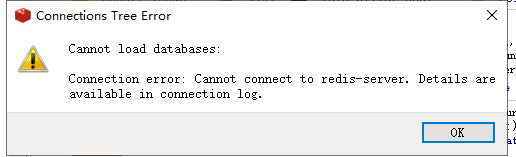
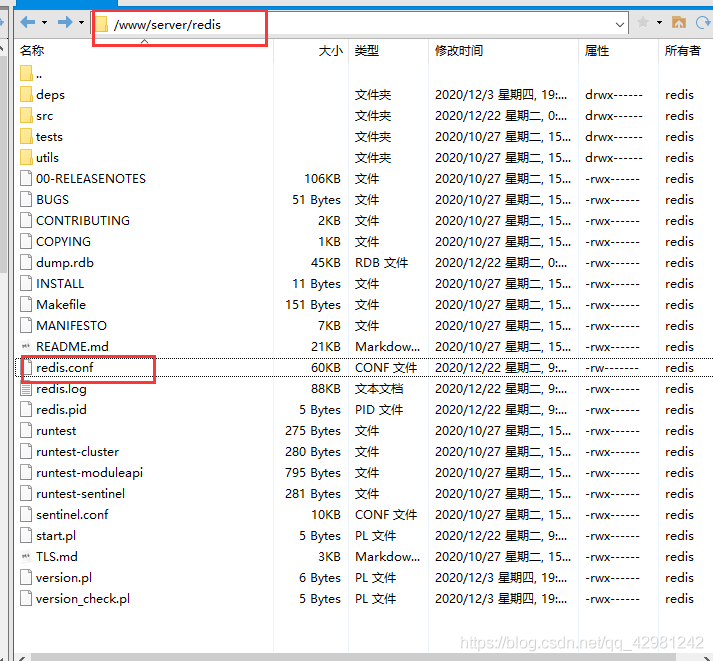
reloads the configuration, and the directory does not use the absolute path to restart. My redis is installed in the pagoda
redis.conf in the/www/server/redis directory
redis server in the/www/server/redis/SRC directory
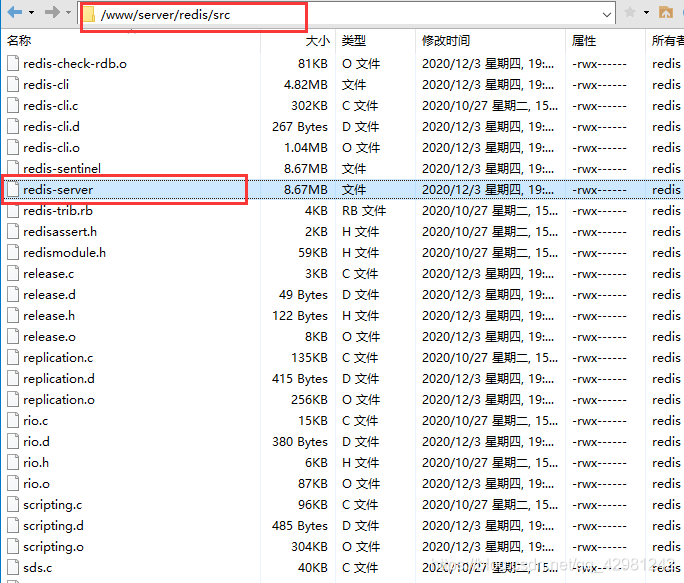
Restart profile
/www/server/redis/src/redis-server /www/server/redis/redis.conf
Profile validation
Collectionutils.isempty (list)
when the list is empty, return true
collectionutils.isnotempty (list)
when not empty, return true if not empty
My android studio version is 4.0.2. Today, I double-click the Android studio icon, and suddenly the project window will not be displayed.
Open the environment variable and create a new user variable JDK_ Home , the value is the installation path of JDK. Create a new user variable instead of a new system variable. System variables need to be restarted to be valid.
Background
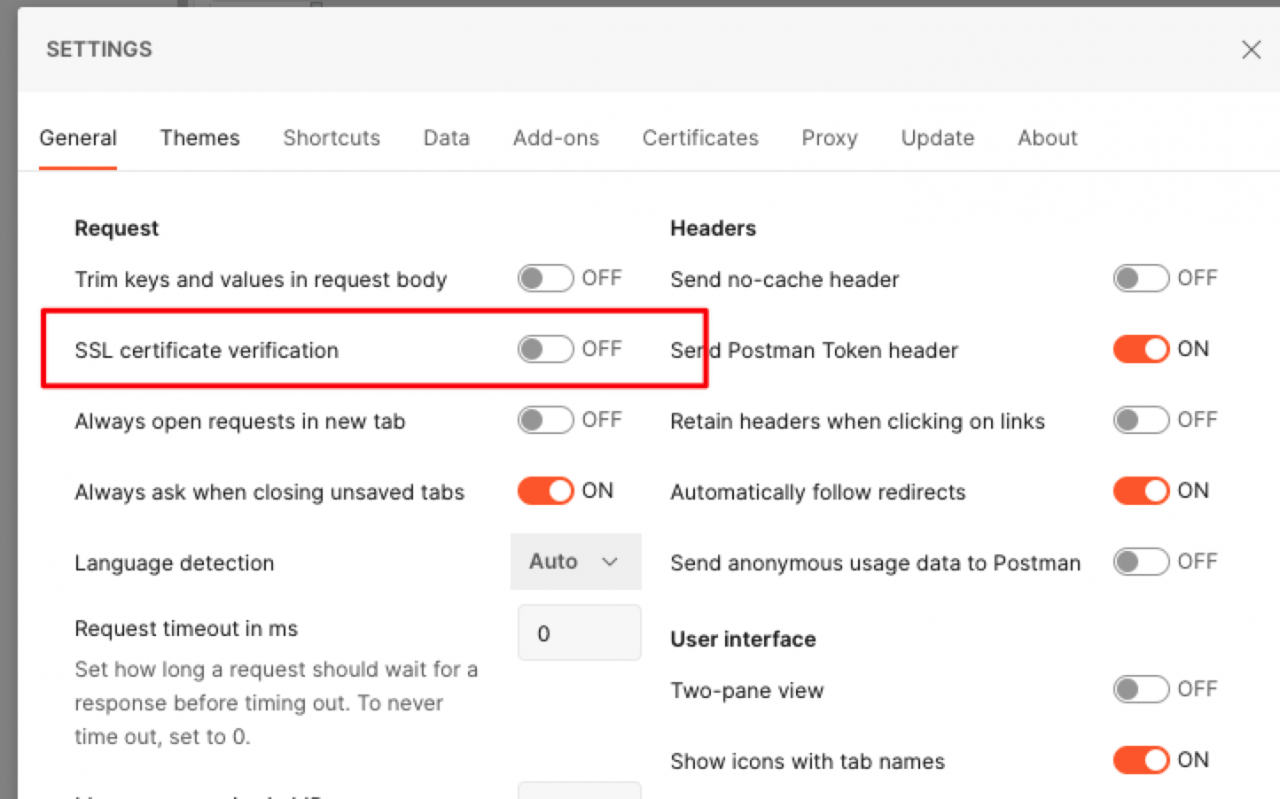
Charles postman has been opened locally. The post request cannot be sent normally. Error: self signed certificate
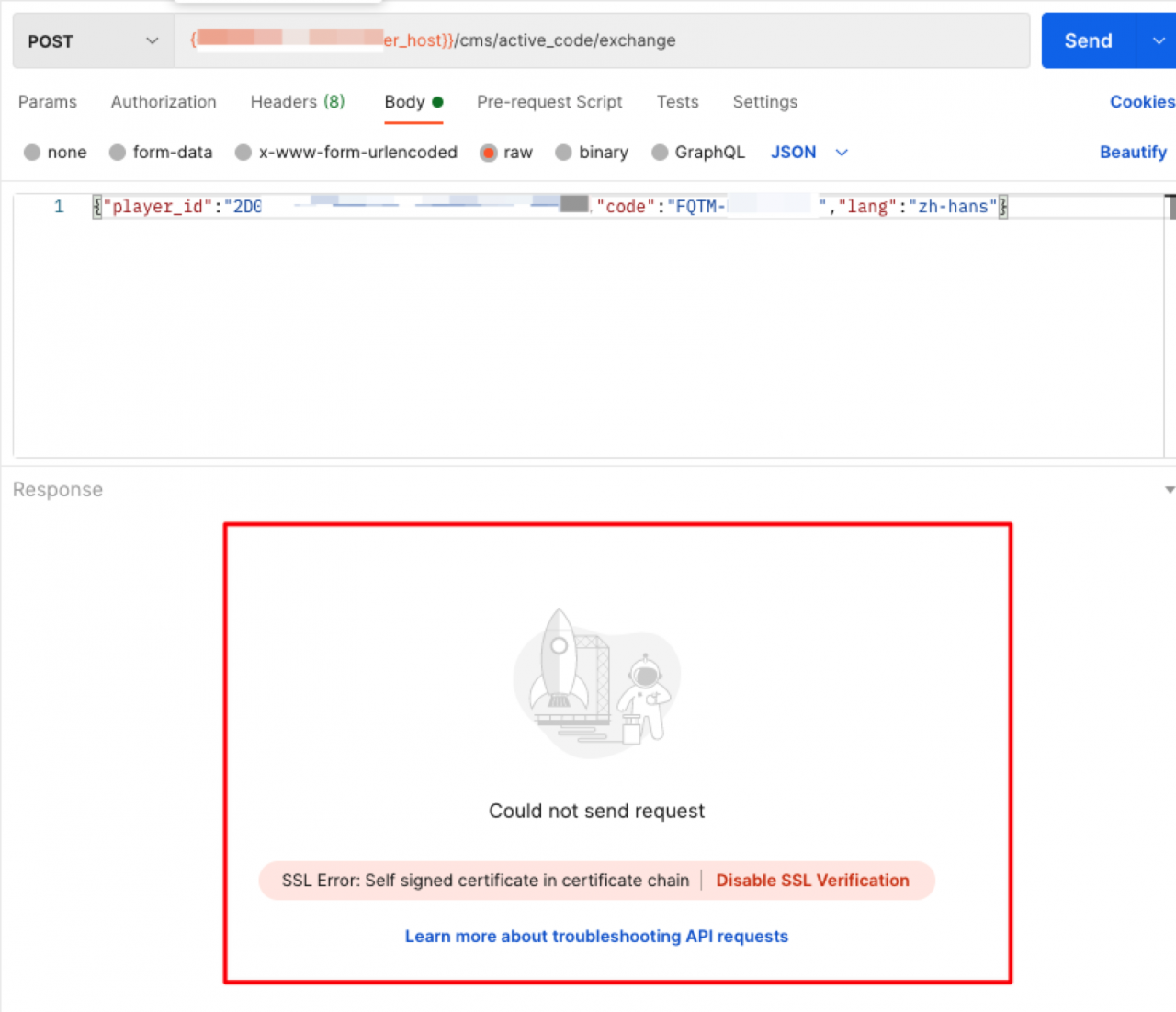
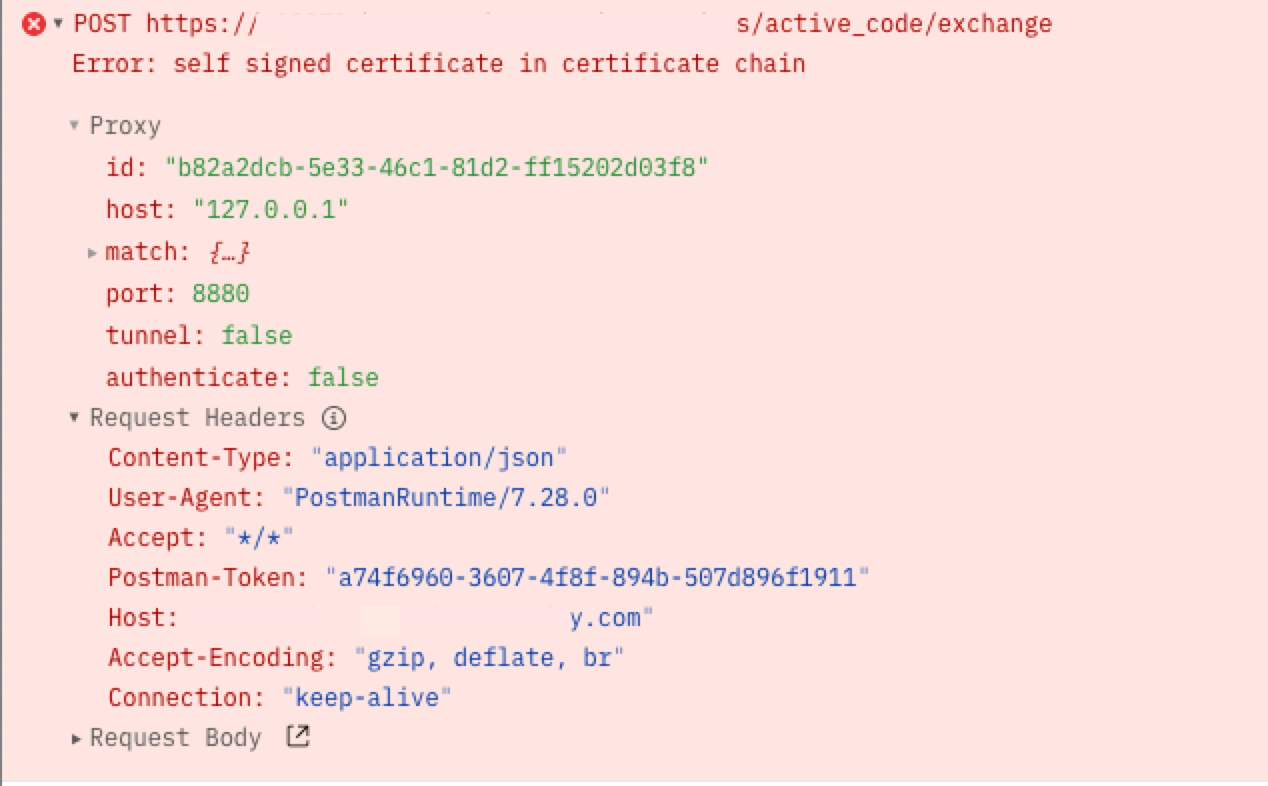
Solution
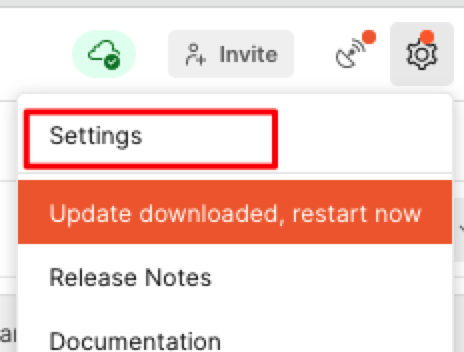
Just turn off the switch