This article is an original article of Joshua 317. Please note that it is reproduced from Joshua 317 blog Solve the problem of error running xxxapplication command line is too long – Joshua 317 when compiling IntelliJ idea
Idea reports an error when compiling the project, and the saved information is as follows:
15:42 Error running 'xxxxApplication': Command line is too long. Shorten command line for xxxxApplication or also for Spring Boot default configuration.

Solution 1
Found in the project folder. Idea/workspace.xml
<component name="PropertiesComponent">

  ...

</component>
Then add a row of attributes to solve the problem:
<property name="dynamic.classpath" value="true" />
Solution 2
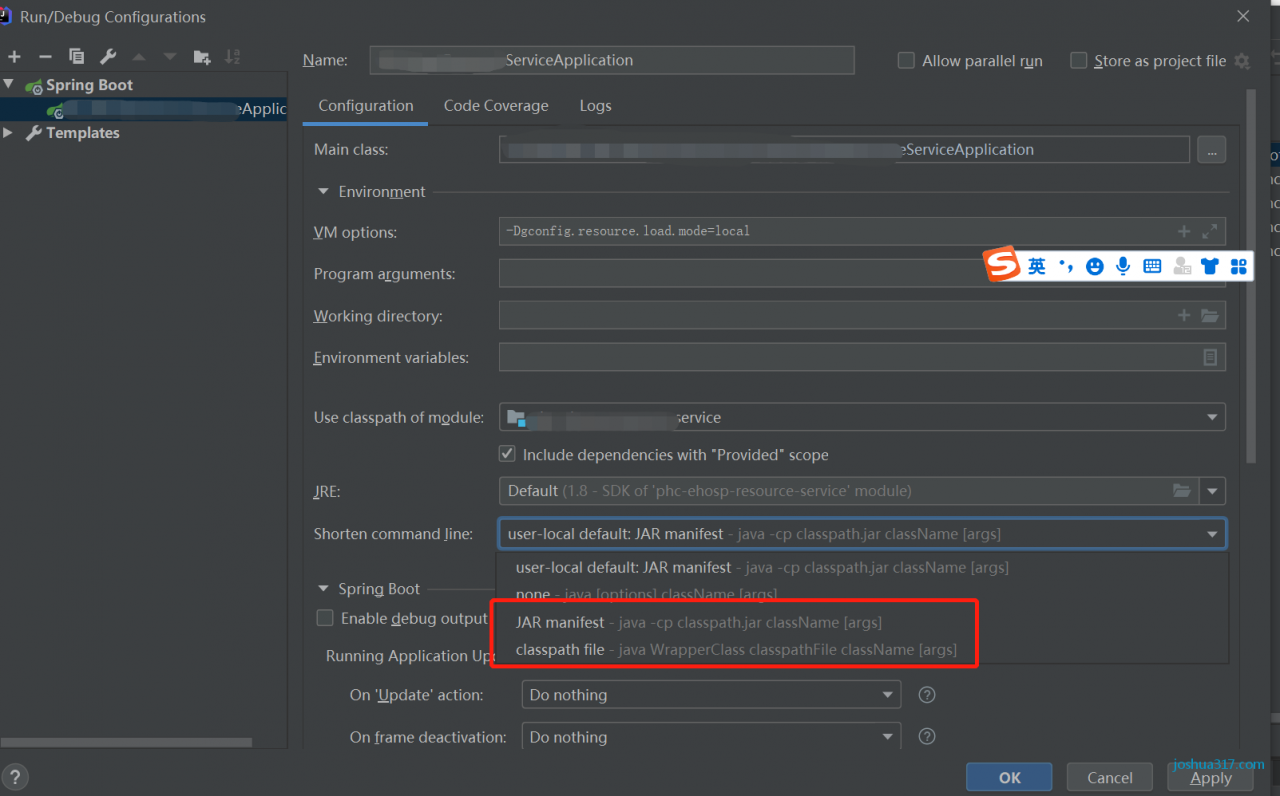
Open the running configuration of the program and change short command line to jar manifest or classpath file , as shown in the figure:

This article is an original article of Joshua 317. Please note that it is reproduced from Joshua 317 blog Solve the problem of error running xxxapplication command line is too long – Joshua 317 when compiling IntelliJ idea

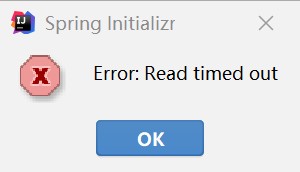
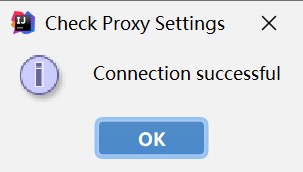
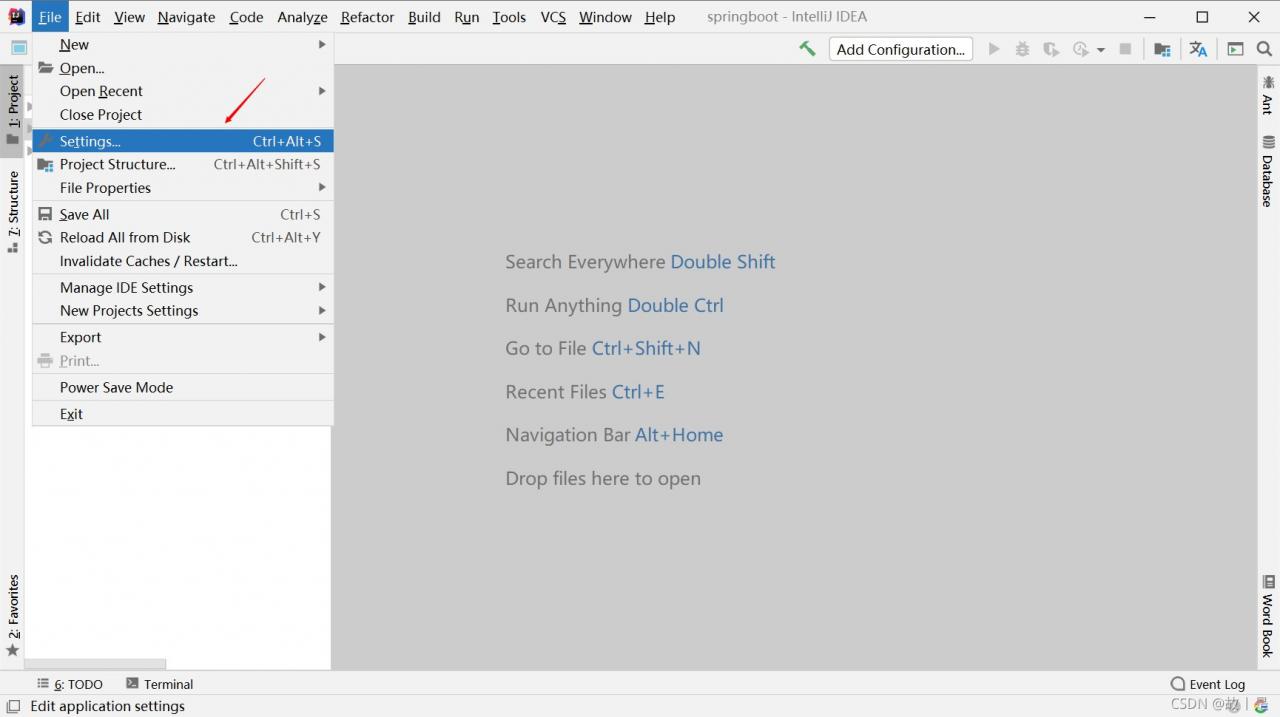 to open the settings box, and select appearance & amp; on the left; Behavior –> System Settings –> HTTP proxy, select auto detect proxy settings on the right, click Check connection below, and fill in
 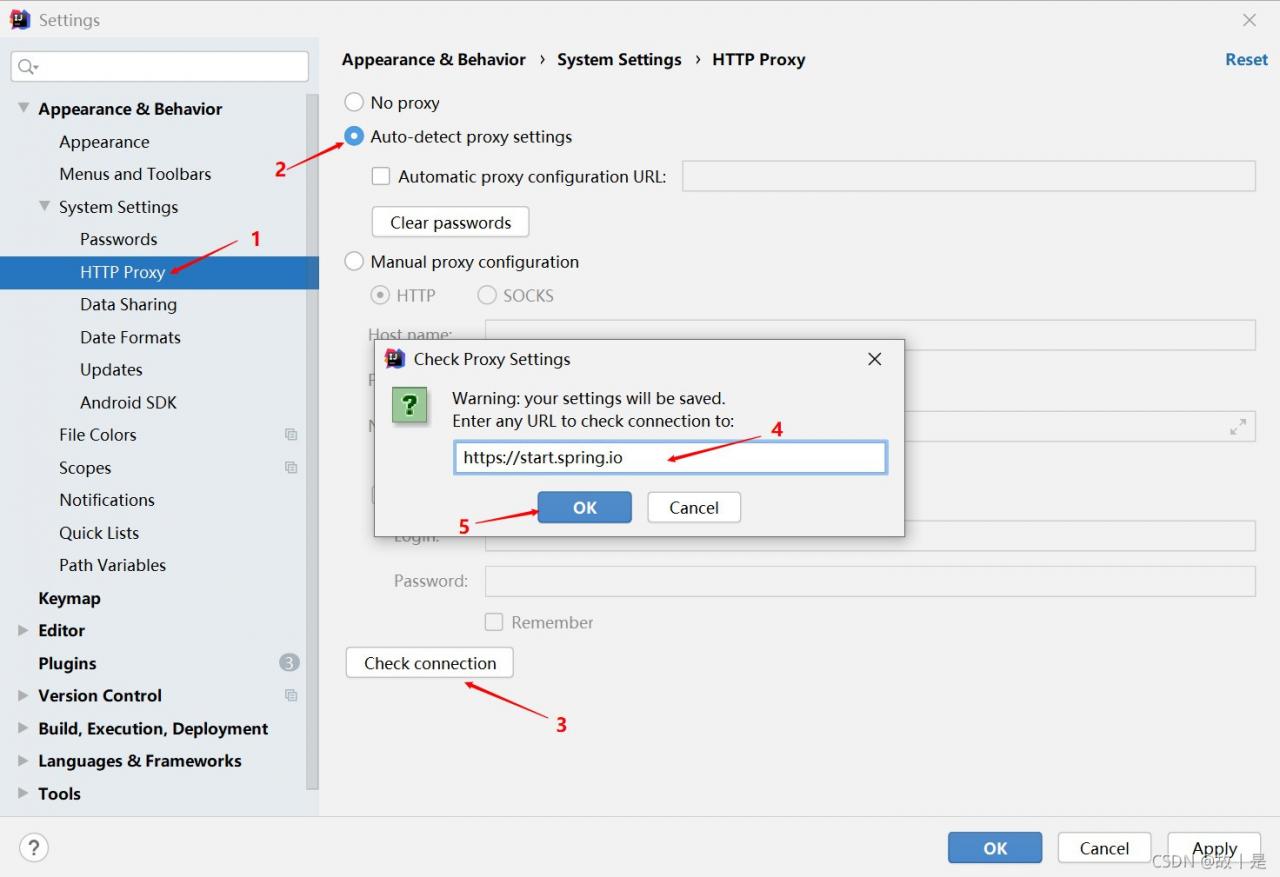 , and the