Author Archives: Robins

Error creating bean with name ‘datasource’ defined in class path resource

Use idea to create a new spring boot project, do nothing, create a new controller, and then start to report an error

Exception encountered during context initialization – cancelling refresh attempt: org.springframework.beans . factory.BeanCreationException : Error creating bean with name ‘dataSource’ defined in class path resource [org/springframework/boot/autoconfigure/jdbc/DataSourceConfiguration$ Hikari.class ]: Bean instantiation via factory method failed; nested exception is org.springframework.beans .BeanInstantiationException: Failed to instantiate [ com.zaxxer.hikari .HikariDataSource]: Factory method ‘dataSource’ threw exception; nested exception is org.springframework.boot . autoconfigure.jdbc.DataSourceProperties $DataSourceBeanCreationException: Failed to determine a suitable driver class
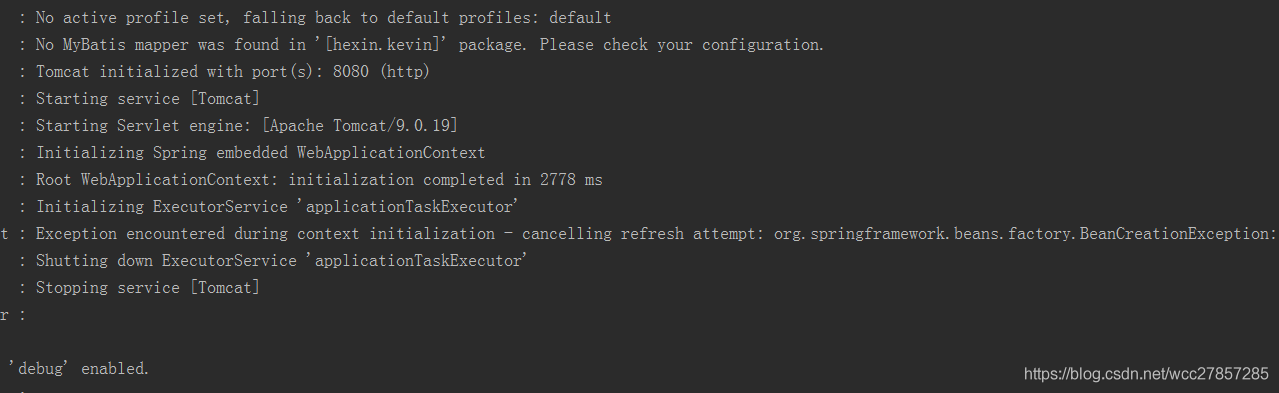
 

Reason: spring boot will load by default org.springframework.boot . autoconfigure.jdbc.DataSourceAutoConfiguration class

Because there is no configuration information related to datasource in the new spring boot project, an error is reported as soon as it is started

Add the following to the application class:

@EnableAutoConfiguration(exclude={DataSou rceAutoConfiguration.class })


Or configure the datasource information and complete the configuration file
Error creating bean with name ‘sqlsessionfactory’ defined in class path resource…..

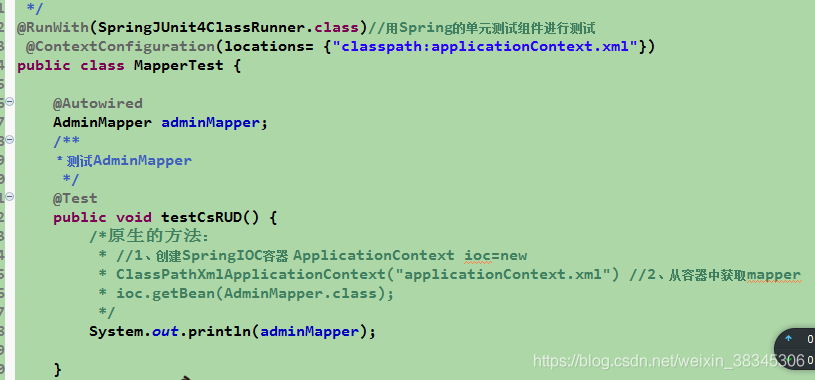
The unit test code is as follows:
after running, the console reports an error

Caused by: org.springframework.beans . factory.BeanCreationException : Error creating bean with name ‘sqlSessionFactory’ defined in class path resource [ applicationContext.xml ]: Invocation of init method failed; nested exception is org.springframework.core .NestedIOException: Failed to parse mapping resource: ‘file [D:\eclipse2019_ jdk\2019xiangmu\television\target\classes\mapper\ AdminMapper.xml ]’; nested exception is org.apache.ibatis . builder.BuilderException : Error parsing Mapper XML. The XML location is ‘file [D:\eclipse2019_ jdk\2019xiangmu\television\target\classes\mapper\ AdminMapper.xml ]’. Cause: java.lang.IllegalArgumentException : Result Maps collection already contains value for com.syn.television . dao.AdminMapper.BaseResultMap

And my spring configuration file is

after searching on the Internet, I learned from it https://www.cnblogs.com/hfx123/p/9685721.html
After annotating , it runs successfully (I don’t quite understand the specific reasons now)
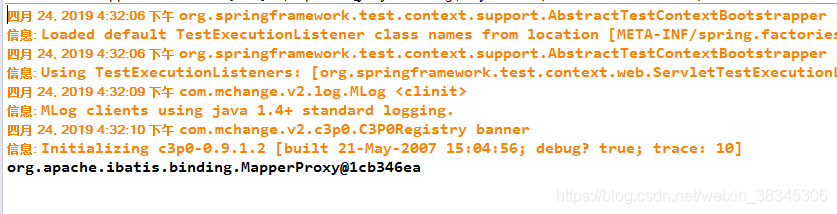
I also hope that the God passing by can give you your understanding.

MySQL server PID file could not be found!

Error content:

ERROR! MySQL server PID file could not be found!

Error report screenshot:

MySQL version 8.0


Additional:

https://blog.csdn.net/qq_ 31708763/article/details/104375300

Adding configuration files to MySQL on MAC my.cnf : https://blog.csdn.net/qq_ 31708763/article/details/104357798

Spring AOP is an error creating bean with name

Some error messages are as follows:

Warning: exception encoded during context initialization – canceling refresh attempt: org.springframework.beans . factory.BeanCreationException : Error creating bean with name ‘duke’ defined in class path resource [com/springinaction/springidol/spring- idol.xml ]

The reason for this problem is that the necessary jar package is missing aspectjweaver.jar , just download it.

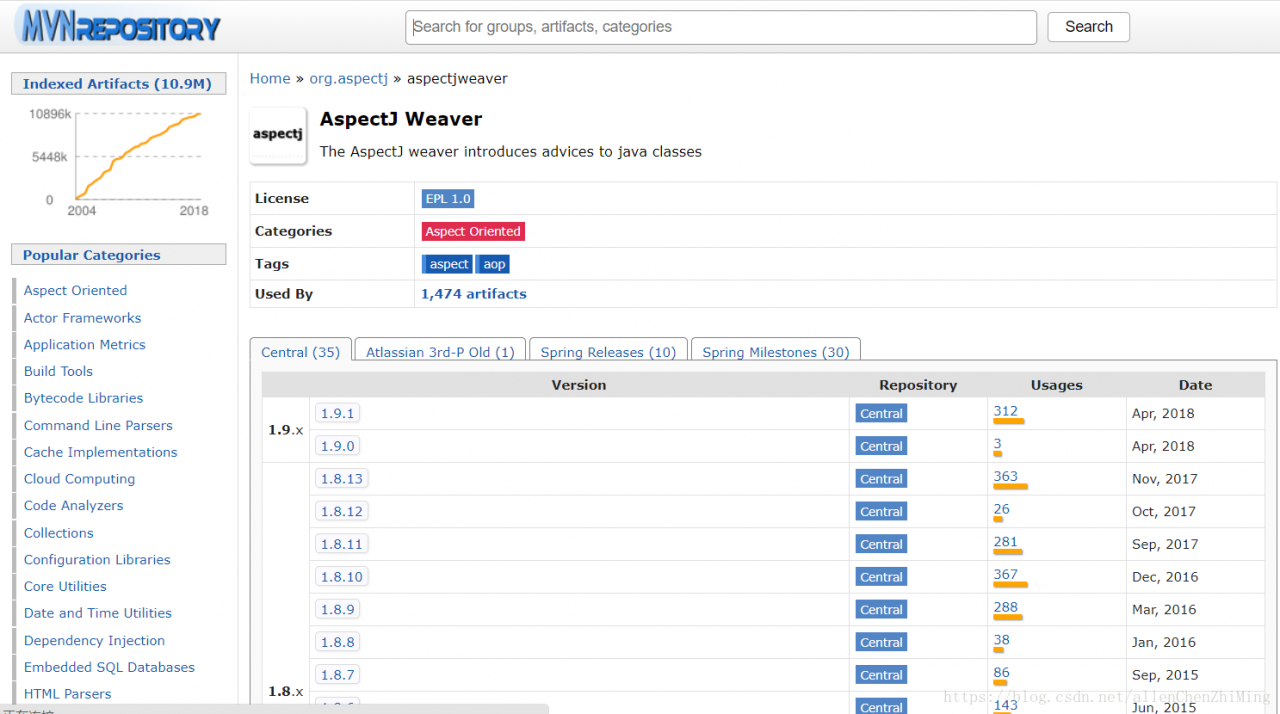
Please click here for the download interface of aspectjweaver

Here’s how to download it:

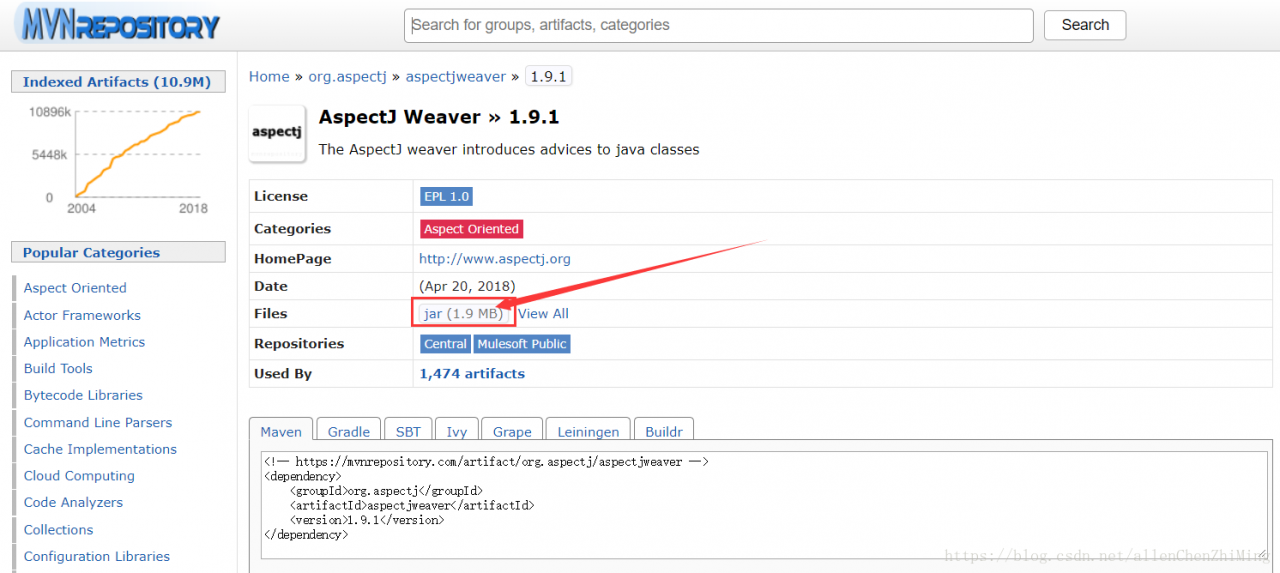
Select the version you need. Here, select version 1.9.1. After entering, as shown in the figure below, click the box on the way to download the responding jar package, and finally pour it into the project.

Create vue-cli4 project and report error command failed: yarn

Error command failed: yard

Solution 1: enter CMD in Win + R to enter the command line interface

Input command

npm install -g yarn

After success, re create the vue-cli4 project to solve the problem.

Solution 2:

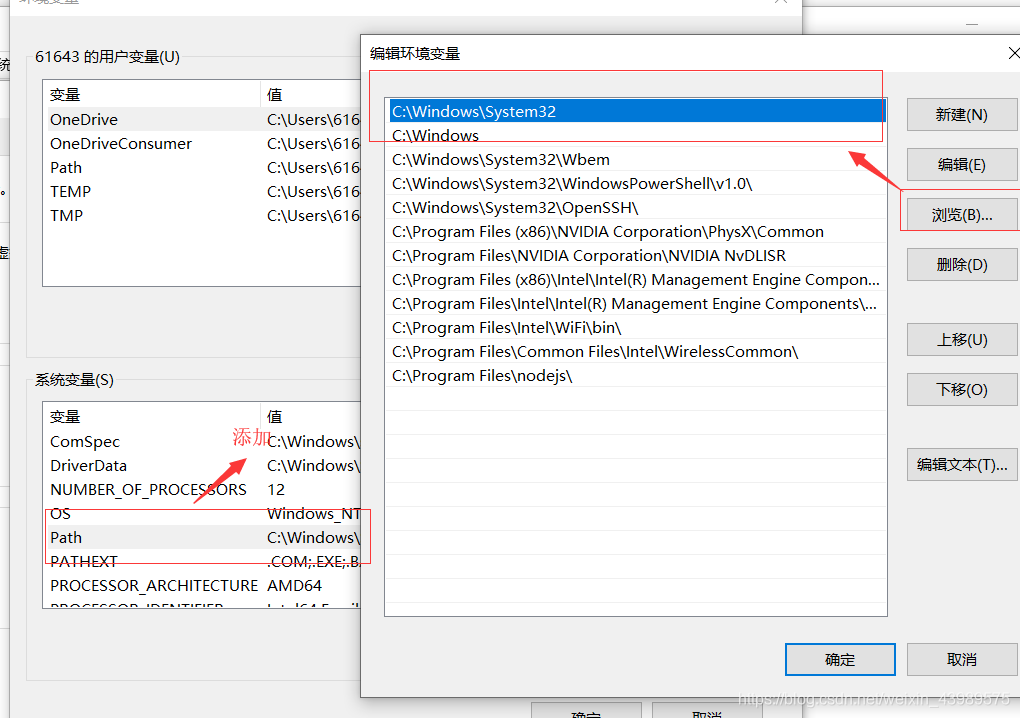
Enter the C/users/administrator/Windows environment

There is a file. Vuerc

Open this file to show

{
  "useTaobaoRegistry": true,
  "packageManager": "yarn"
}

Just manually change the configuration content yarn to NPM to change the package manager when creating the project


Solution 3:

Delete the. Vuerc file. When creating a Vue project for the first time, you will be prompted to select configuration, and then you can select NPM.

Error: cannot find module ‘node sass’

Error: cannot find module ‘node sass’

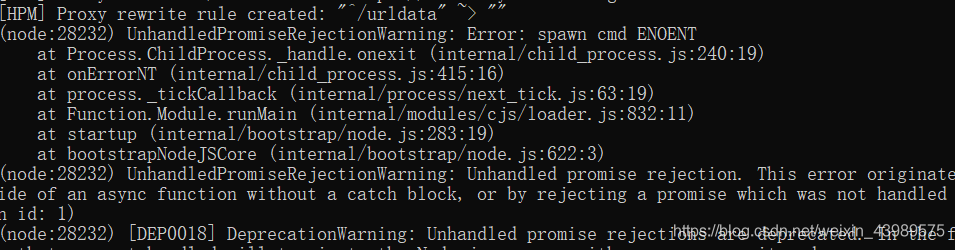
After the project is running, you can’t access the page normally by inputting the address, and you can’t check the command line to report an error
cannot find module ‘node sass’

the error indicates that the node sass module can’t be found.
Input command: cnpm install node-sass@latest After the installation, the problem is solved

Error reporting UI hierarchy using uiautomatorviewer

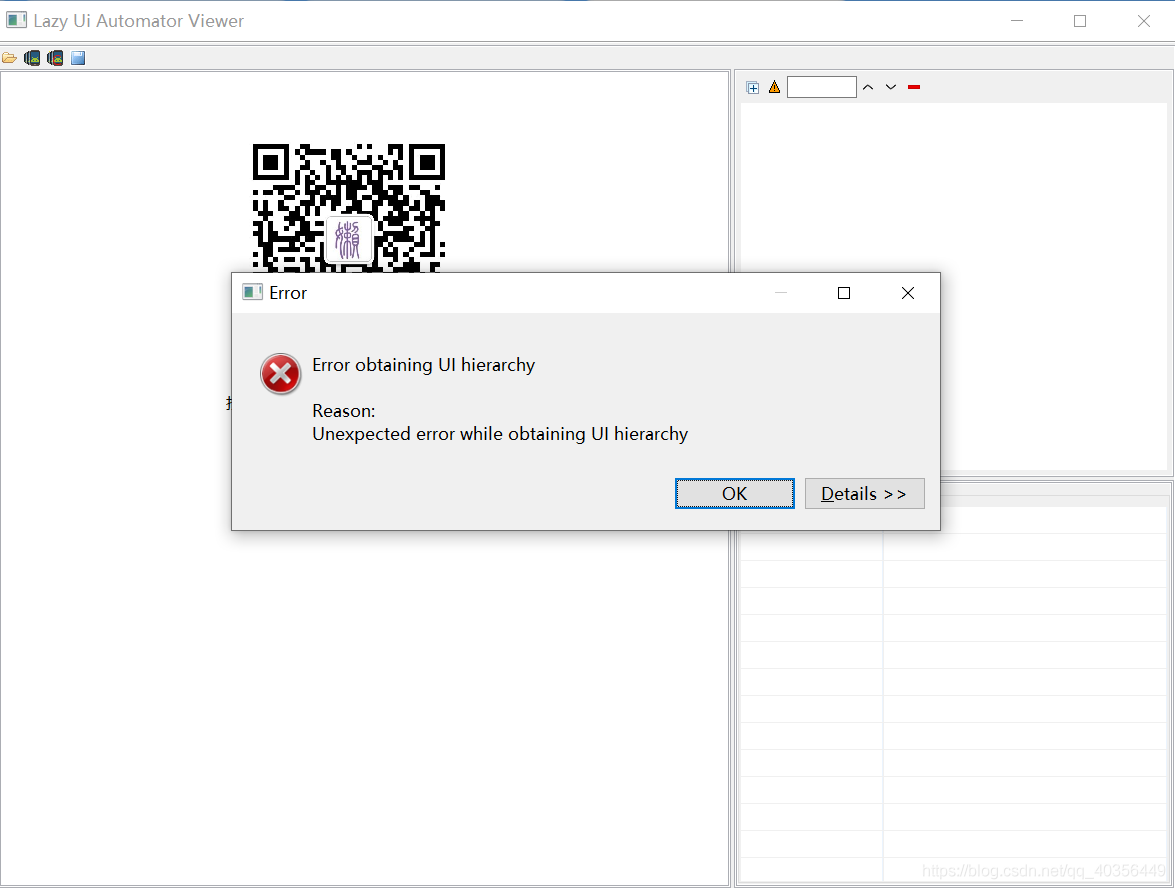
For learning appium framework for the first time, when using uiautomatorviewer to locate Android App controls, you will occasionally see the following exception, which is usually Baidu. Most of them did not find the answer, so they gave up using this tool, chose other tools or gave up appium automation directly.  

Some bigwigs will say that it’s too expensive for the novice research framework to let the developer change the internal (code) of the development package. In fact, in most cases, the mobile phone is not compatible. It’s better to change the mobile phone, but sometimes the mobile phone that can be used suddenly can’t be used. Here, there is a universal use to reduce the cost of novice learning

1: Build tools first

The method is as follows

Click directly on the CMD command line


adb shell uiautomator dump /sdcard/ app.uix

adb pull /sdcard/ app.uix E:/ app.uix

#Storage to disk e app.uix Folder, create one in disk E in advance app.uix Formatted folder

adb shell screencap -p /sdcard/ app.png

adb pull /sdcard/ app.png E:/ app.png

#Storage to disk e app.png Folder, create one in disk E in advance app.png Formatted folder


Because every time you have to write four lines of code, it’s troublesome, so you write a batch file.

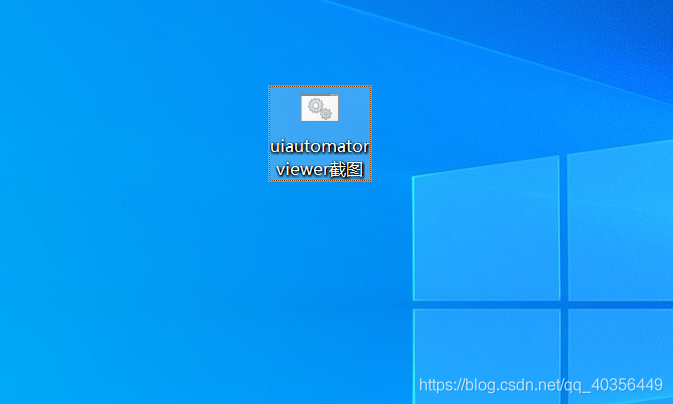
Put it on the desktop and run it directly: (if you don’t know how to do bat, go to Baidu by yourself)


2: Using tools

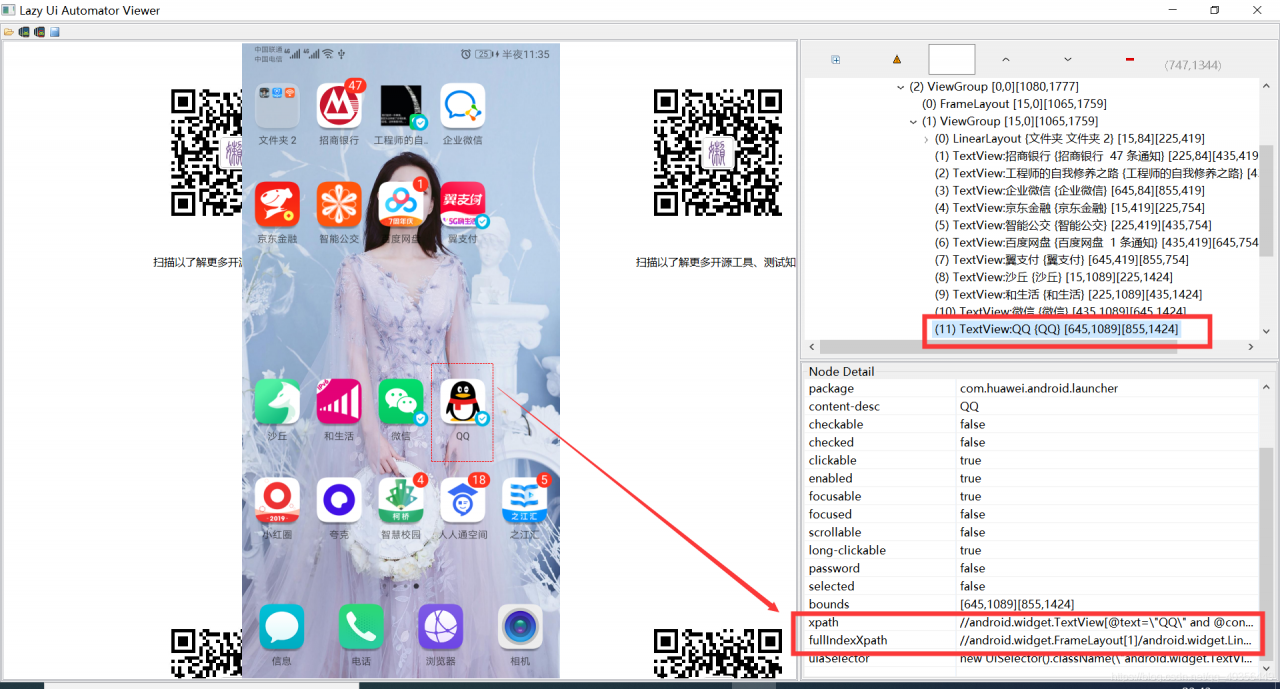
1: First, connect the mobile phone to the ADB, open the page to be located, double-click the written tool, and then the mobile phone interface map will be intercepted successfully

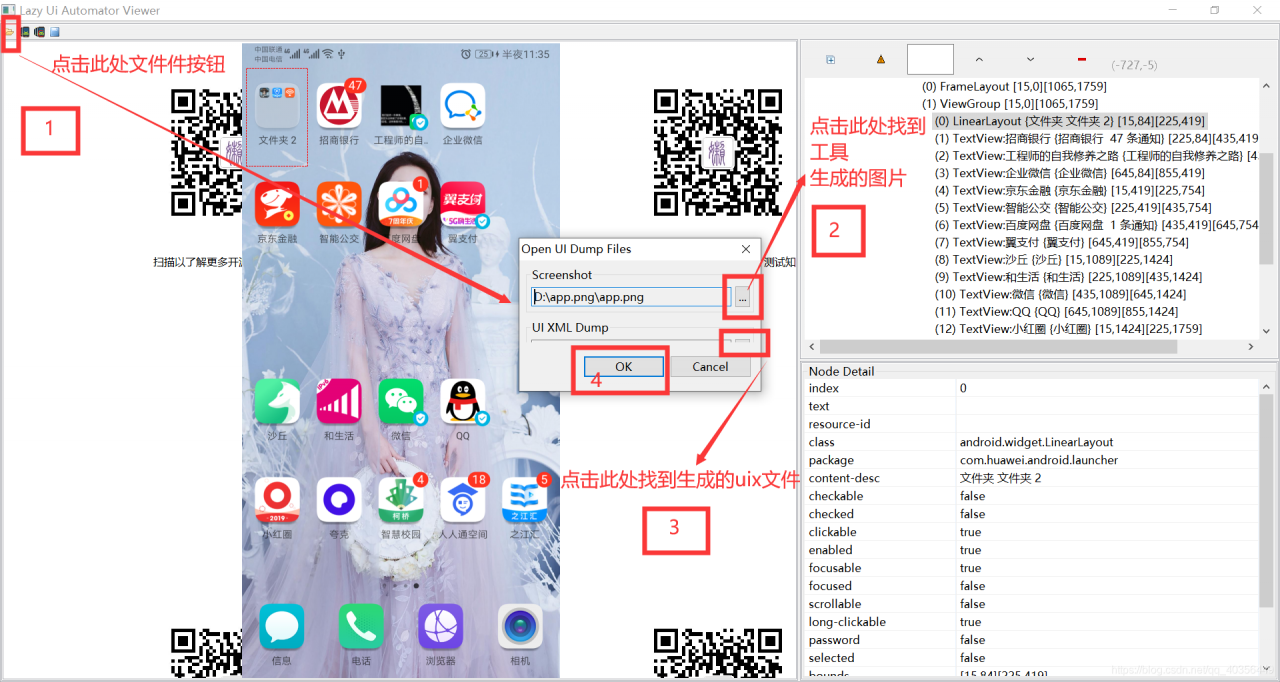
2: Open uiautomatorviewer.bat The operation is shown in the figure below

At this point, open the picture, you can locate the various elements of the page

Of course, some people still think that this kind of trouble, of course, there are other tools can also get page elements.