Recipe terminated with error encountered while editing latex in vscode Problem handling method
Question:
After texlive is installed, the command error is displayed in tex – V in the CMD file, but the version information can be displayed normally by opening tex live command line and entering tex – V. This indicates that texlive is installed successfully but the environment variables are configured incorrectly, so the error in the title appears

it is not feasible to add environment variables directly in user variables or system variables;
Solution:
After adding the above text
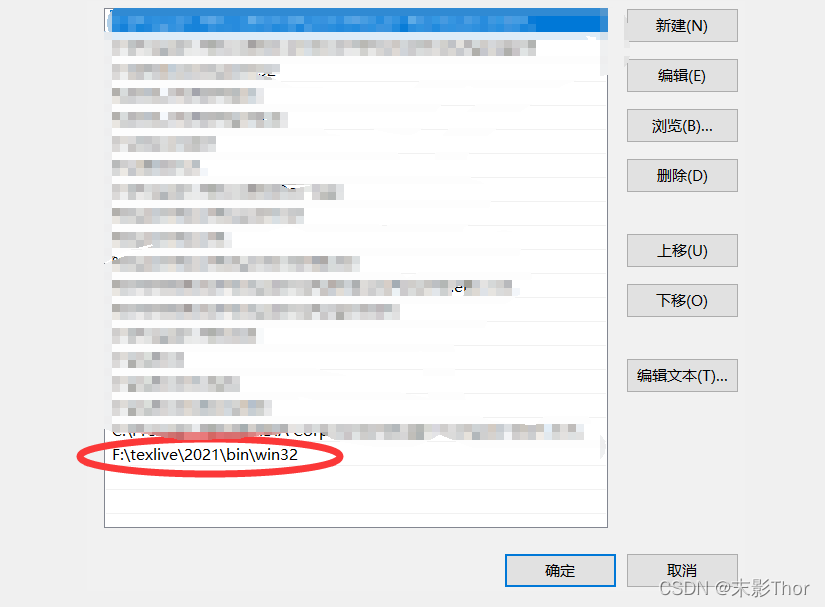
in the path of the system environment variable, it seems that you don’t need to restart the computer. You can display the information of Tex-V in CMD, and then restart vscode.