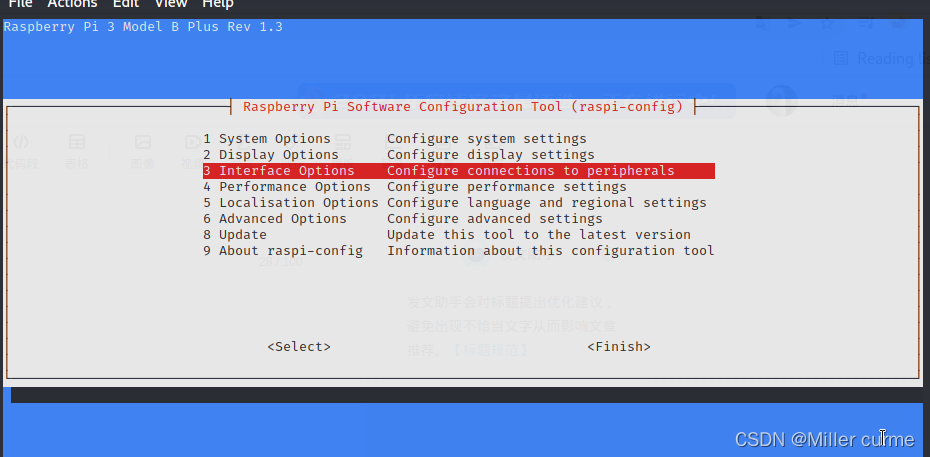
1. Turn on raspberry pie settings
sudo raspi-config
2. Select the third interface options
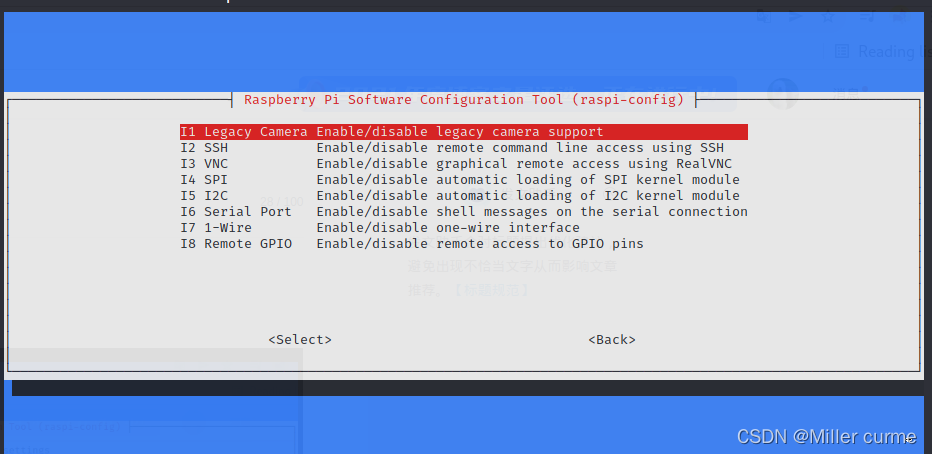
3. Turn all options on, and then restart raspberry pie
4.vcgencmd get_camera

The values change to 1, which can not only detect the input, but also identify the device
5. You can execute raspistill and run the python picamera program
For example: raspistill -o /home/pi/Desktop/first.jpg