I don’t know what I installed. Suddenly one day, the right-click display setting reported an error.
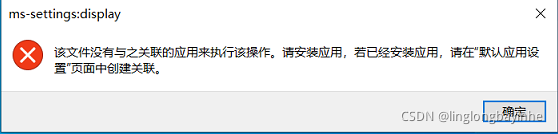
After several inquiries, the following methods were found:
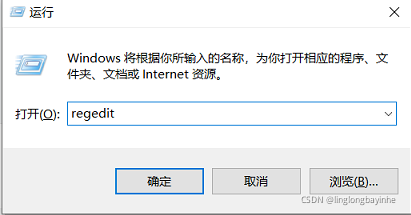
1. Win + R, enter regedit and enter the registry.
2. Find the corresponding file in the registry. Location: HKEY_CURRENT_USER\Software\Classes\ms-settings. Rename MS settings (e.g. MS settings1)
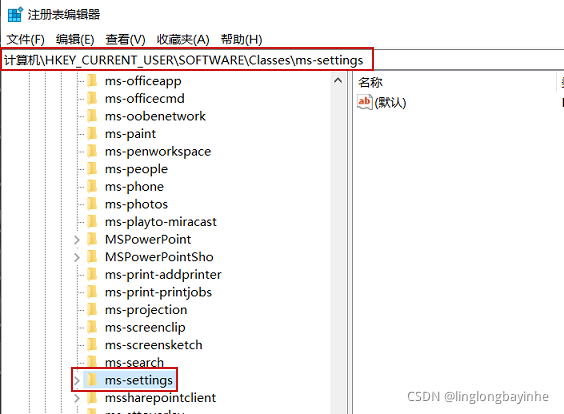
be accomplished!
Now, right-click on the desktop and click display settings to see it!